
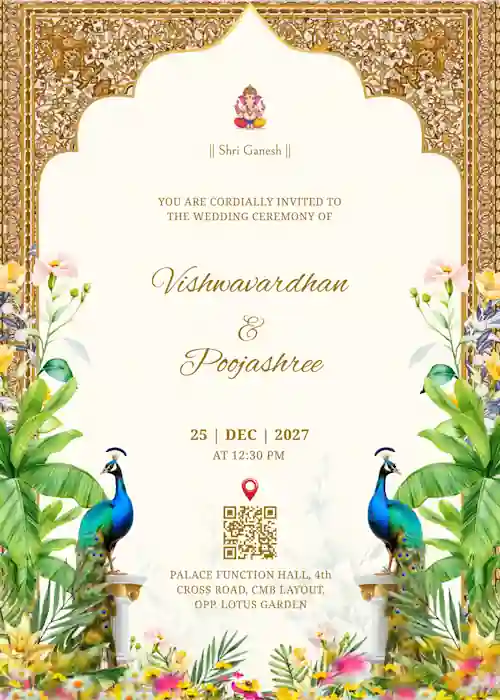


Browse Our Collection of Customizable Wedding Invitation Templates
To get started, choose your favorite template and easily edit everything to create your own digital invite in minutes. Then, download your design, print at home, or share it directly with your guests!
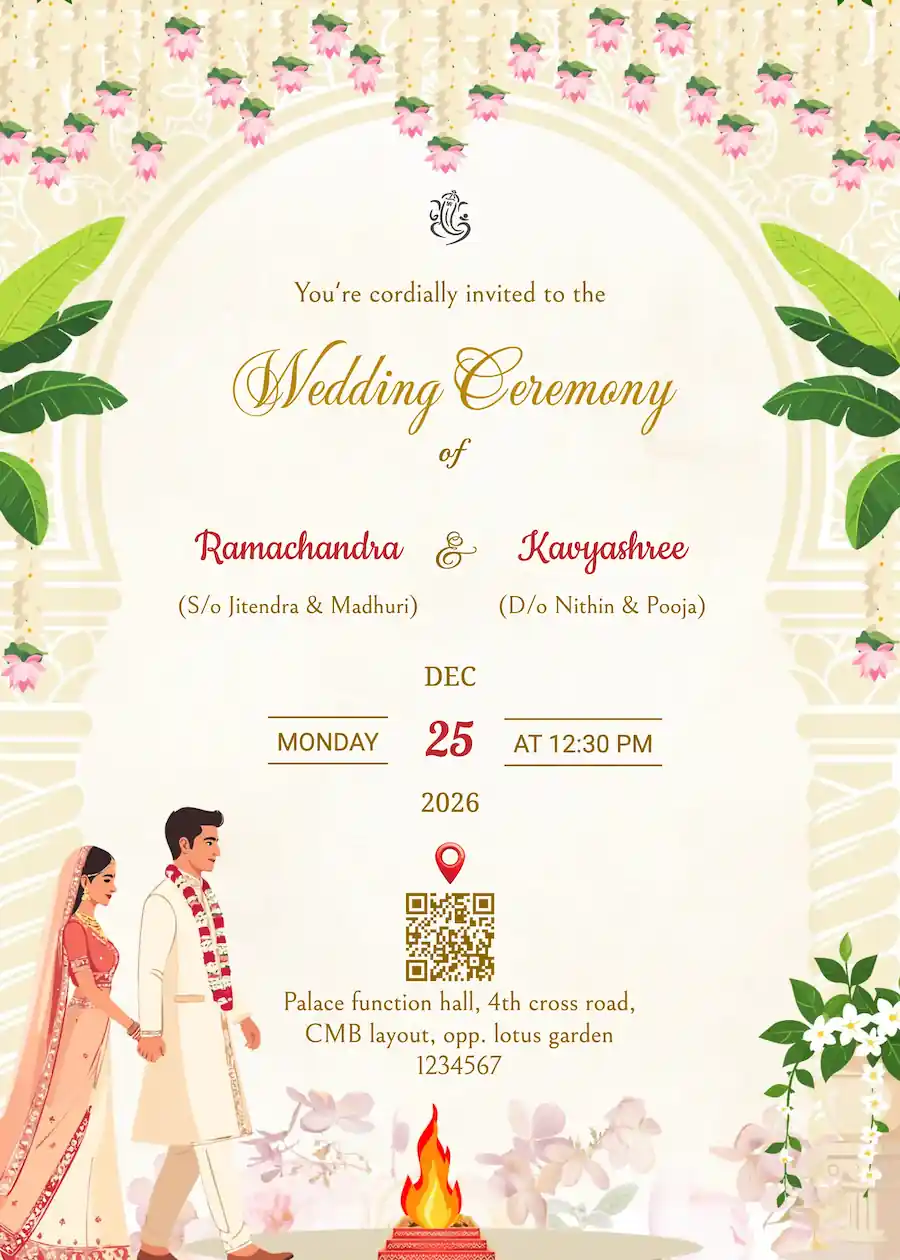
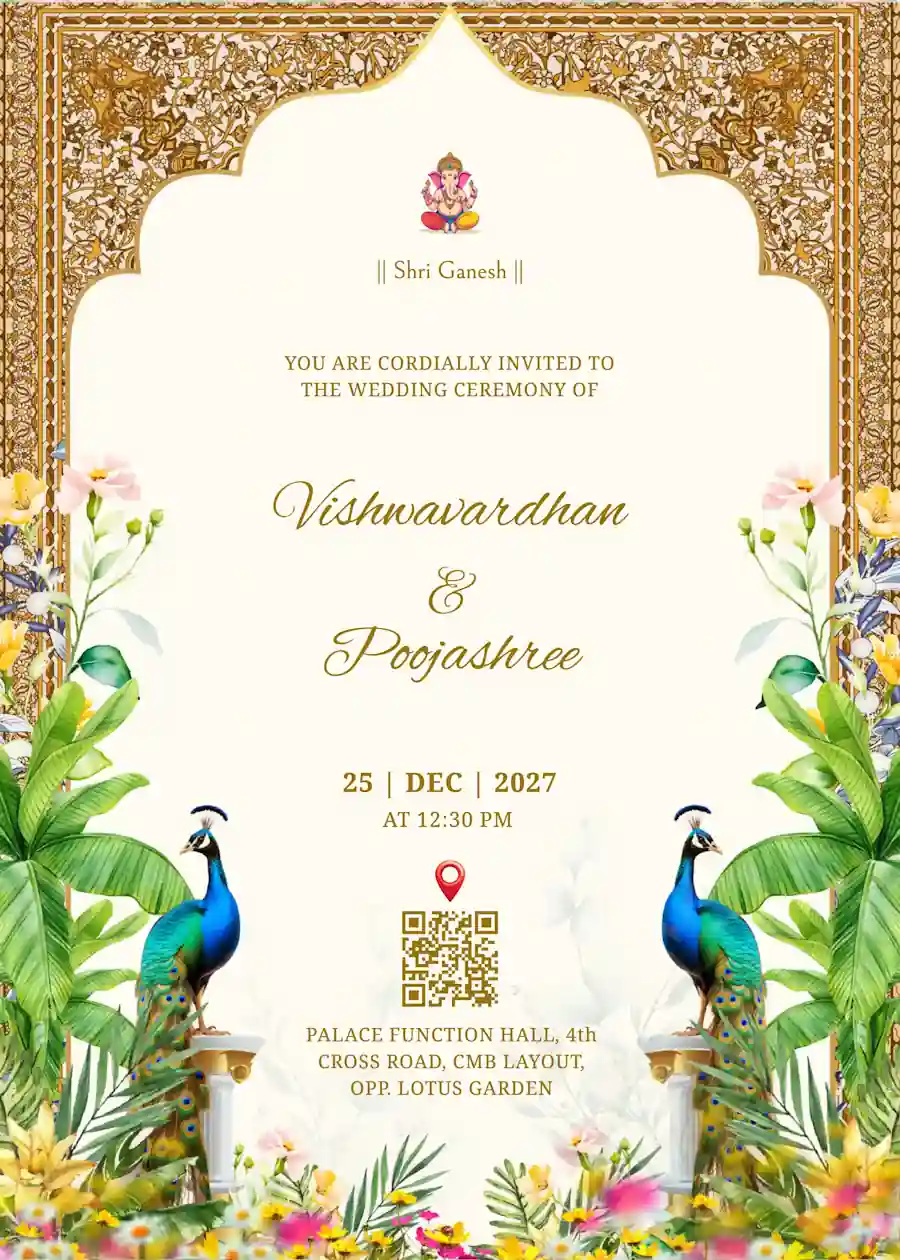
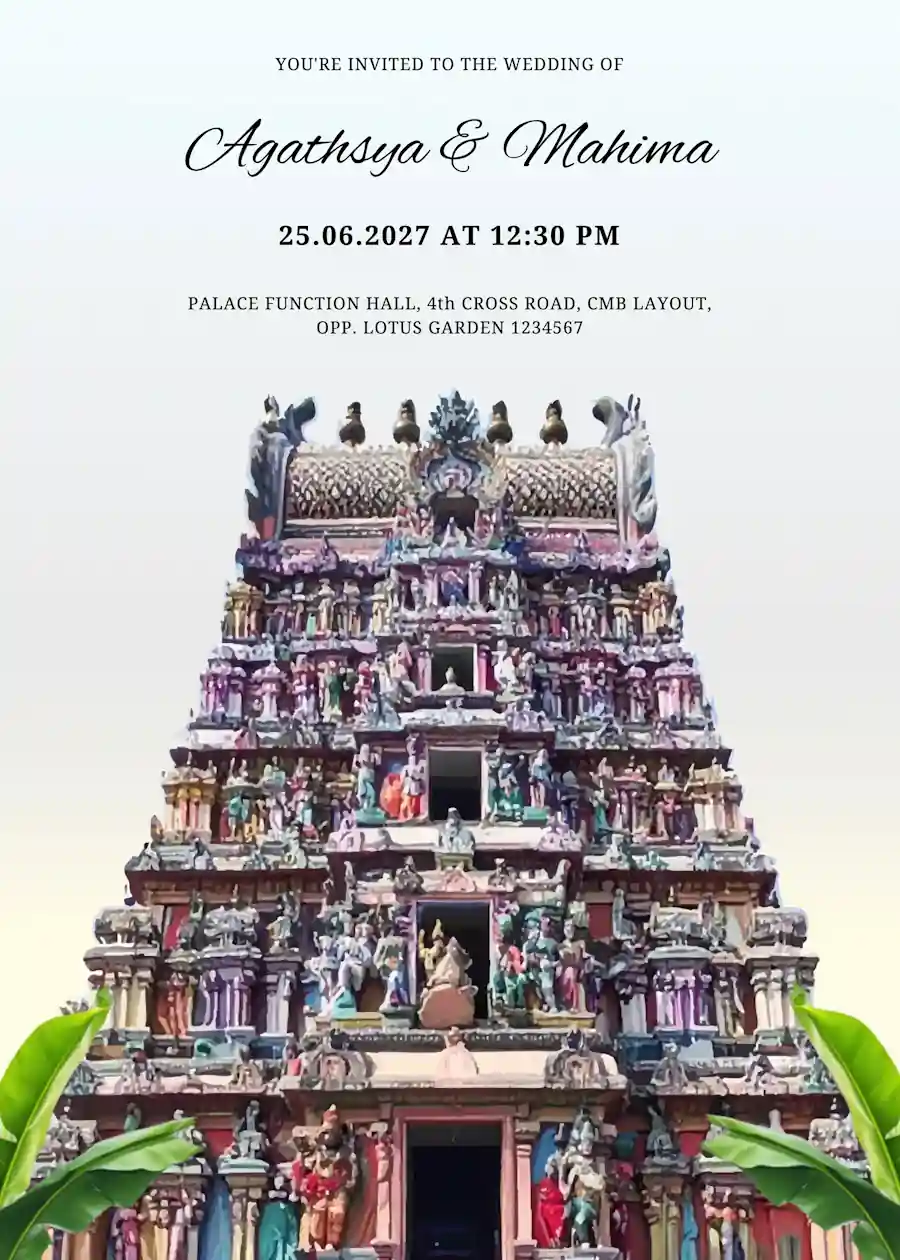
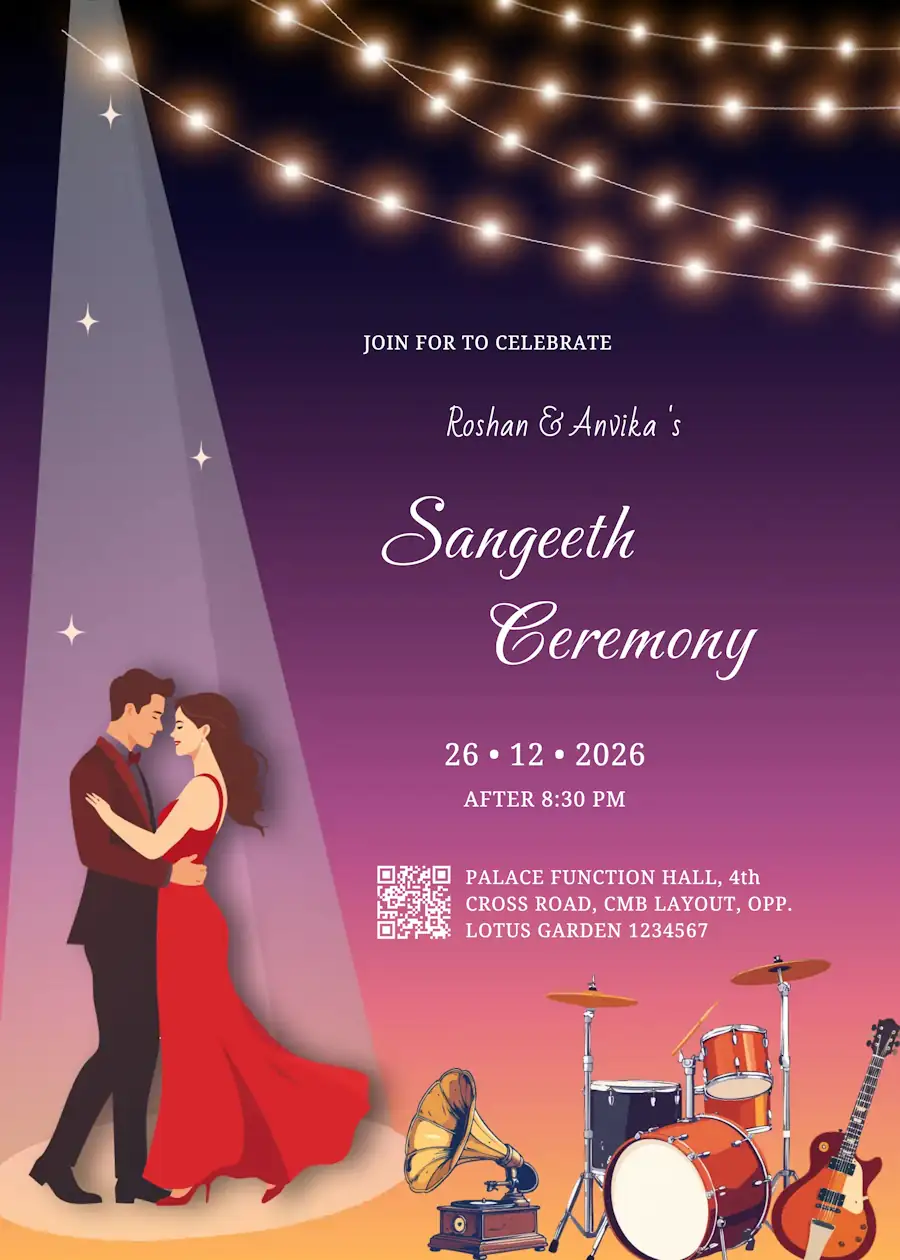
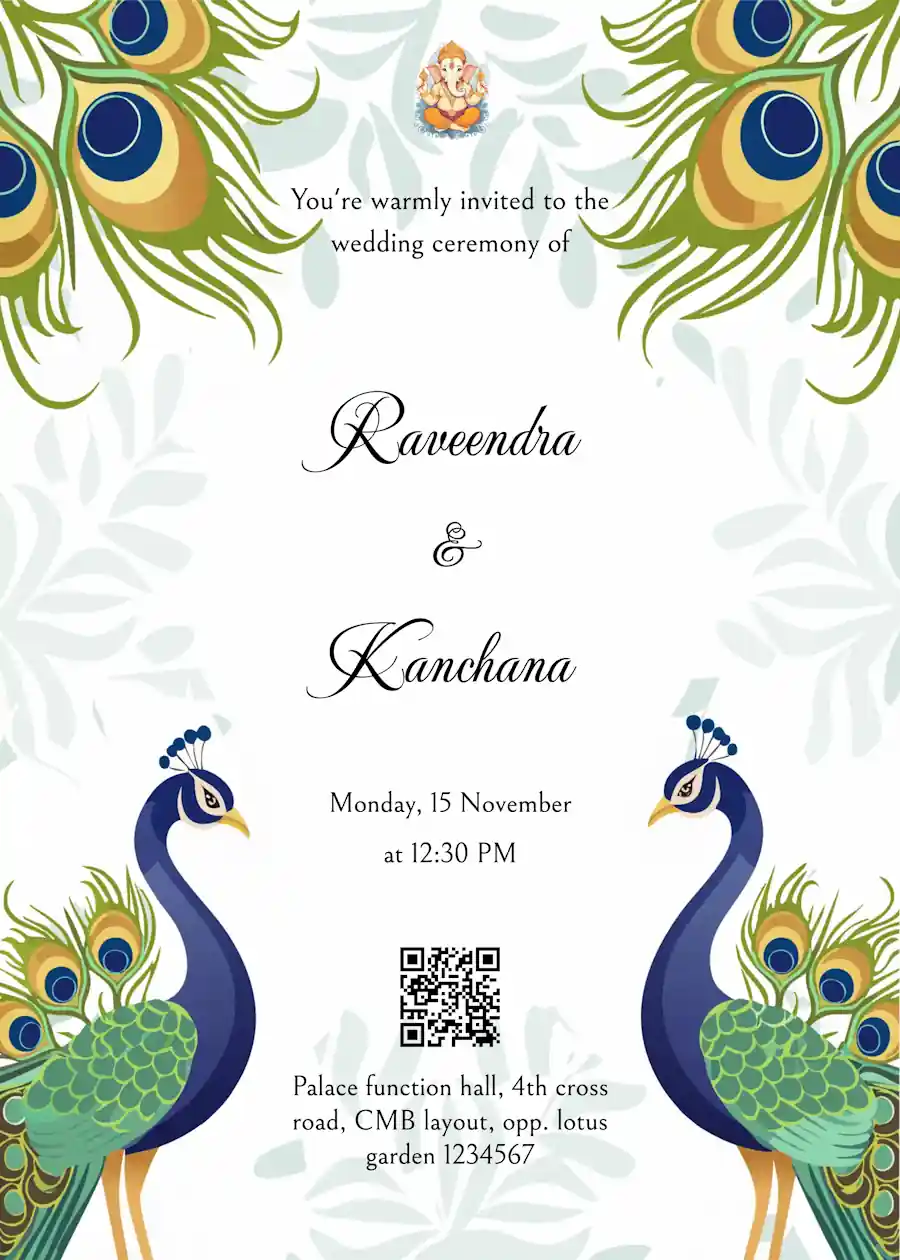
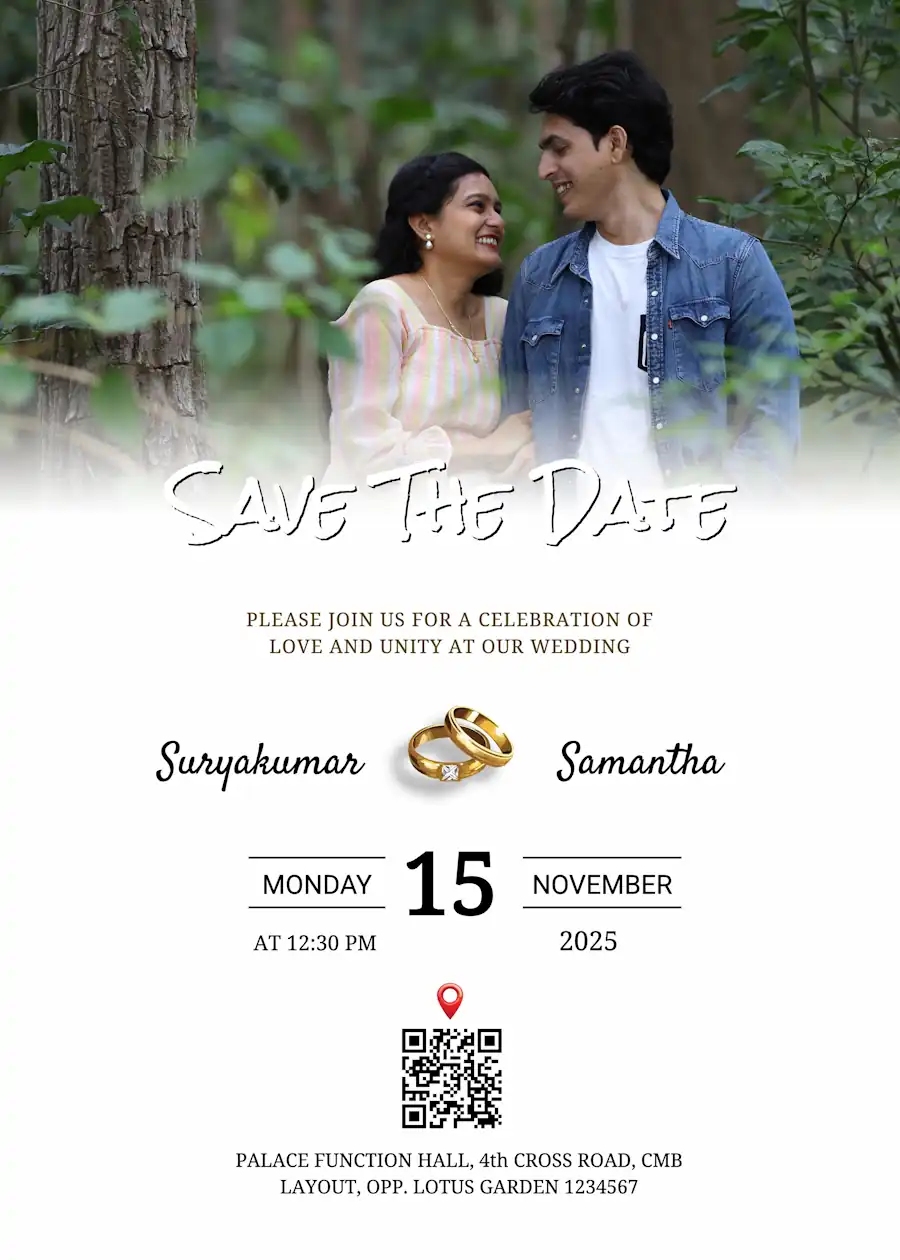
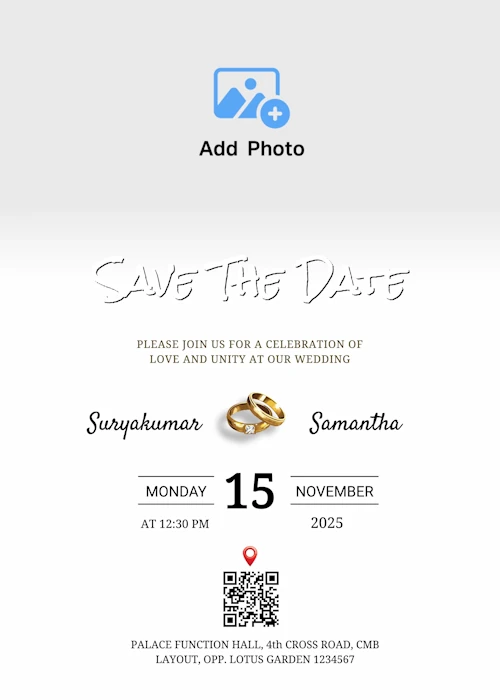
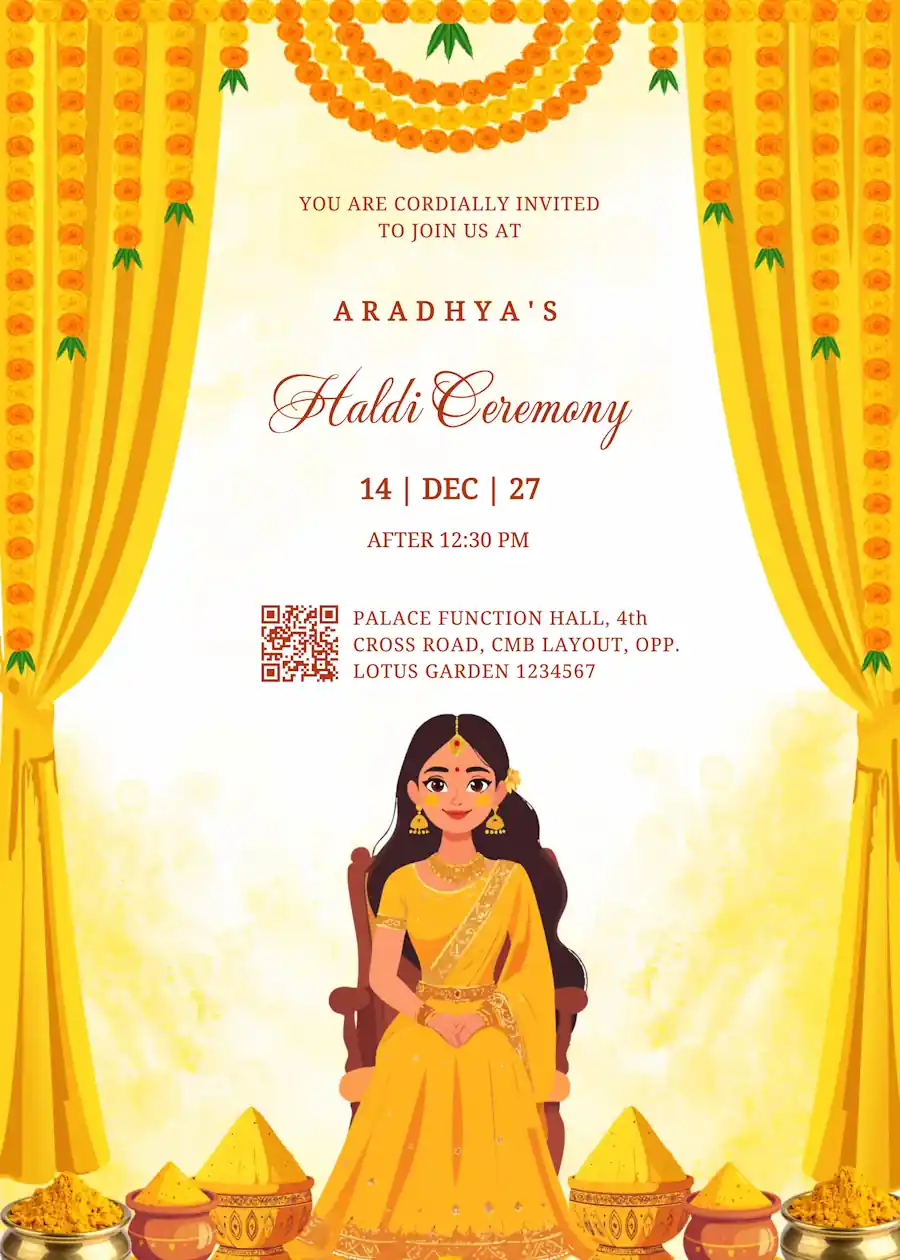
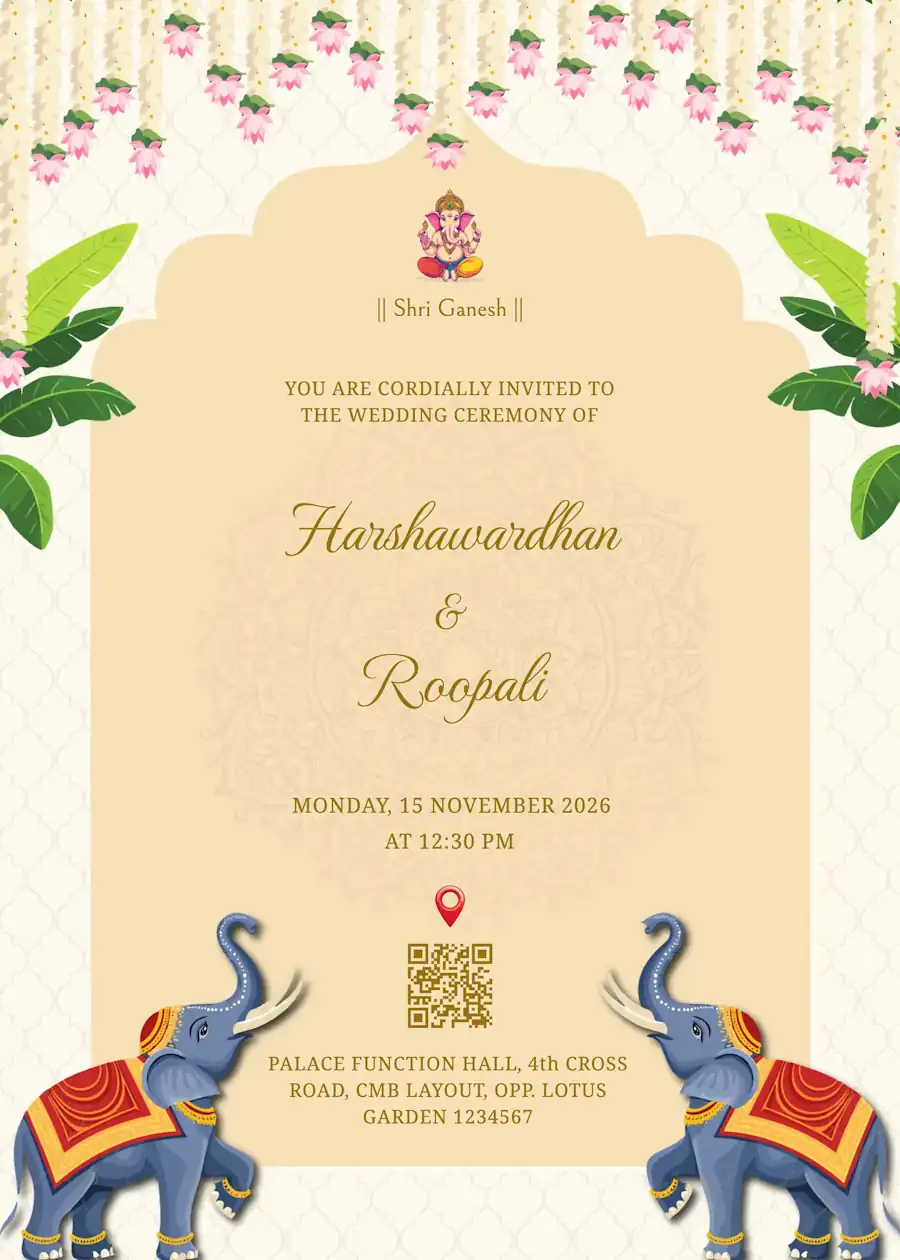
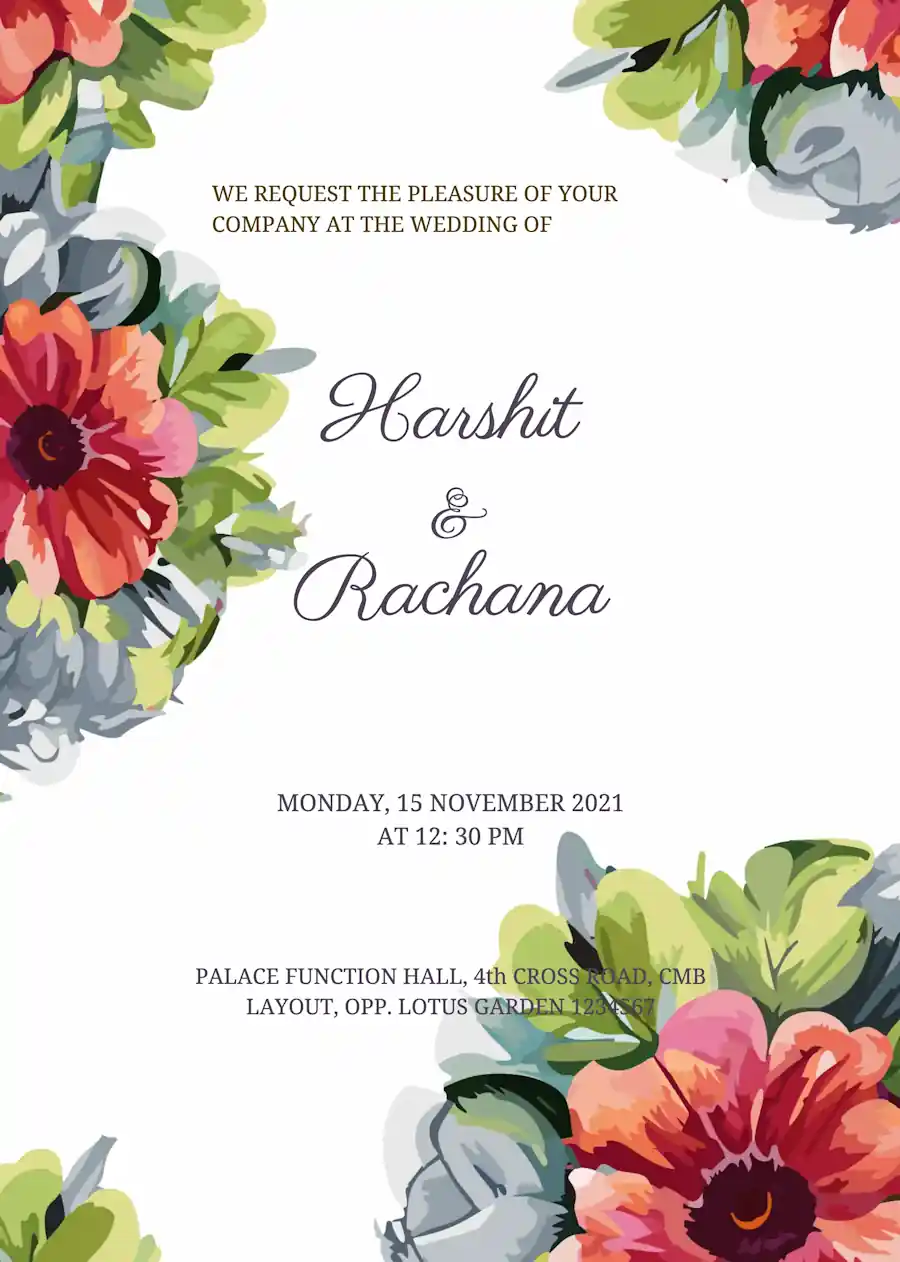
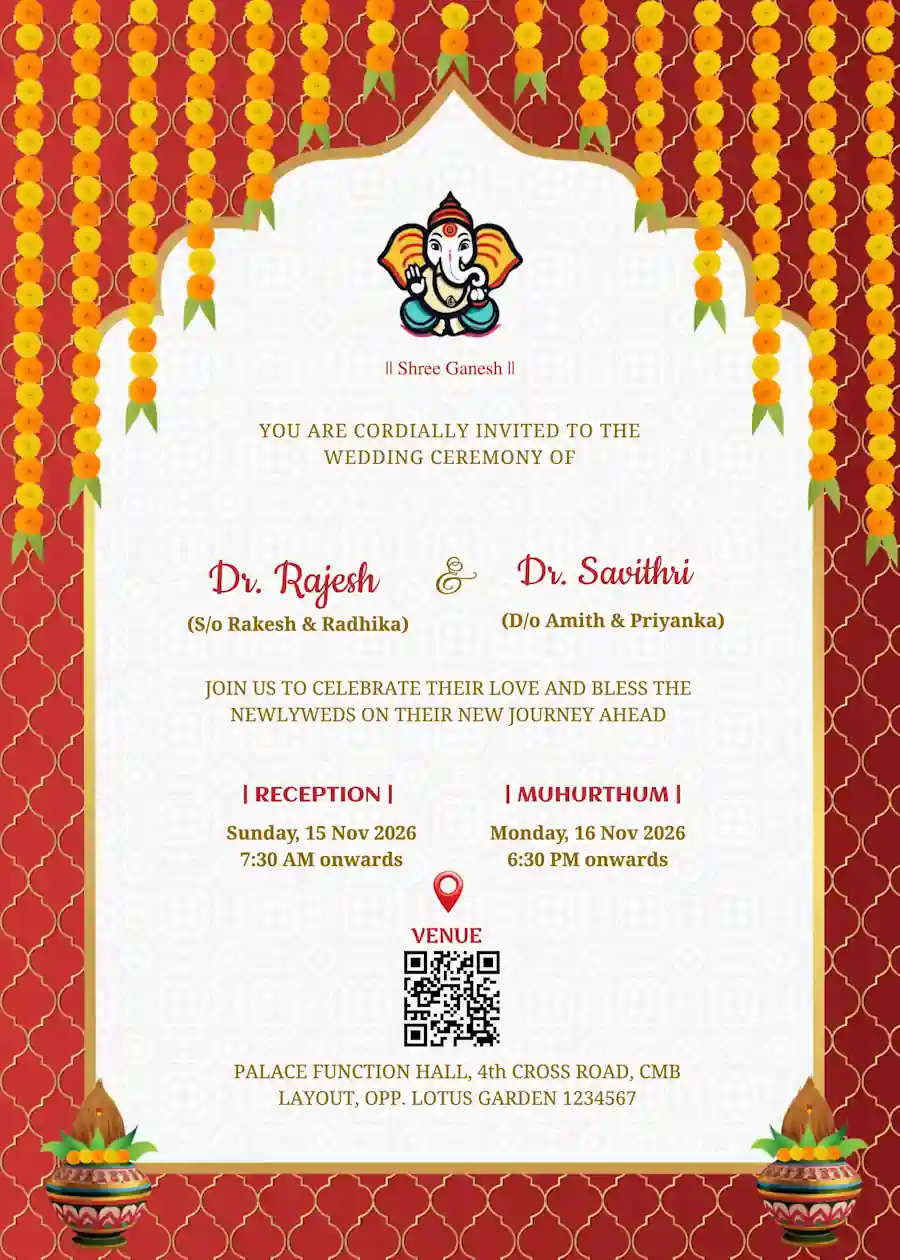
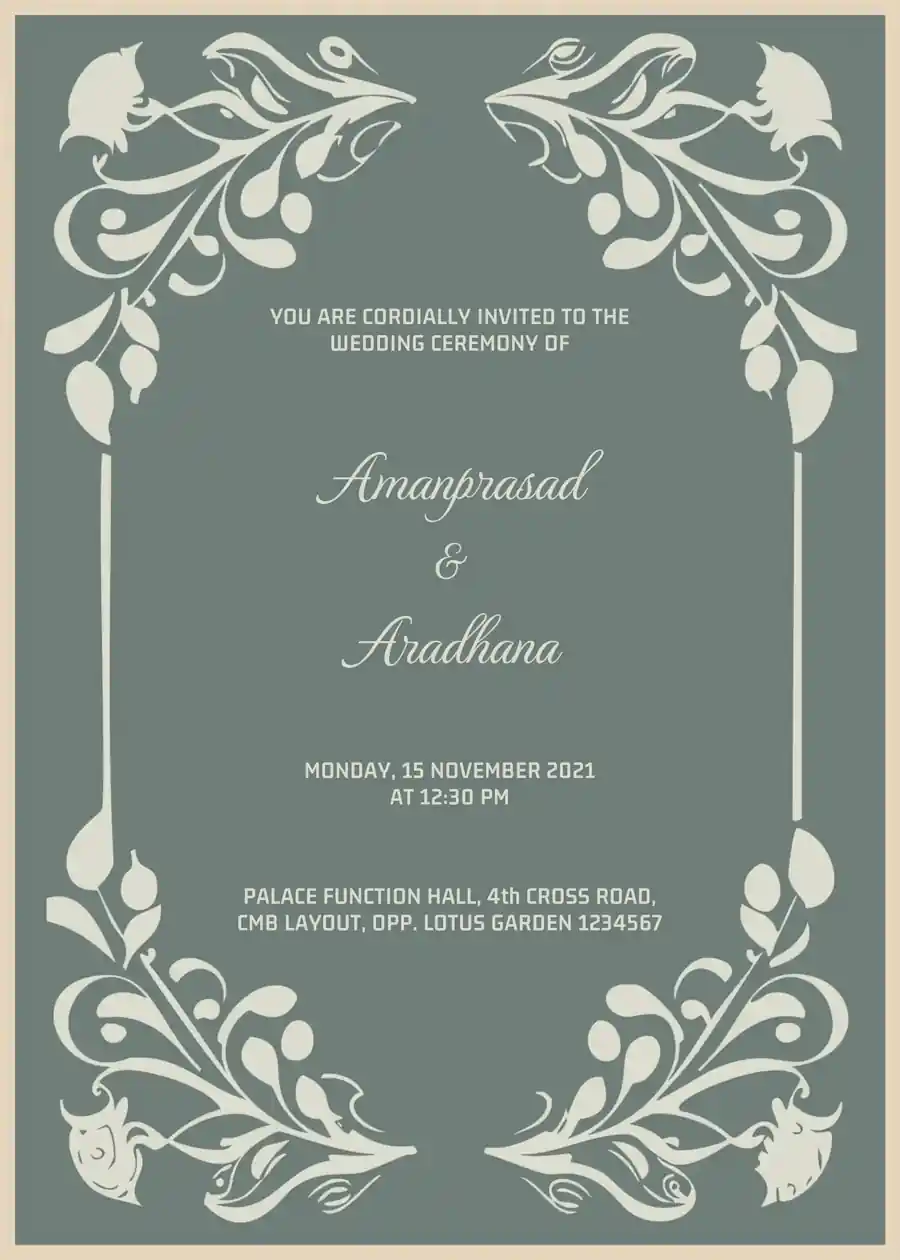
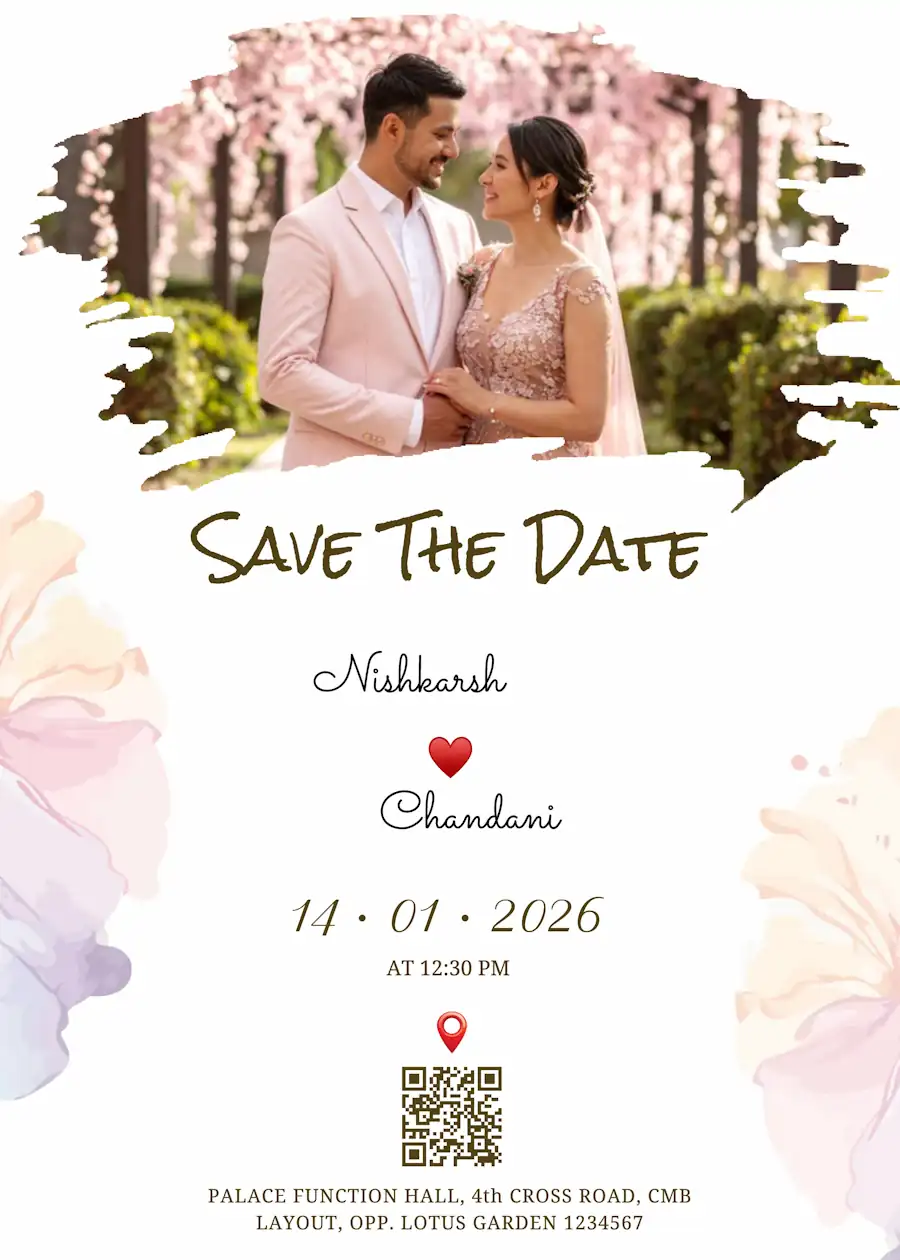
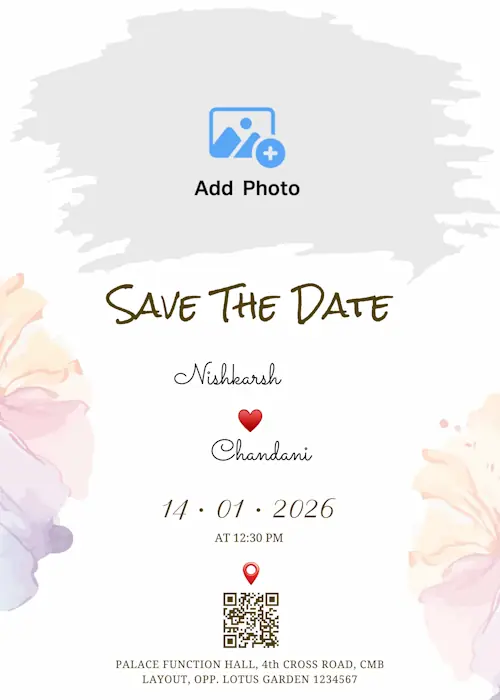

Invitation Templates for Each Wedding Event: Haldi, Sangeet, and Wedding Day
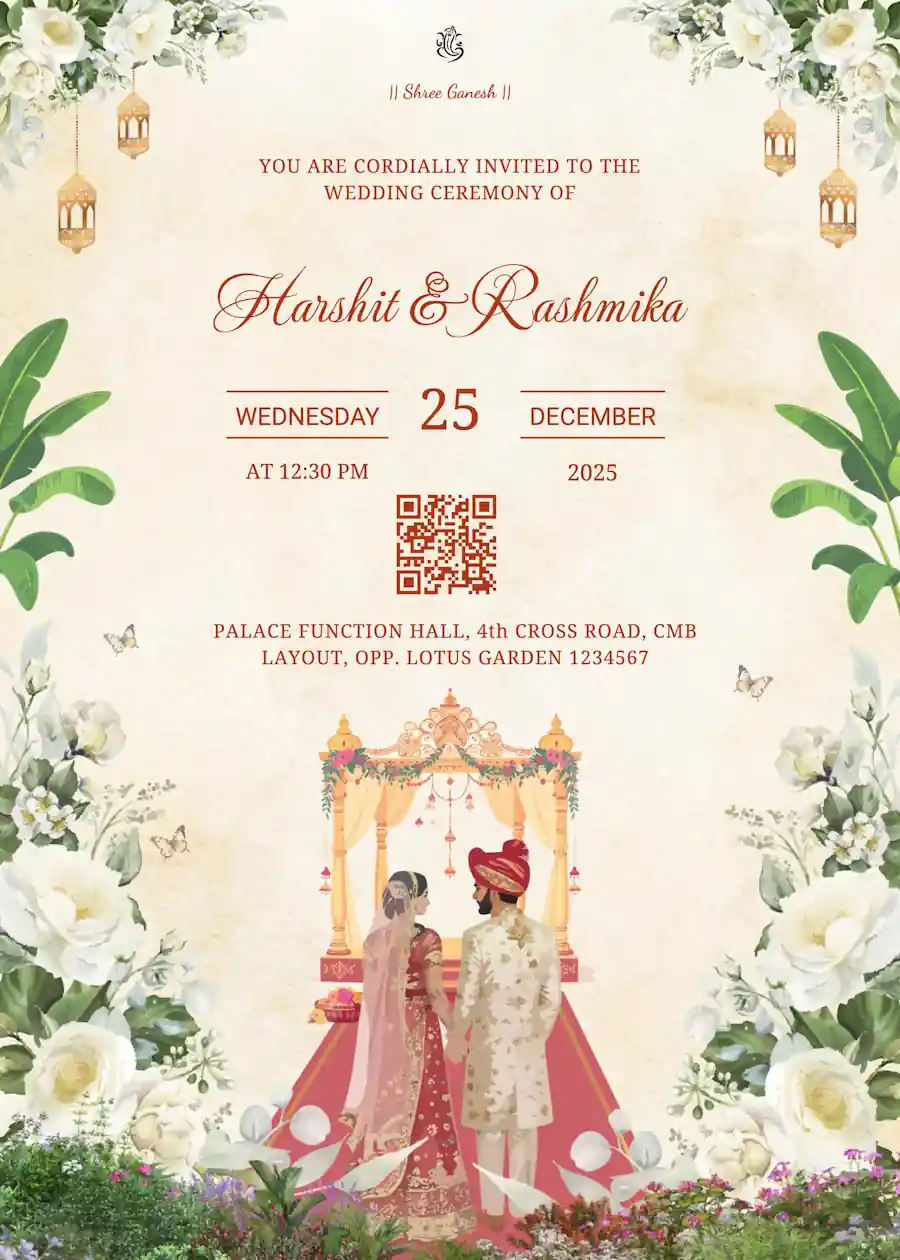
Planning a wedding in India is a massive task and we know you have a hundred things on your plate. Instead of waiting for a designer to send you drafts or visiting a printing press multiple times, you can now make an invitation in few clicks. Whether you want a traditional look with Ganesha design for the main ceremony, bright design for Haldi, music theme for Sangeet, you can do it all using our templates. It is fast and easy, just pick a template, edit your names, event details and your invitation is ready to send to your guests.
Online Editable Wedding Invitation Templates: Traditional to Modern Designs
We know every family has a different culture and taste. That's why we have a wide range of templates to match your culture, style and wedding theme.
The traditional look:
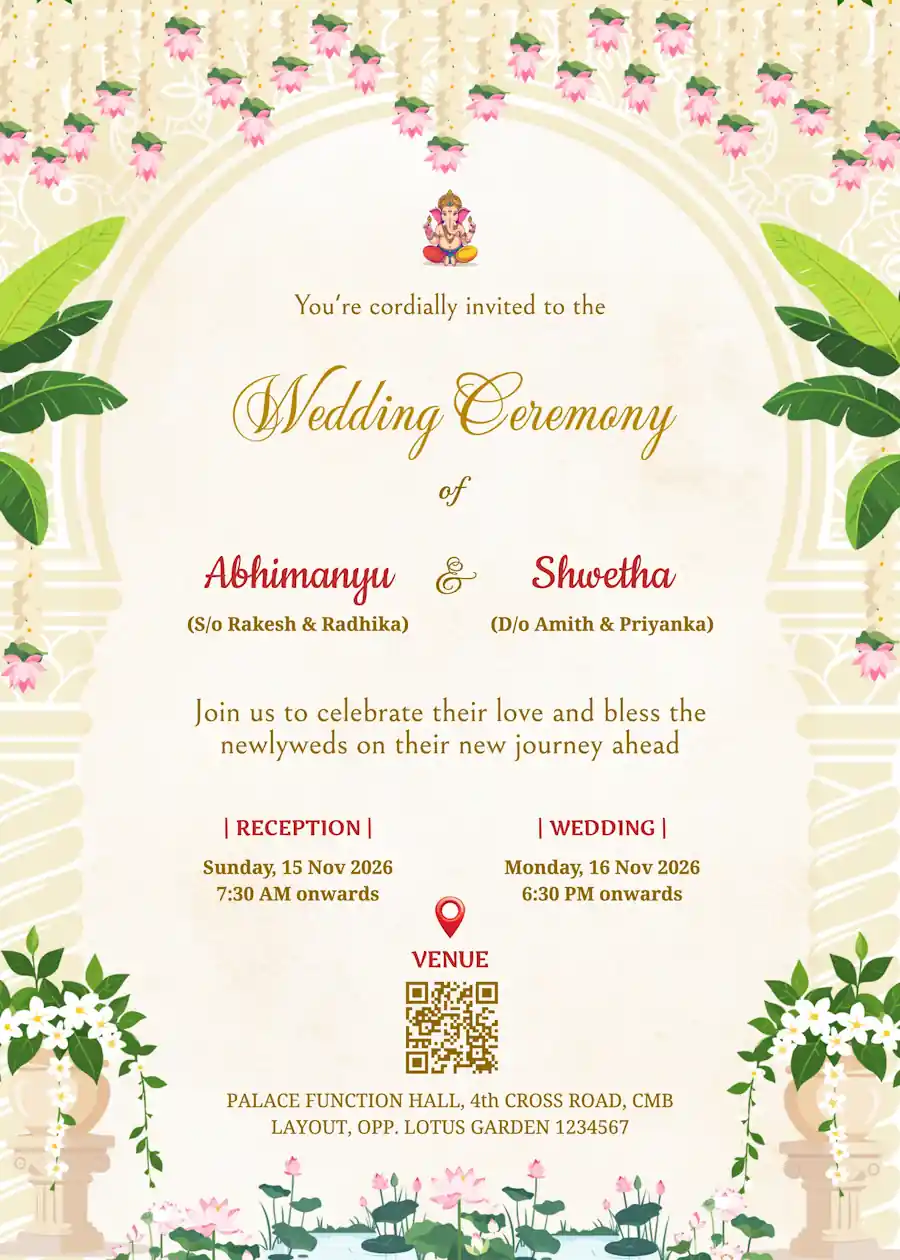
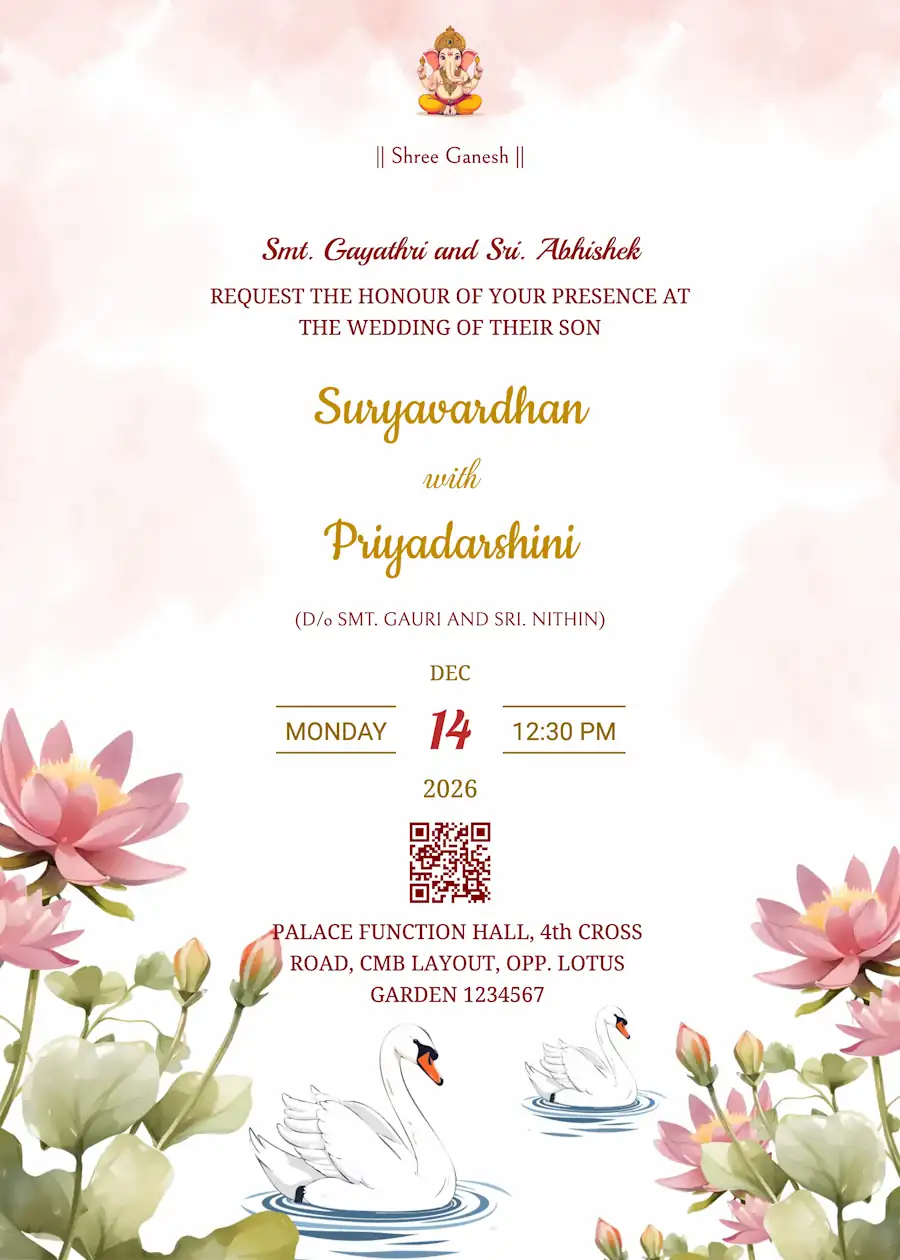
If you want a proper traditional wedding card, we have all the right designs for you. These templates use religious icons, ethnic patterns, marigold, lotus floral borders to give your invite that real Indian touch.
Modern and simple designs:
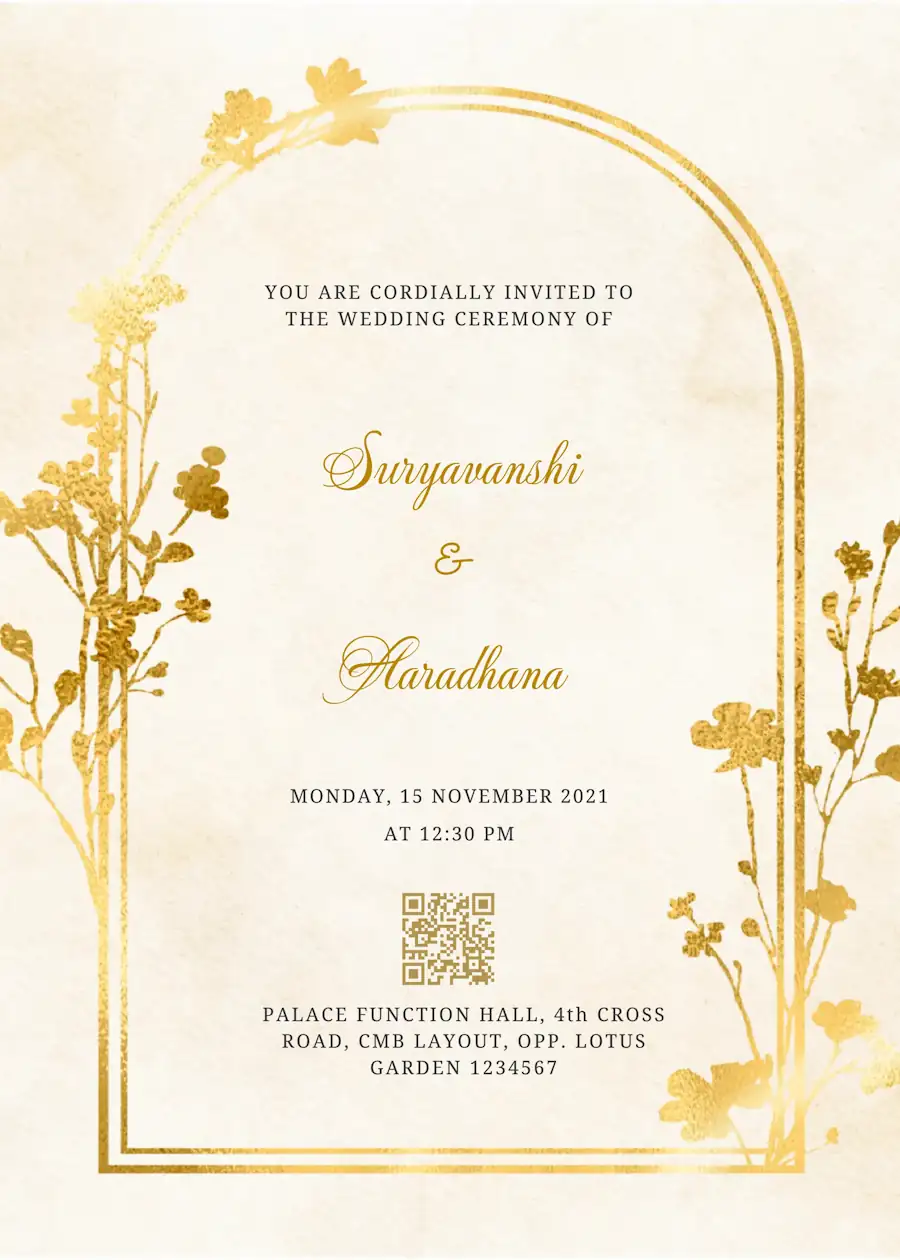
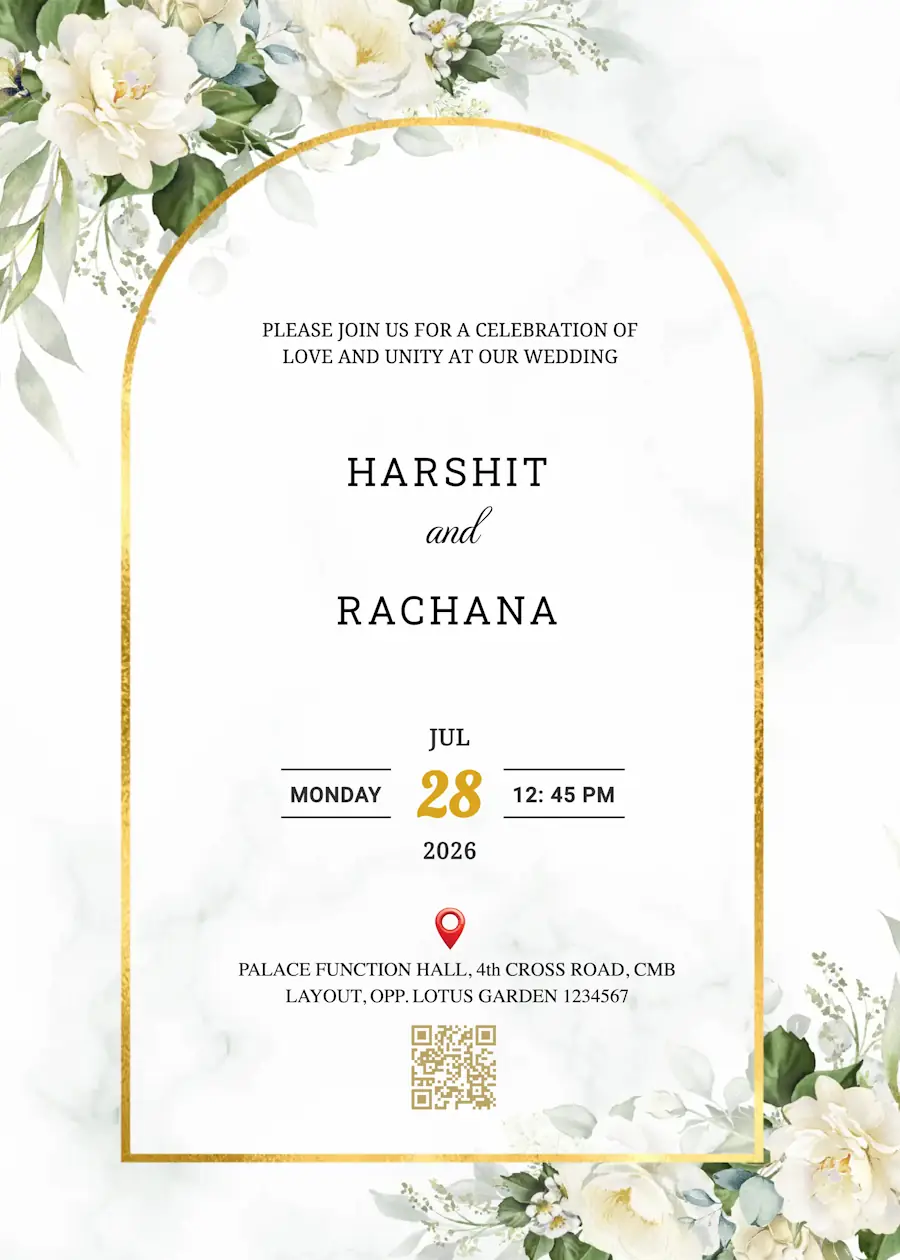
These are clean and elegant cards that use stylish fonts without too much decoration. They are perfect for couples who just want a sophisticated look for their big day.
Floral and nature designs:
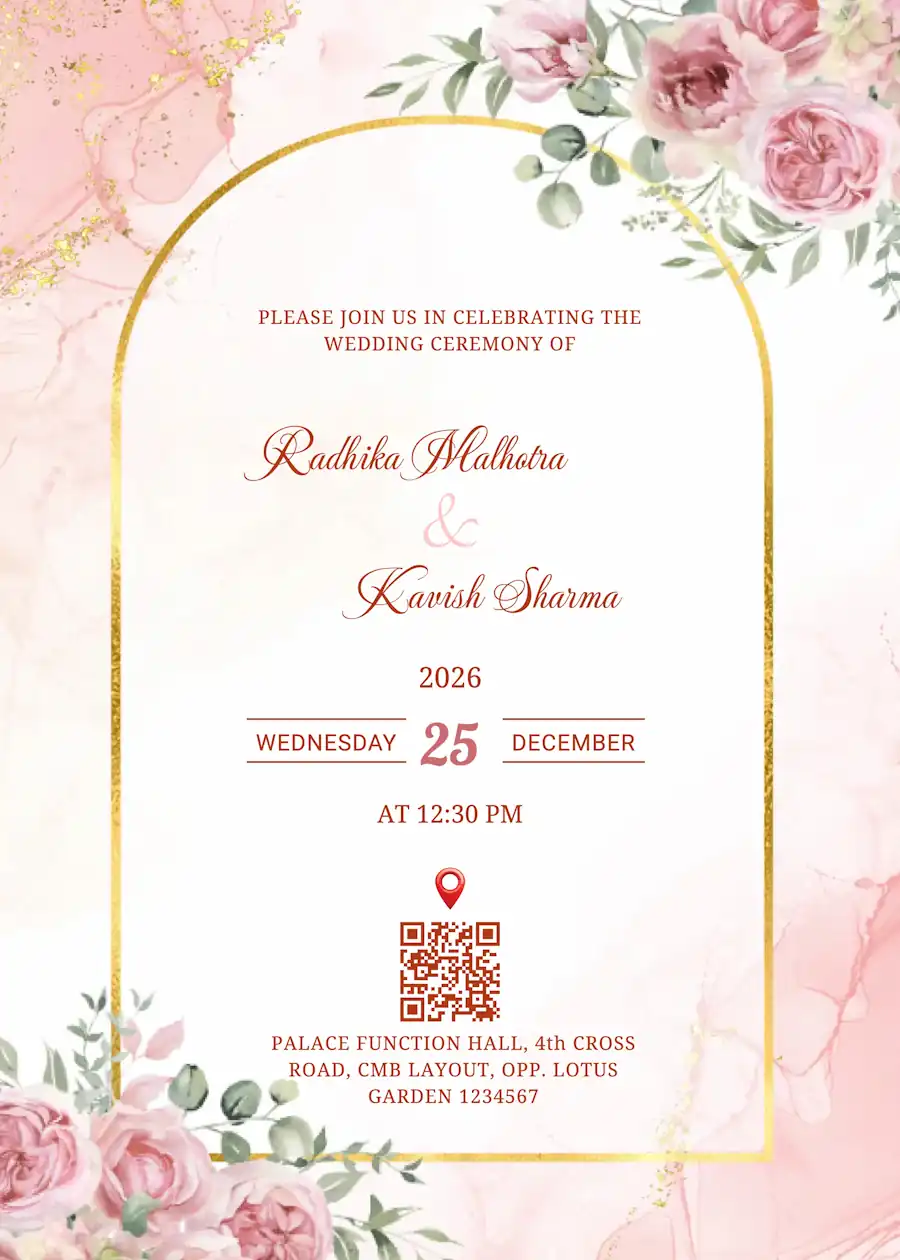
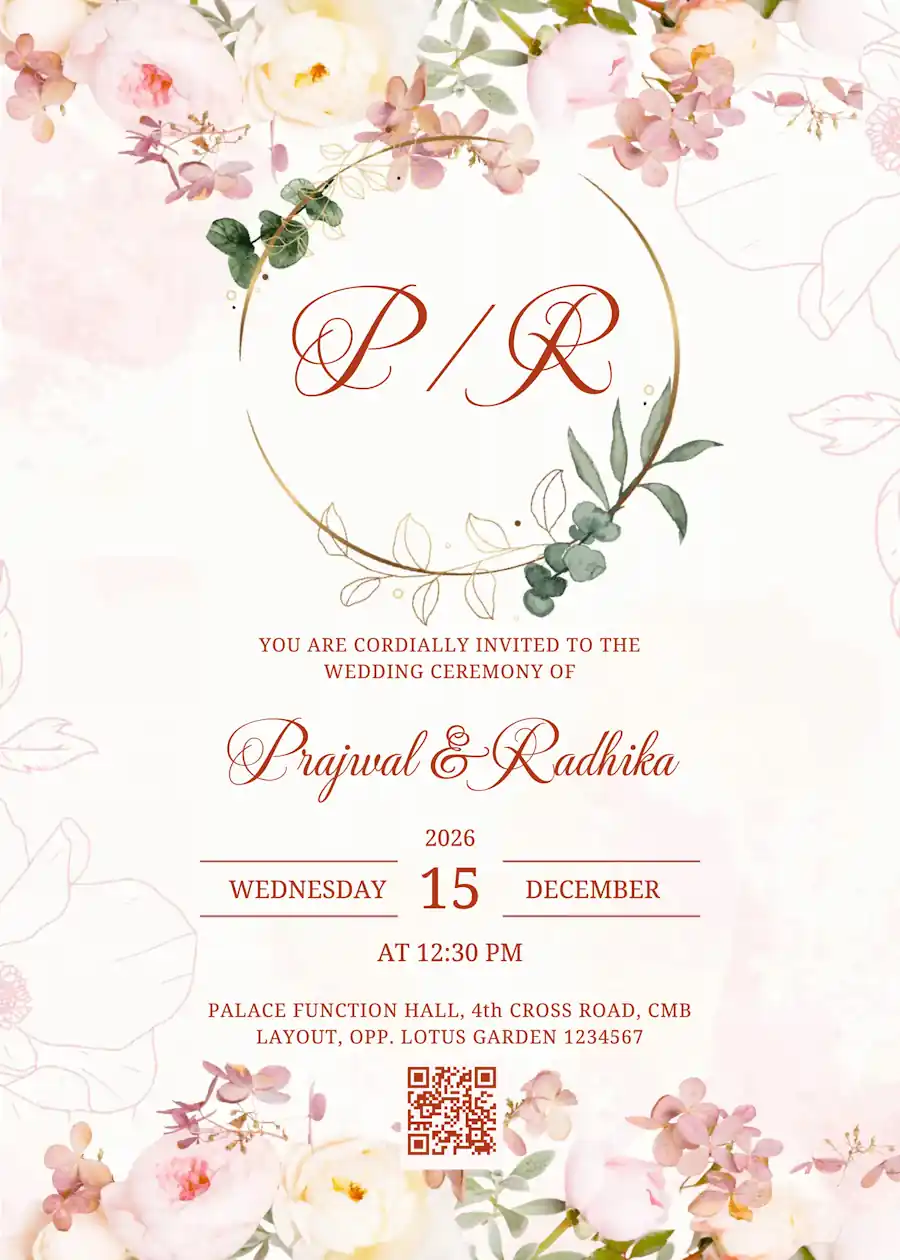
These are really popular for daytime functions like the Haldi. They use pretty flower patterns and leafy designs that look very fresh. If you want your invitation to feel light, colorful, and happy, this is the best style to go for.
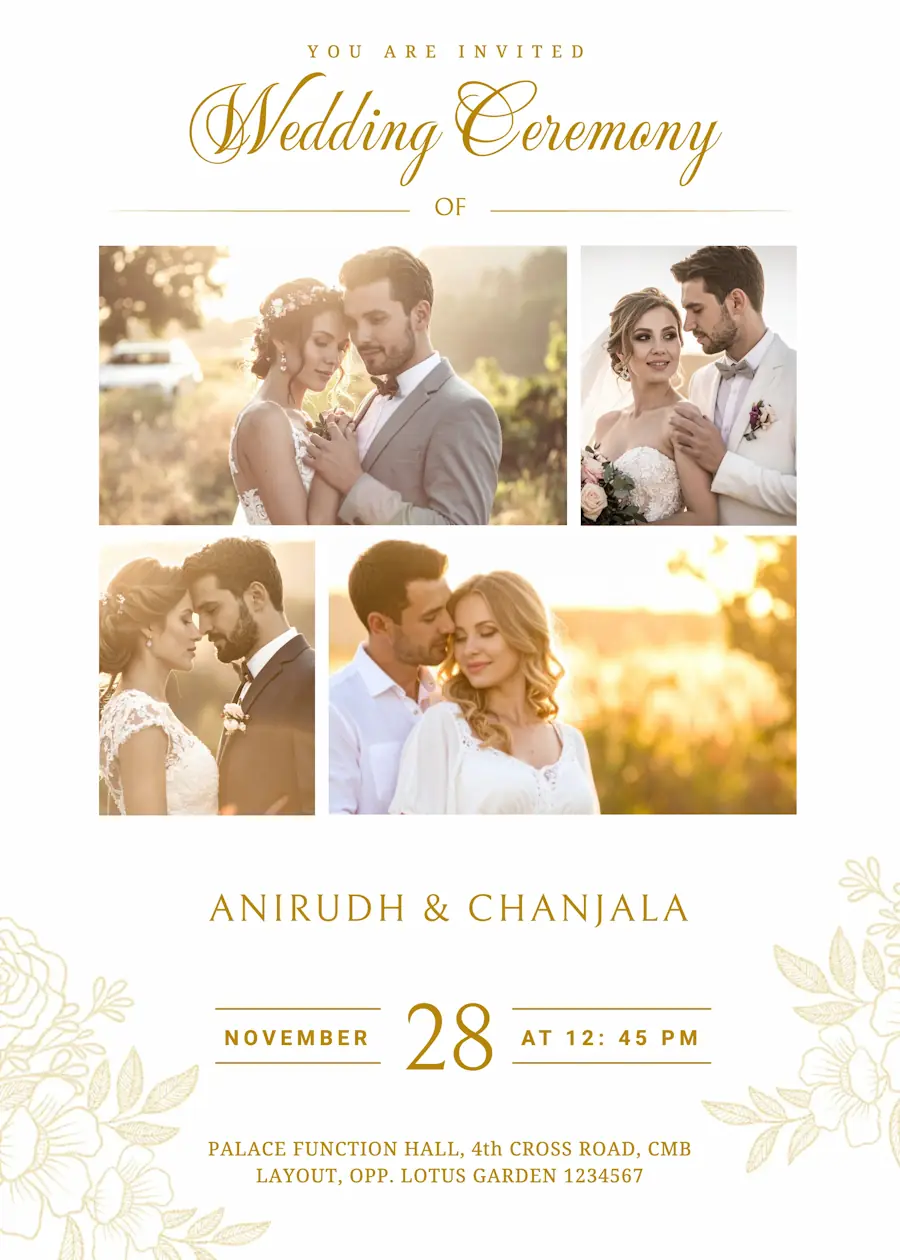
Photo invitation cards:
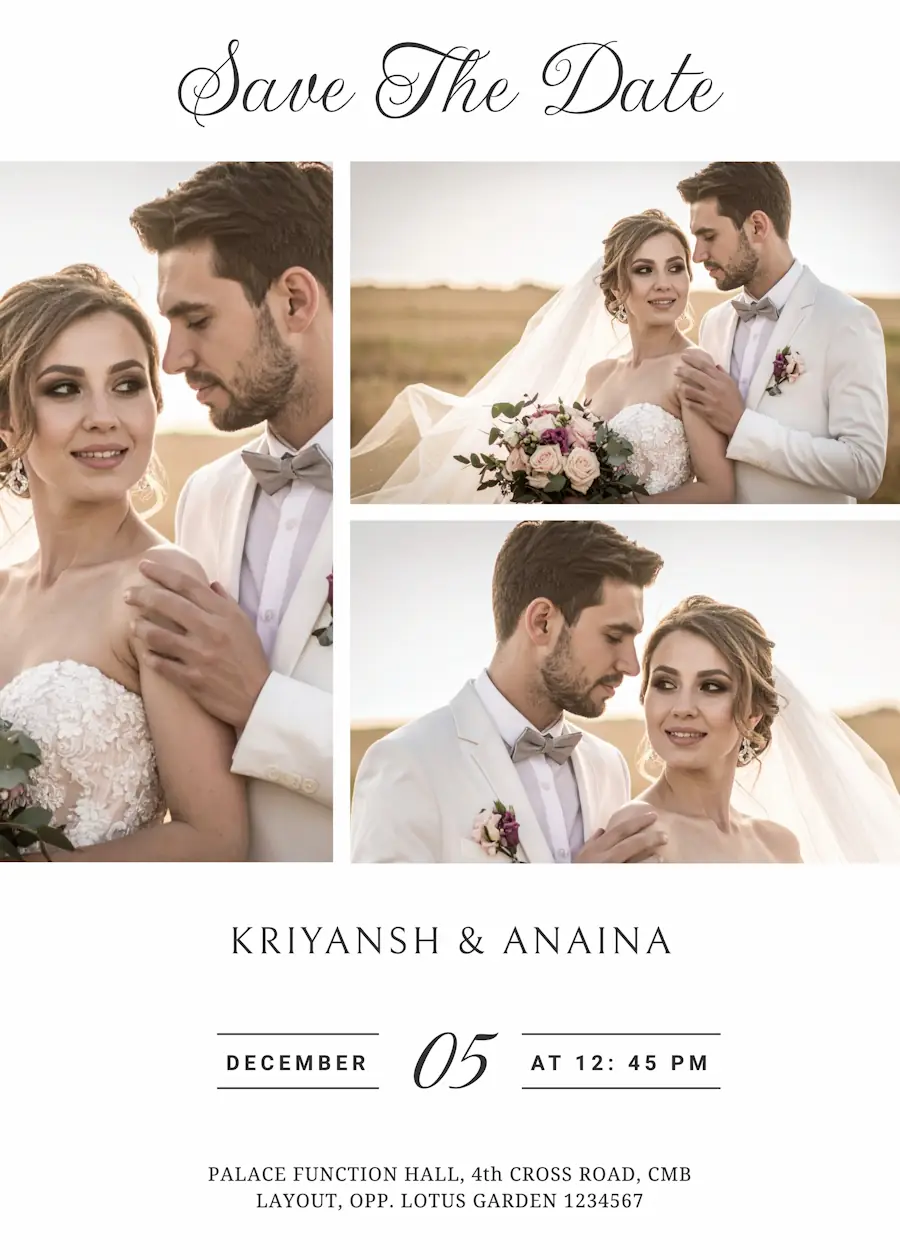
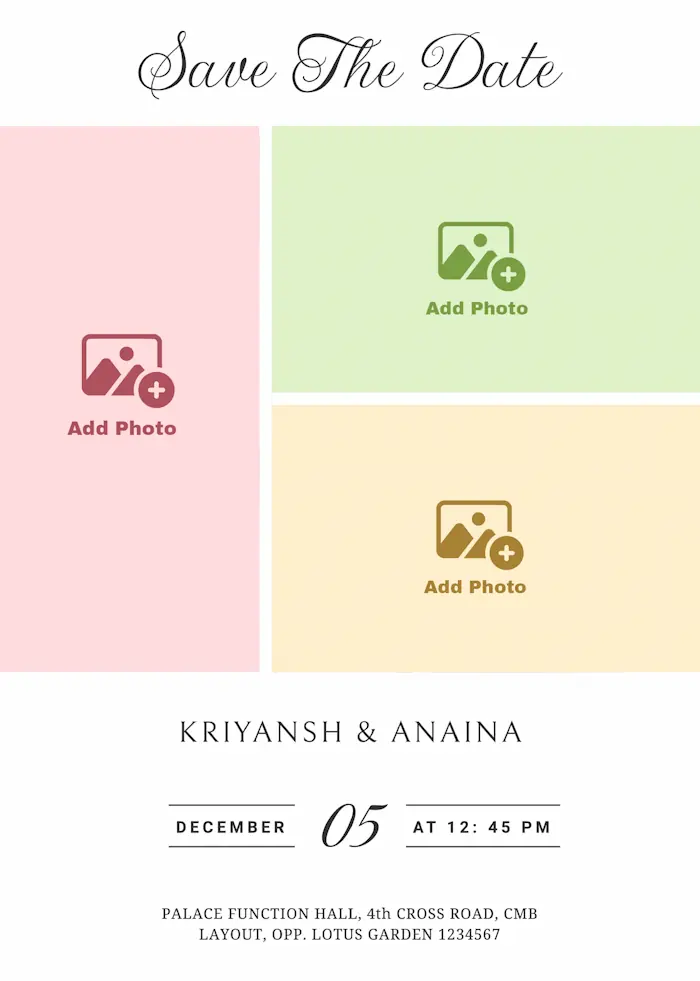
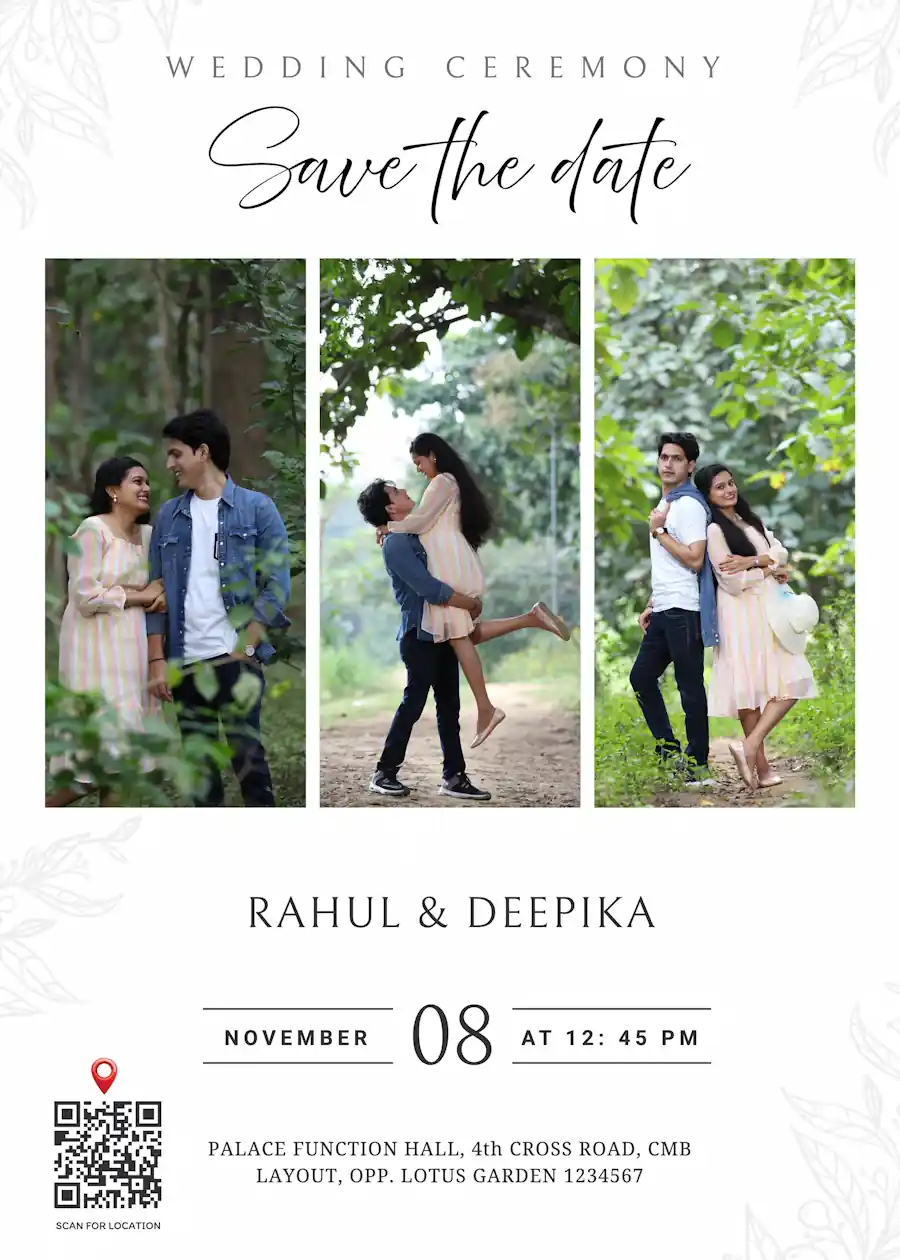
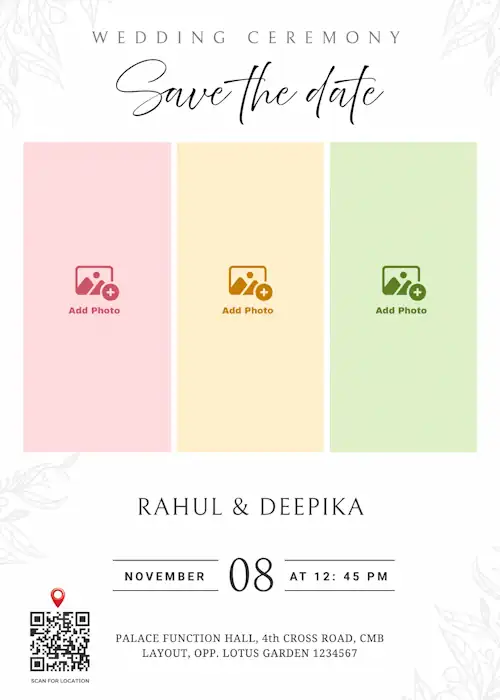
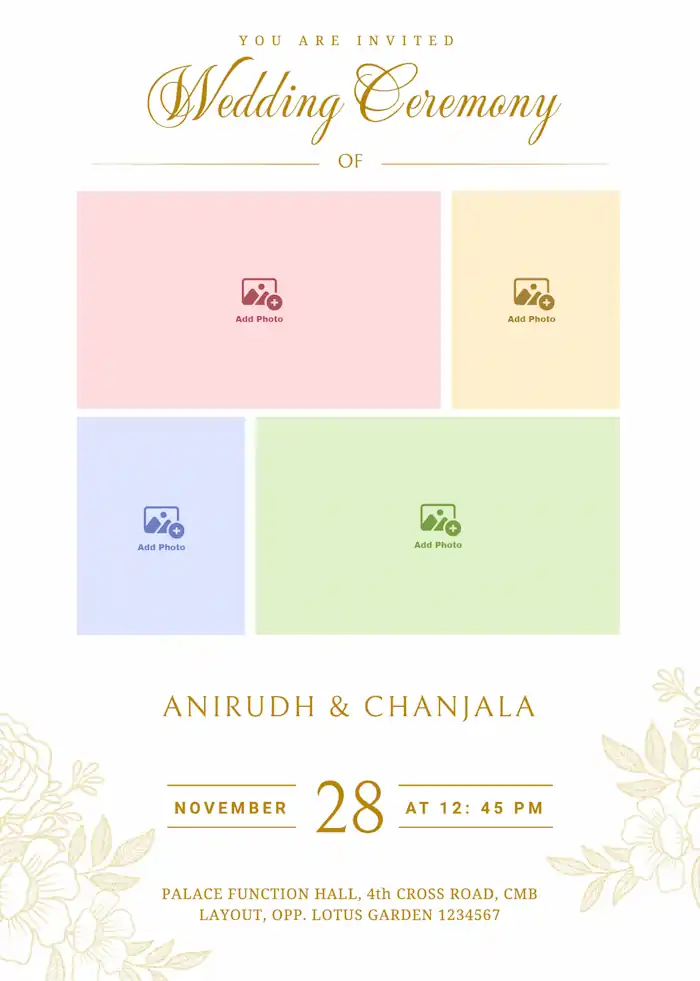
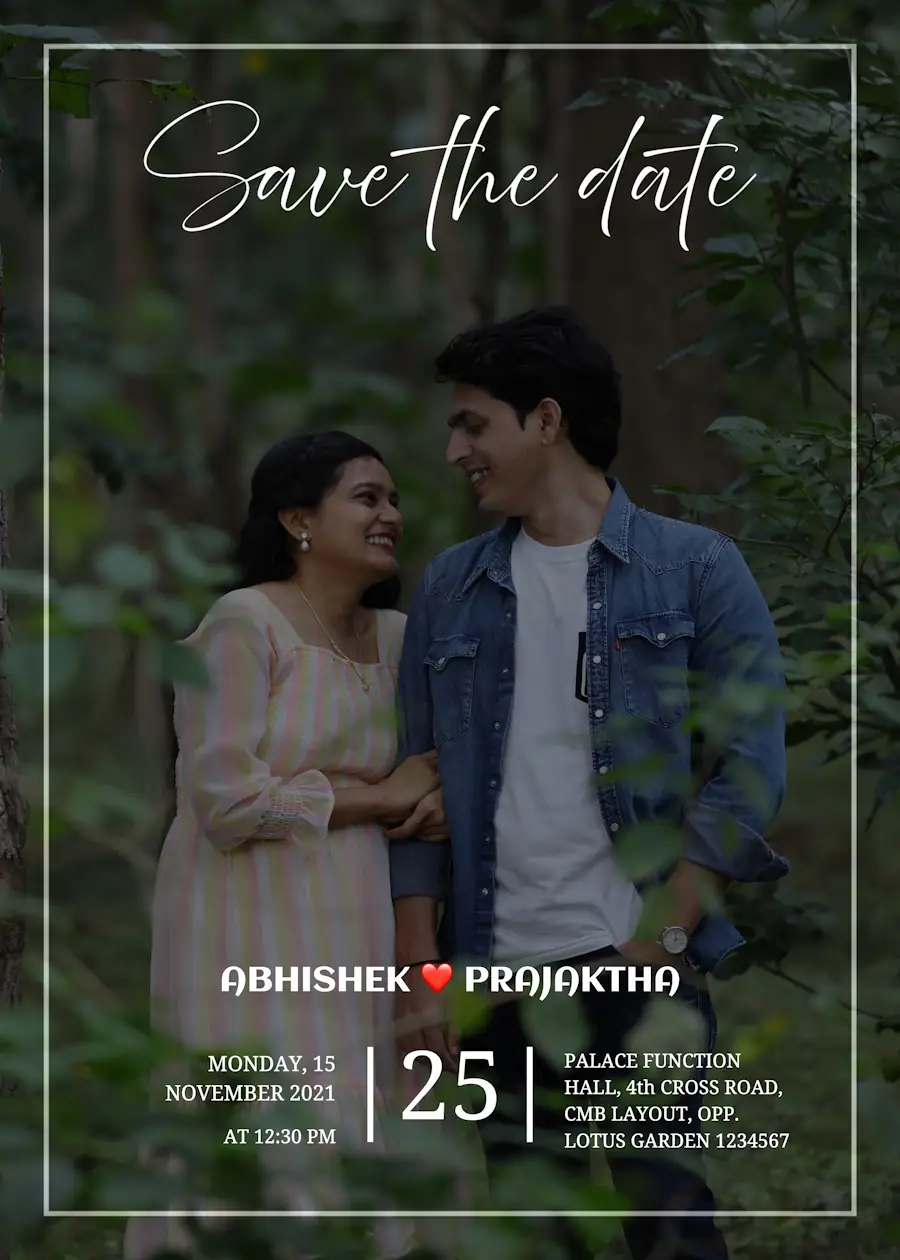
The best way to make your invite stand out is by using your own pictures. You can pick your favorite photo from your pre-wedding shoot and put it on the card. It looks much more personal, and your relatives will love seeing your photos on wedding invitation when they open the invite on WhatsApp.
How to Make Your Invitation in 3 Simple Steps
You don't need to be a tech expert to use our site. We have kept things very simple so you can finish your card while having your morning tea.
Pick a template you like:
Scroll through our collection and select a template that matches your style. Whether you want something traditional or a modern look, just click on the one you love to get started.
Fill in your wedding details:
This is where you add the important stuff. Just type in the names of the couple, the date, time, and the event address. You can also add a Google Maps QR code to the card. This is very helpful for your guests because they can just scan it and get the exact location on their phones without having to call you for directions. If you want, you can even add a small personal message or a note about the RSVP to make it feel more welcoming.
Download and share:
Once you are happy with preview, just hit the download button. The card will save directly to your phone or computer as a HD image or PDF. Now you can just attach it in WhatsApp and send it to all your friends, family and relatives in one go.
Why Choose Our Wedding Invitation Maker?
Easy-to-Use template editor:
You don't need any technical or design skills to create wedding invitations on our platform. You can simply click on the text to change names, dates, and locations just like you are typing a basic email. If you want to move a design element, you can just drag and drop it anywhere on the page without any trouble. Since everything works right in your web browser, you never have to download or install any complicated or heavy software
Seamless QR code integration:
Make life easier for your guests (and yourself!) by adding a custom QR code directly onto your invitation. Our editor allows you to create custom QR codes and also gives you the flexibility to resize and place the code anywhere on your card, ensuring it remains functional without distracting from your beautiful design. Create wedding venue QR code, when a guest scans it with their smartphone camera, their phone automatically opens the Google Maps app with the destination already loaded and ready for navigation.
Instant RSVP:Link your QR code to your wedding website so guests can respond in seconds, saving you weeks of waiting for mail.
Did you know? You can even customize the color of your QR code to match your wedding palette, so it blends perfectly with your floral or minimalist theme!
Templates for every theme and culture:
We offer a huge variety of wedding invitation templates that perfectly match every theme and tradition. Whether you are looking for a classic traditional design with Ganesha motifs and rich gold borders, or a modern, minimalist style for a trendy destination wedding, we have it all. From vibrant Big Fat Indian Wedding vibes to elegant and simple layouts, you can easily find a design that respects your cultural roots while reflecting your personal taste.
Free vs Premium Wedding Invitation Templates: Choose What Suits You
Planning a wedding on a budget? Some of our wedding invitation templates are completely free. You can edit the couple's names, wedding date, muhurtham time and venue details, pick from 50+ font styles, change colours to match your wedding theme, and drag and move any design element anywhere on the card. Once it's ready, download your wedding card as an HD image or PDF with no watermark, and send it to all your relatives and guests on WhatsApp.
For a more special touch, our premium wedding invitation templates are available at a very affordable price, far less than the cost of printing wedding cards. Premium templates let you add extra text for Haldi, Mehendi, Sangeet or reception details, and generate a Google Maps QR code for your wedding venue so guests can find the hall without calling you for directions. You can also decorate your card with beautiful stickers to create a wedding invitation that truly reflects your style.
One Celebration, Many Languages: Multilingual Wedding Invitations
India is a land of so many religions and cultures, and the way we celebrate changes every few hundred kilometers. While a wedding invitation is known as a Shaadi ka Card in Hindi speaking regions, it is called Marathi Lagna patrika in Maharashtra, Maduveya Amantrana in Karnataka, Vivaha Ahvanam in Telugu, and Tirumana Alaippital in Tamil.
Frequently Asked Questions (FAQs)
Is it possible to upload HD photos to the invitation?
Yes! You can easily upload high-resolution images to create personalized invitations. We also have templates that support wide and full page photos.
Can I send these invites on WhatsApp?
Yes! All our designs are WhatsApp-ready. You can download your invitation as a high-quality image or PDF and share it with your family and friends in one click.
Do you also have templates for Haldi and Sangeet?
Yes. You can use our templates to create matching cards for every ceremony, from the haldi, sangeet to the Grand Wedding.
Can I change the language to Hindi or Marathi or other languages?
Absolutely! Our editor supports Indian fonts, so you can type your invite in English, Hindi, or any regional language you prefer.
Can I download my invitation for free?
Yes! We work on freemium model. Select the free template, edit the details and download your invitation absolutely free that too without any watermark.