
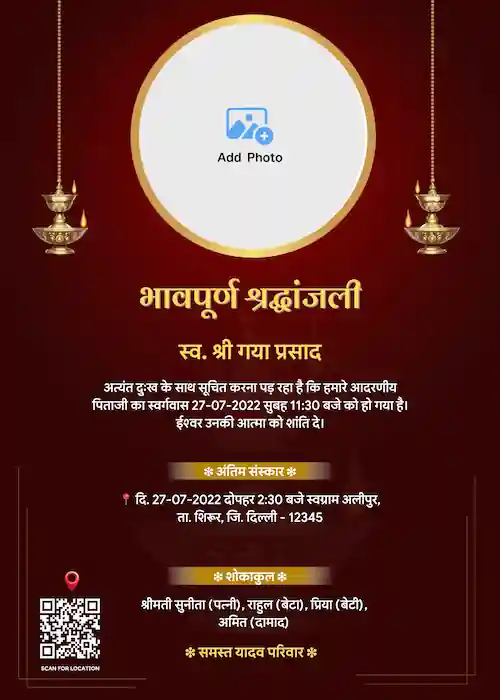


Browse Our Collection of Customizable Hindi Shradhanjali Templates
Design a memorial banner that respectfully honors your loved one's memory. To begin, choose from the templates below and create a meaningful tribute with ease.
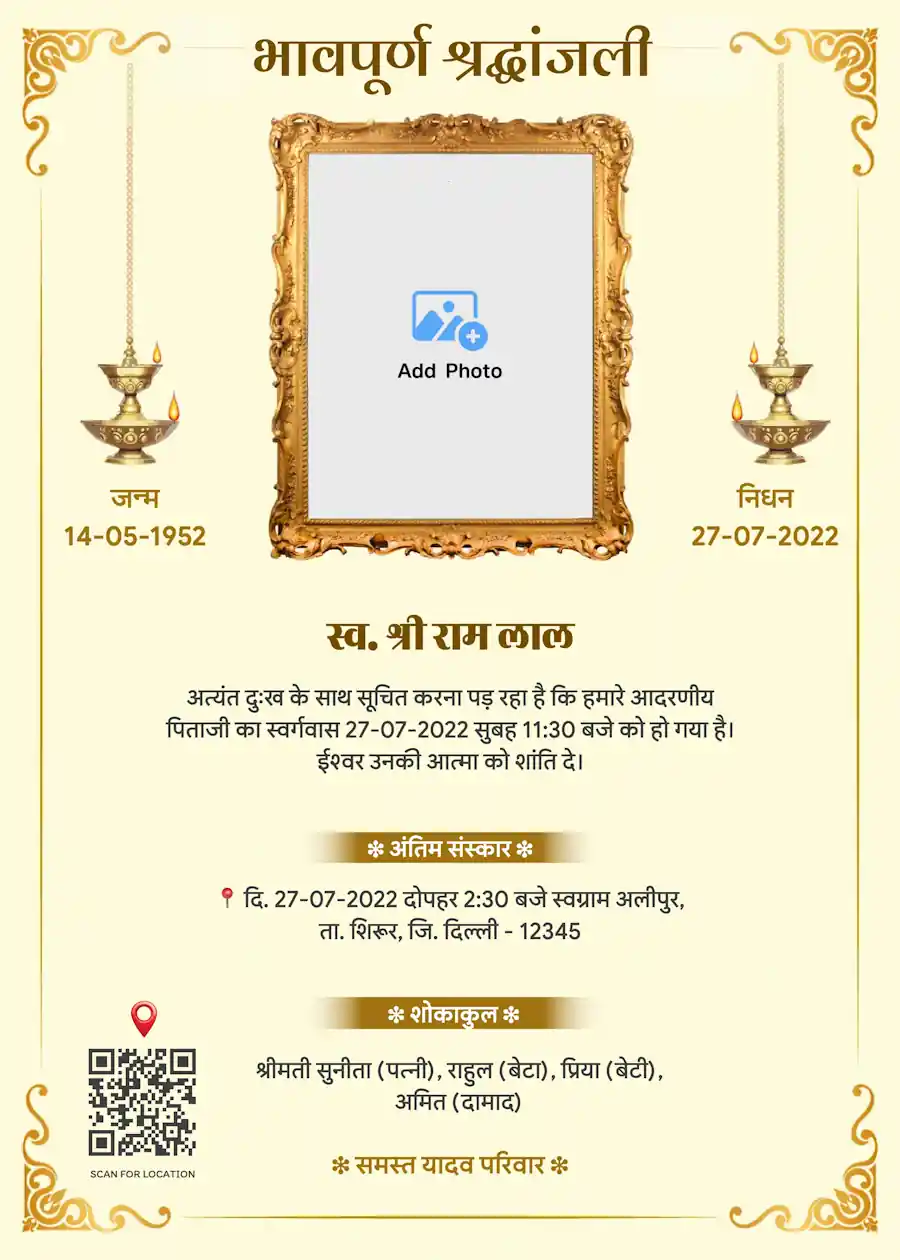
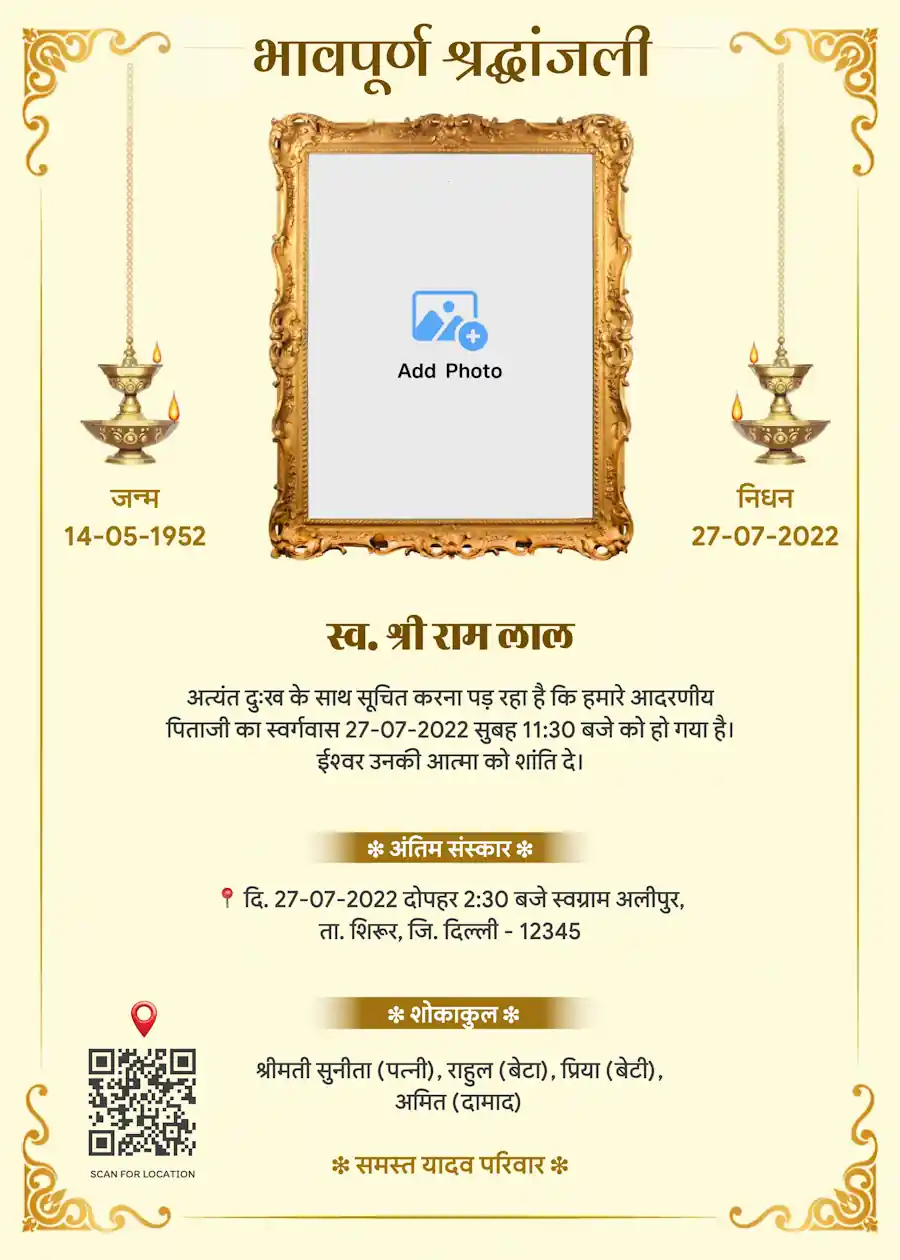
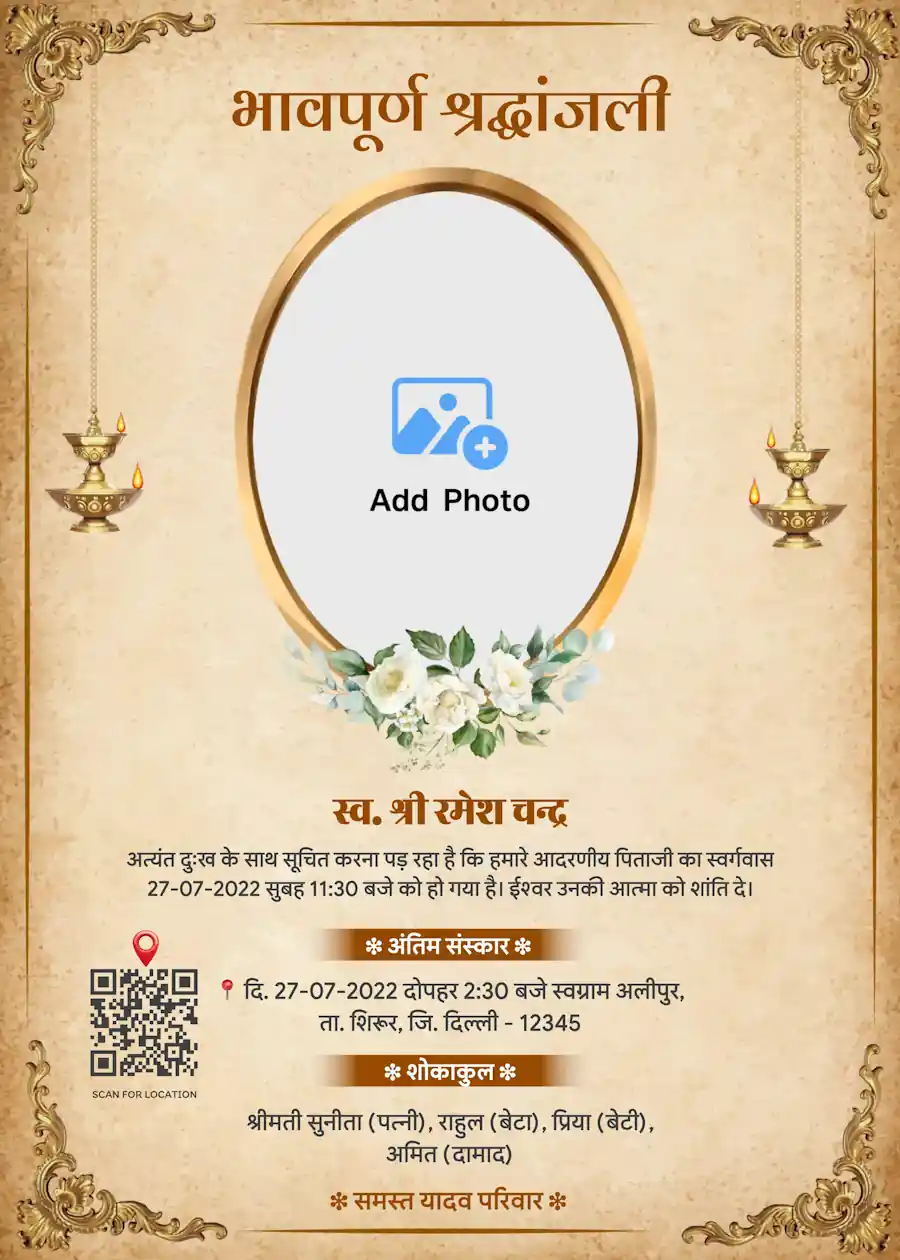
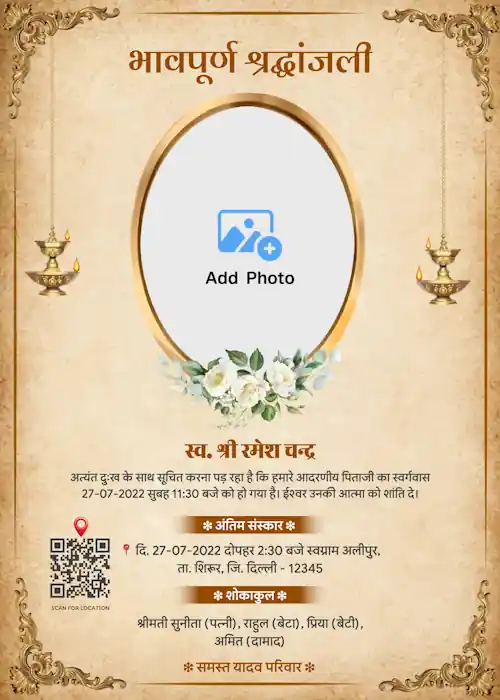
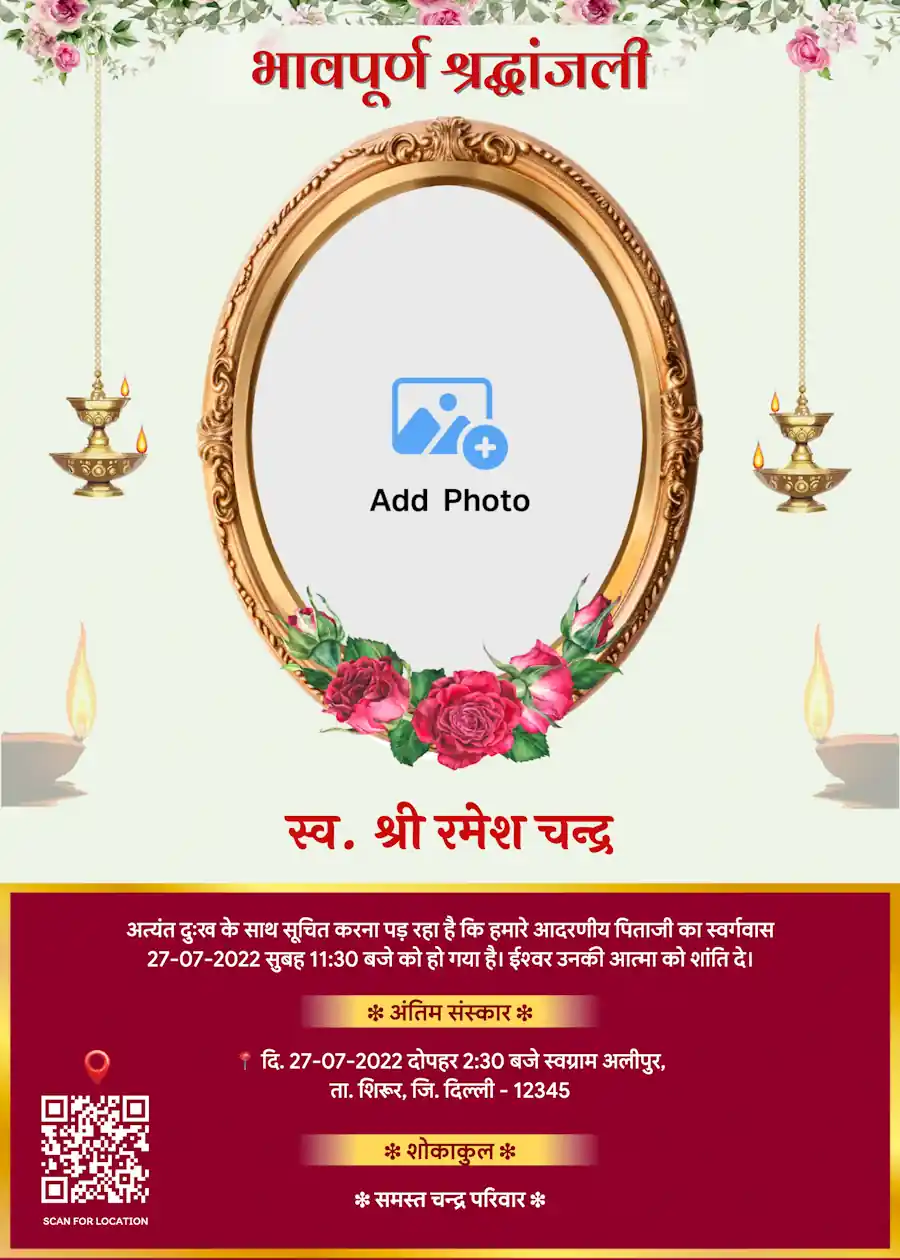
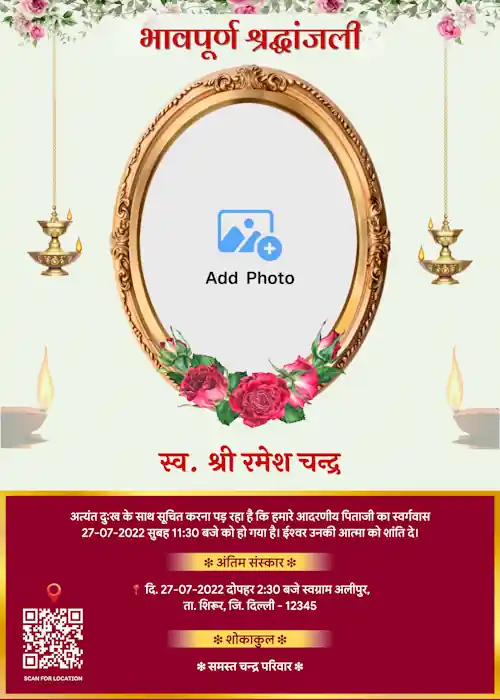
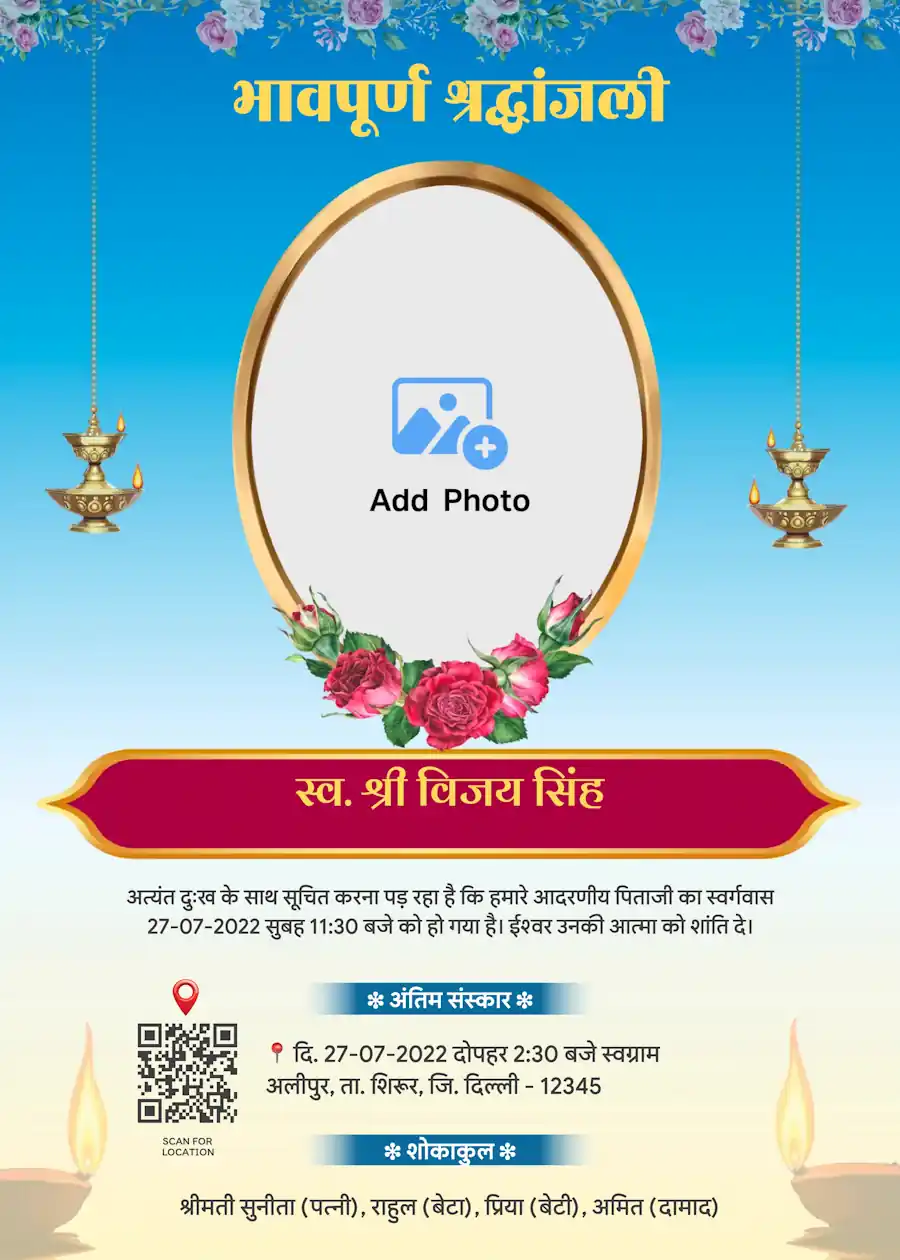
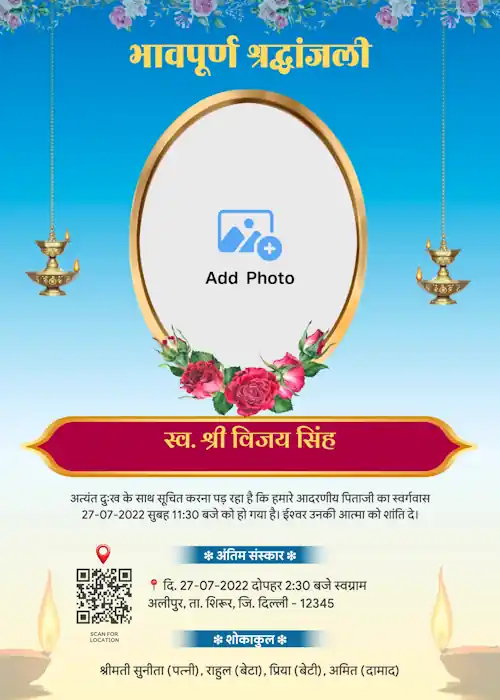
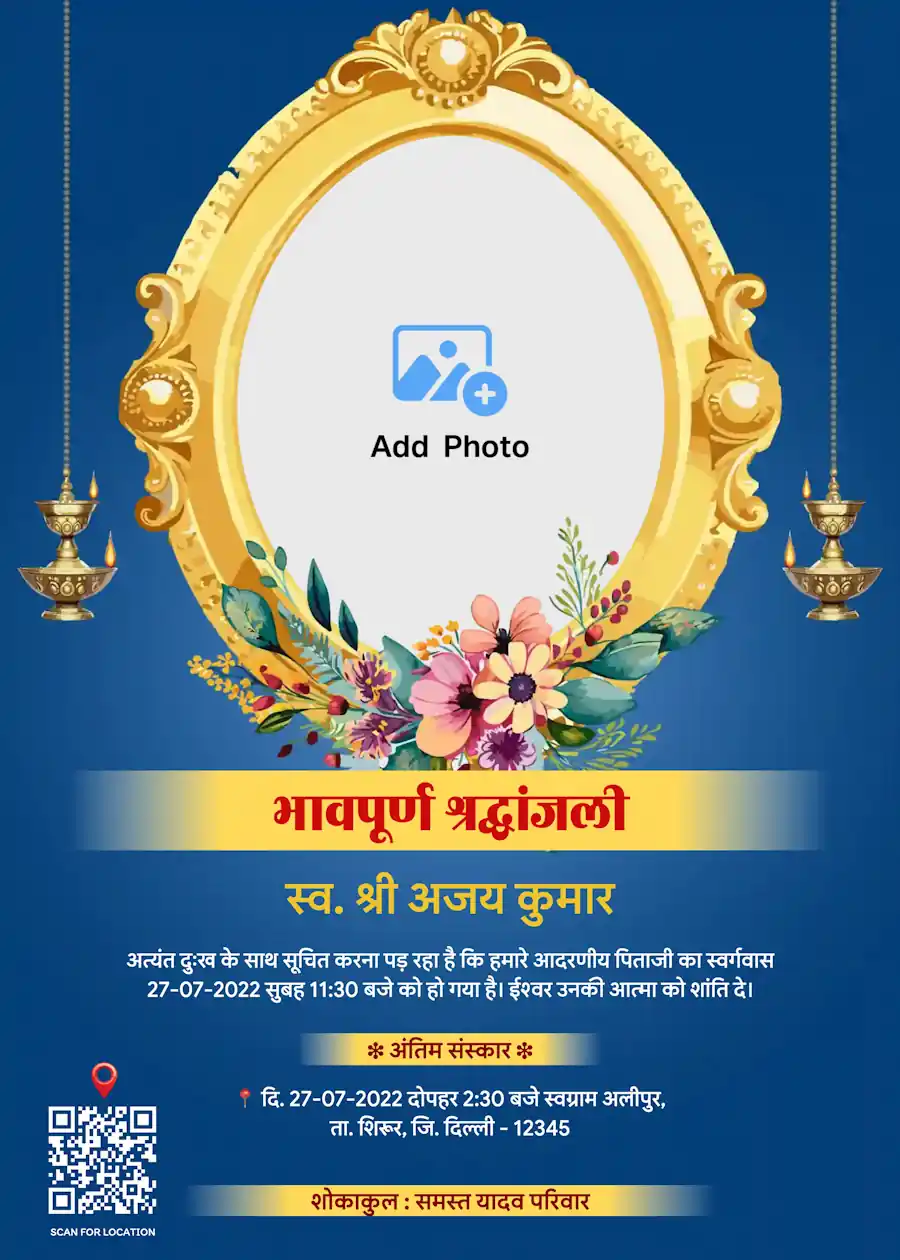
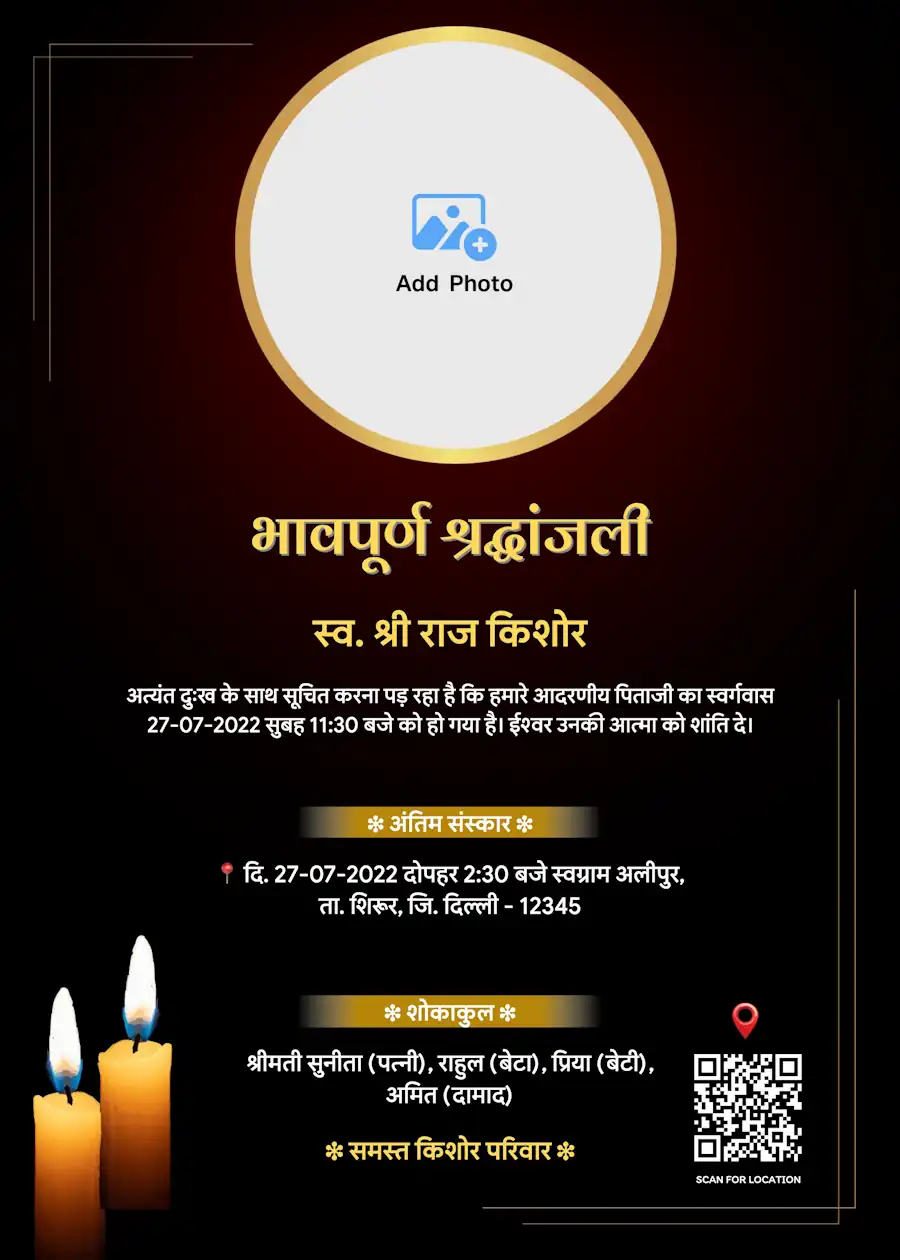
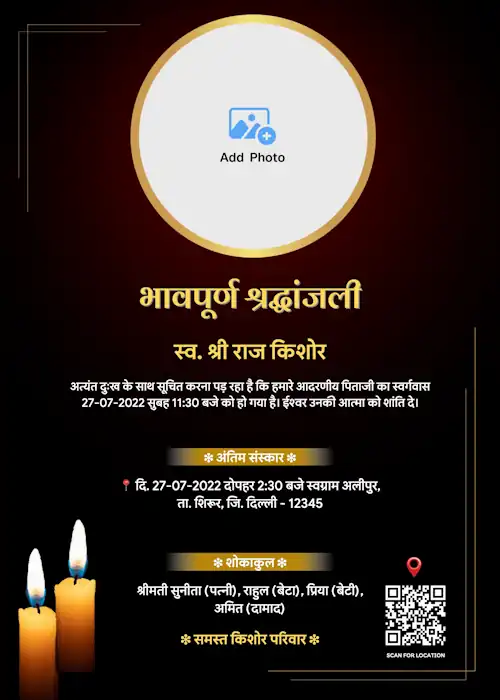
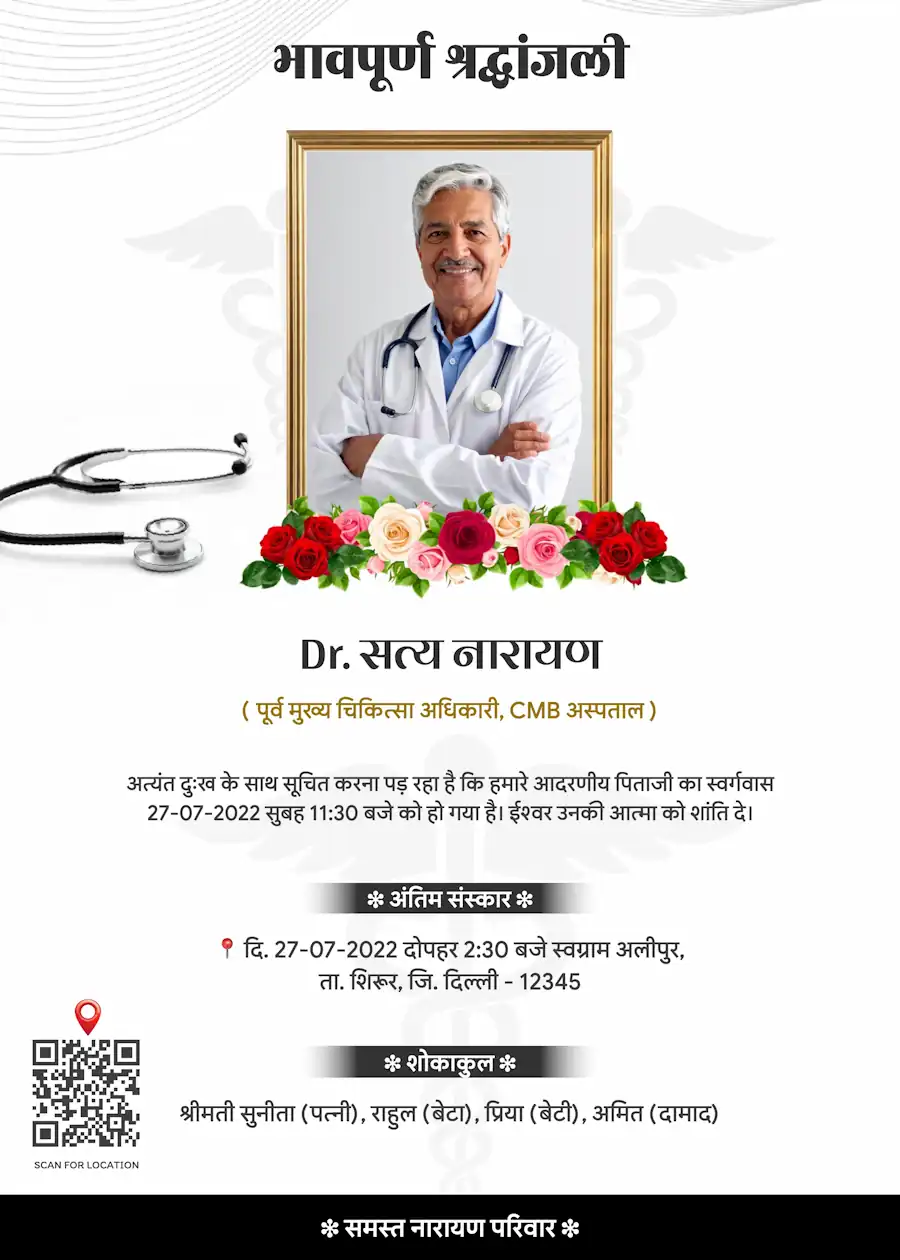
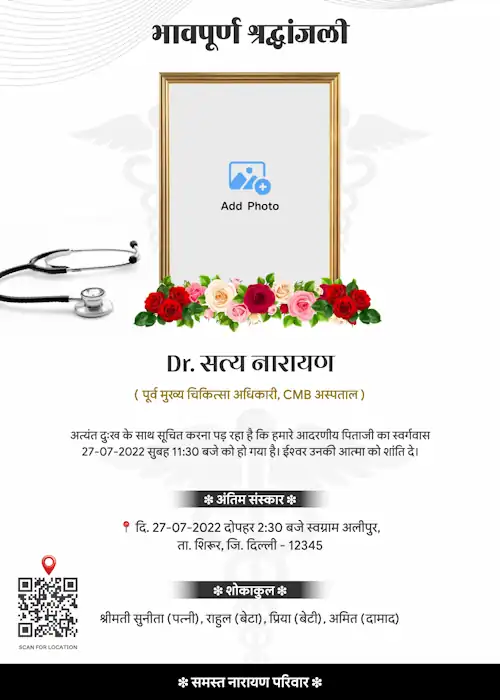
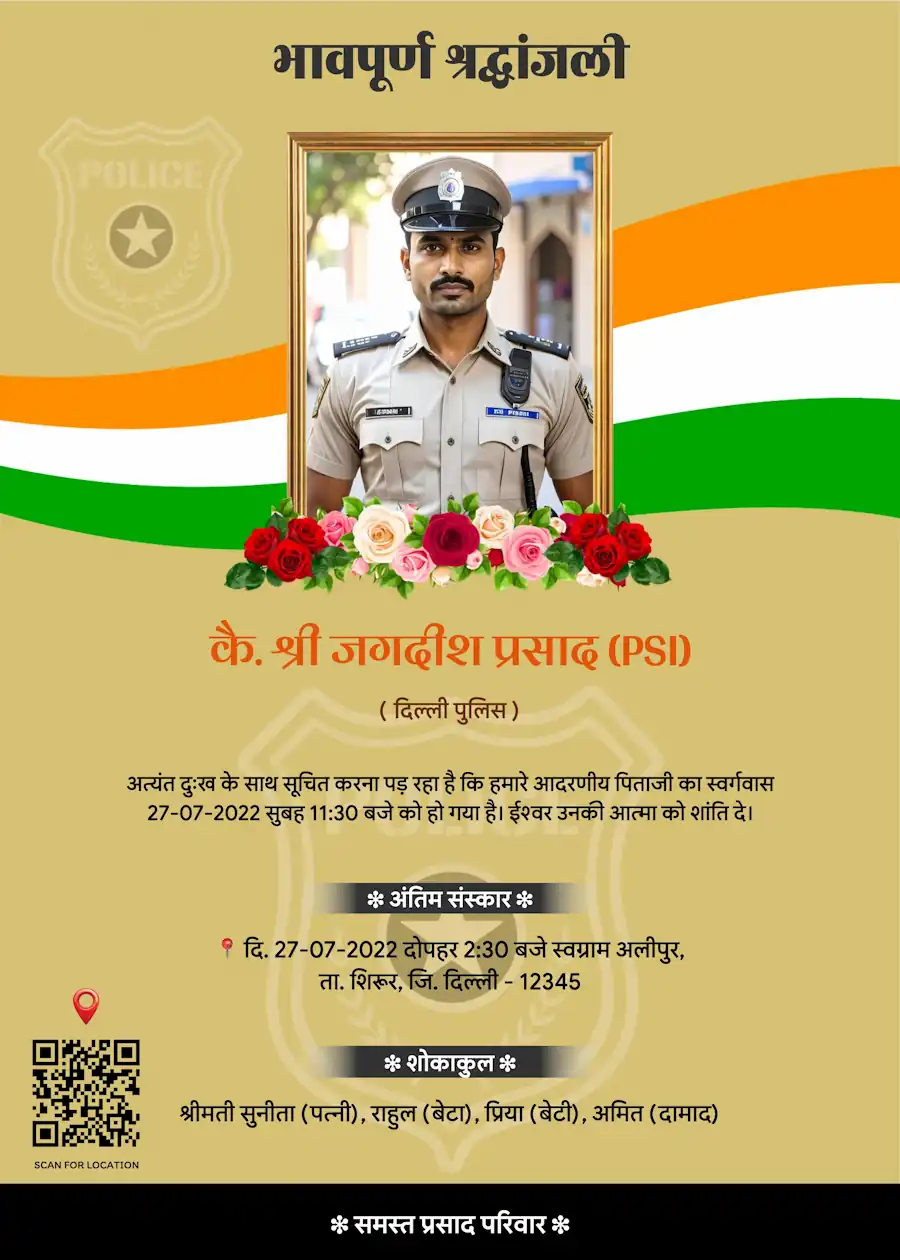
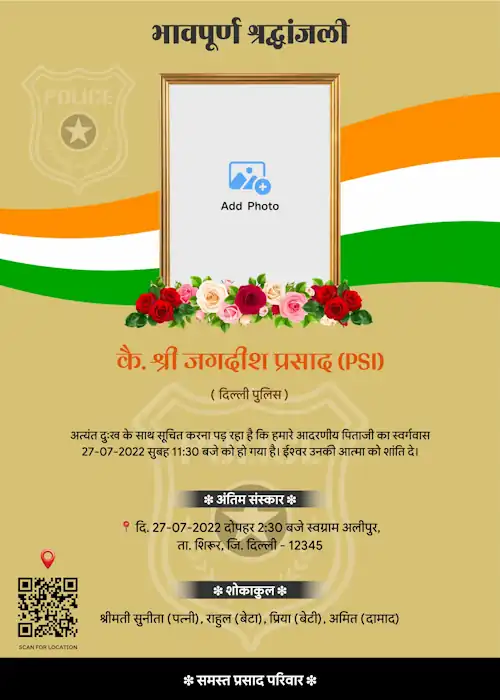
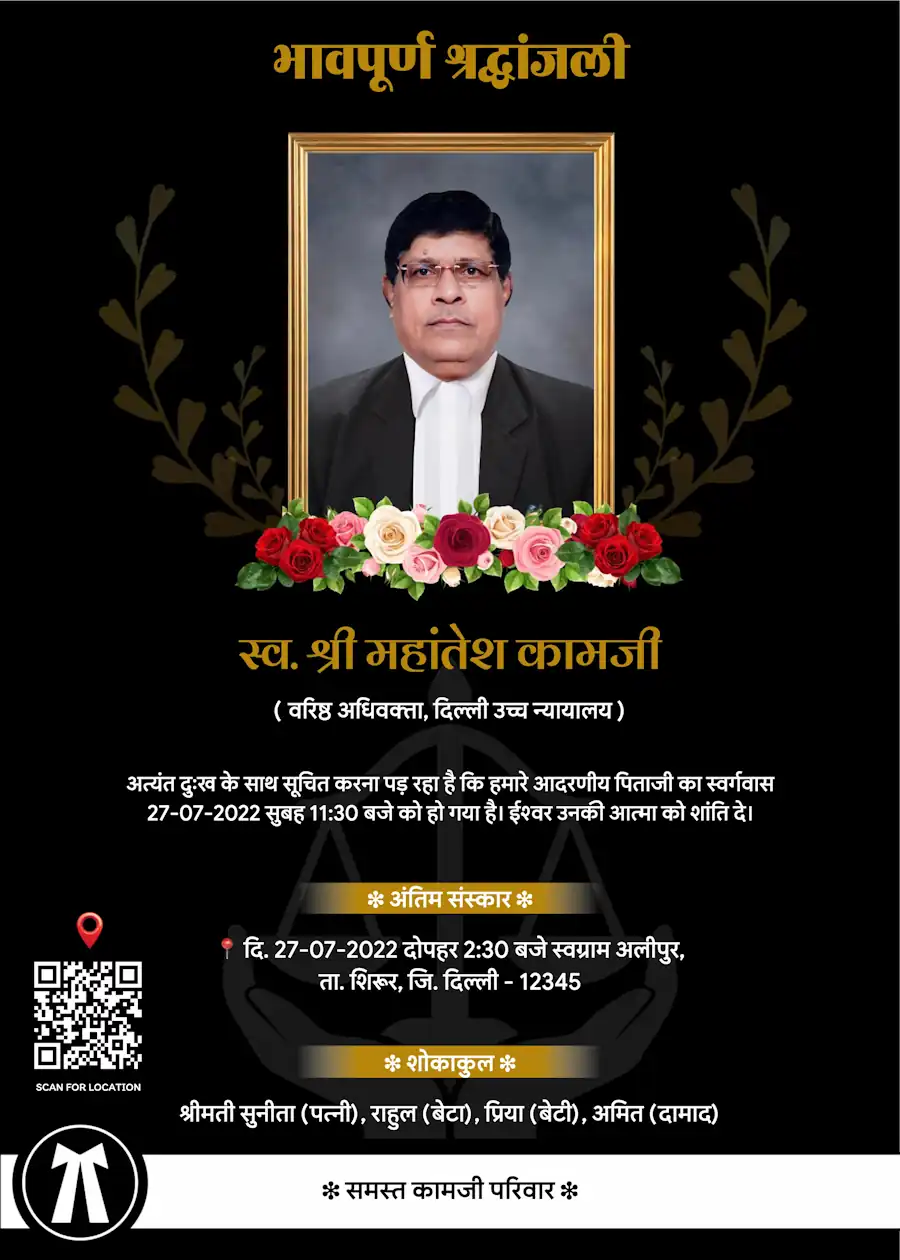
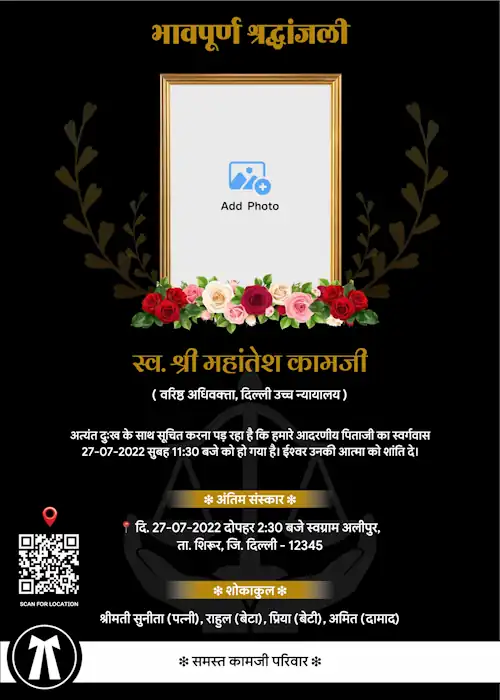
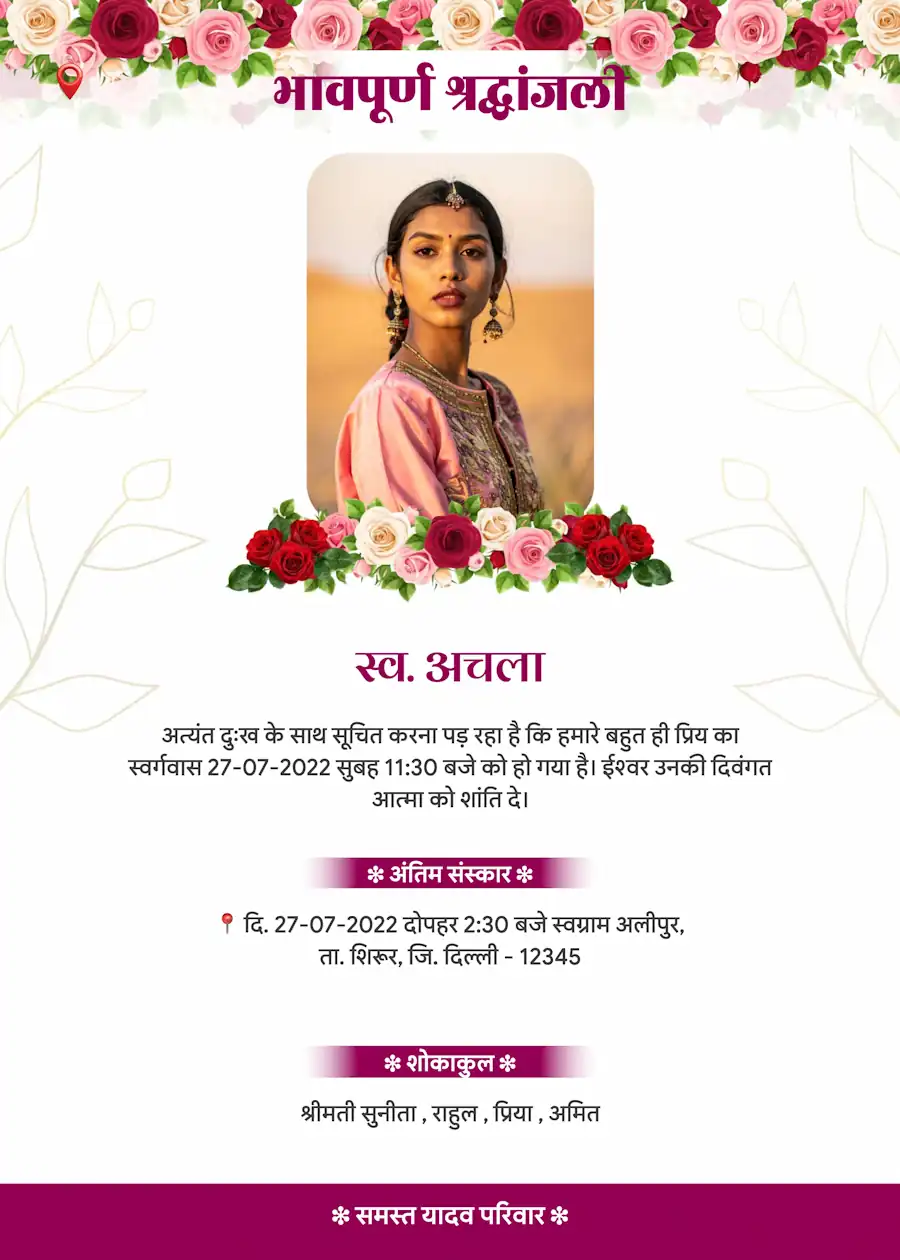
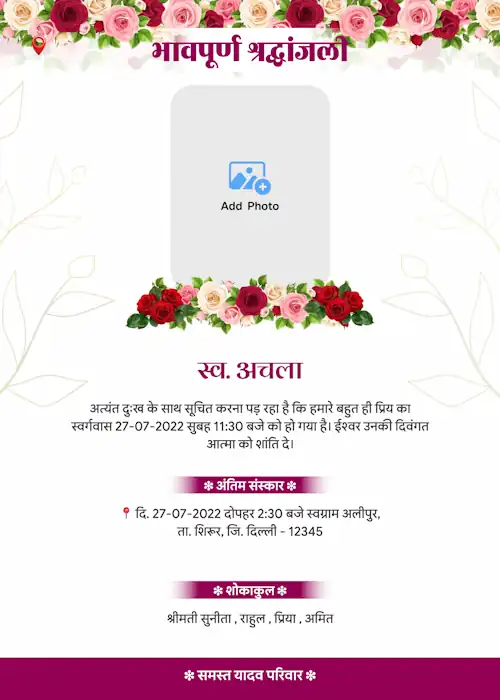
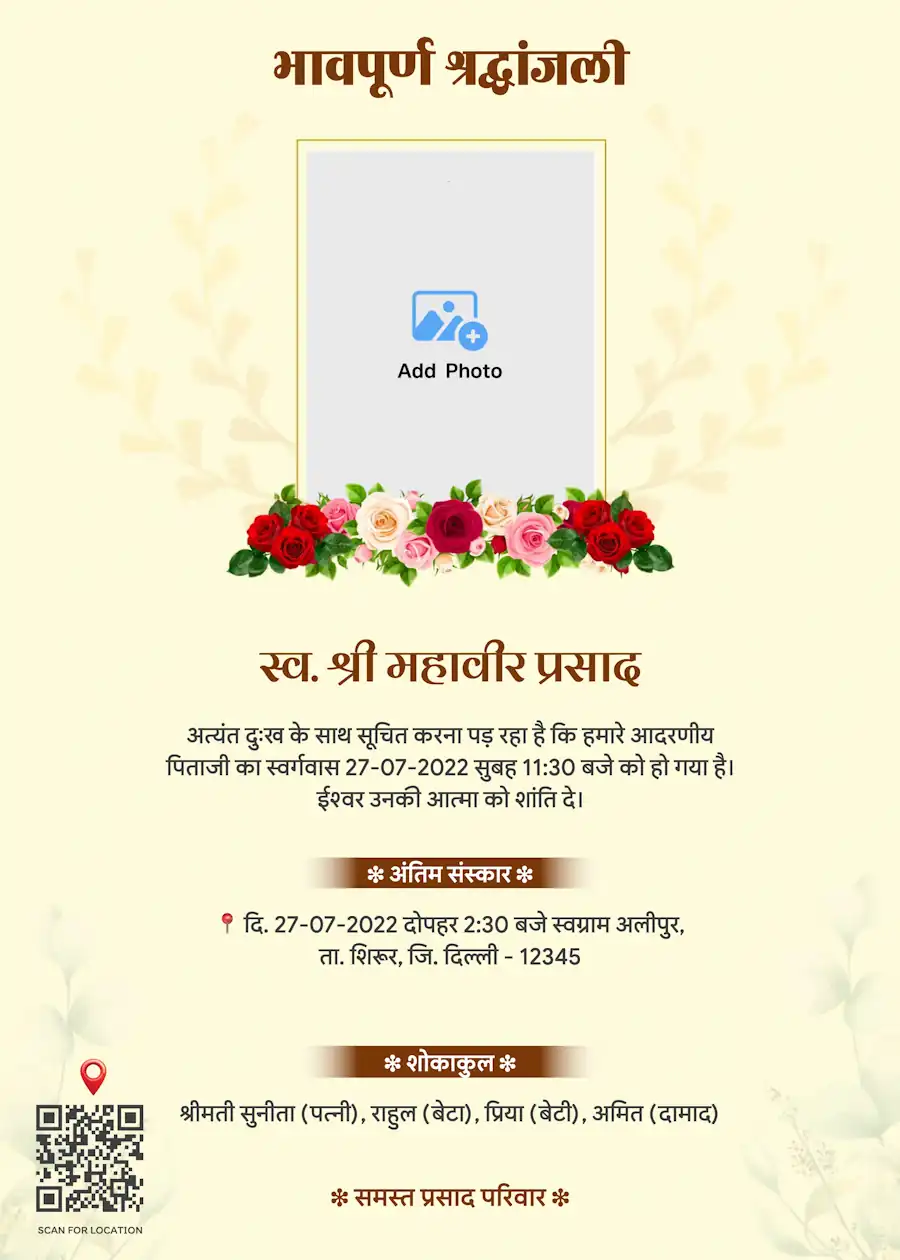
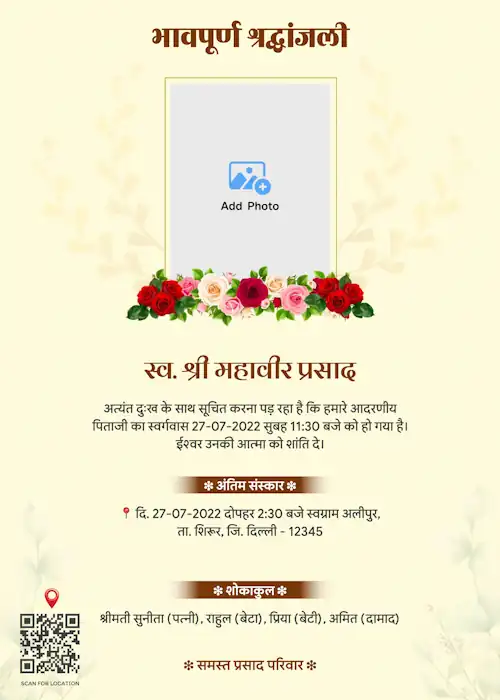
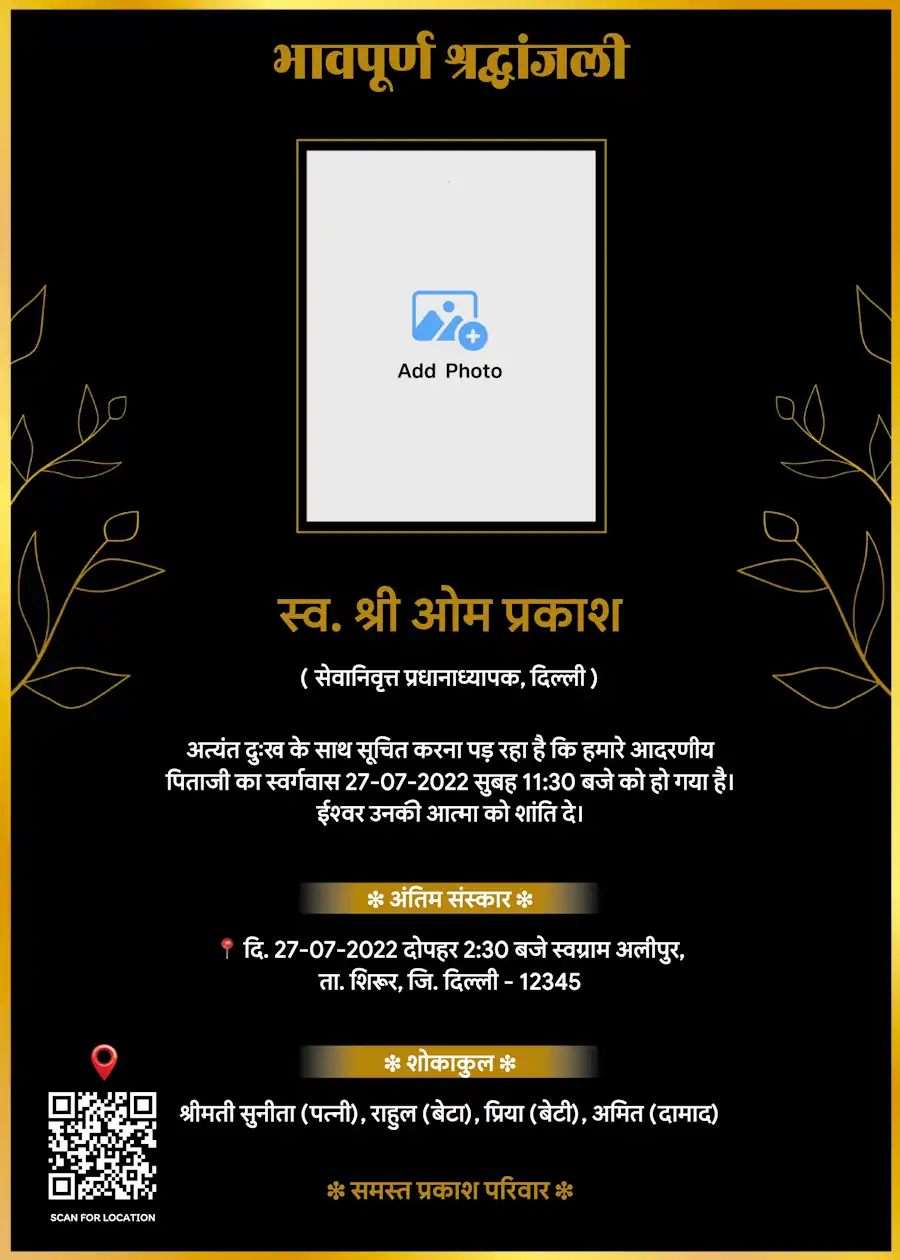
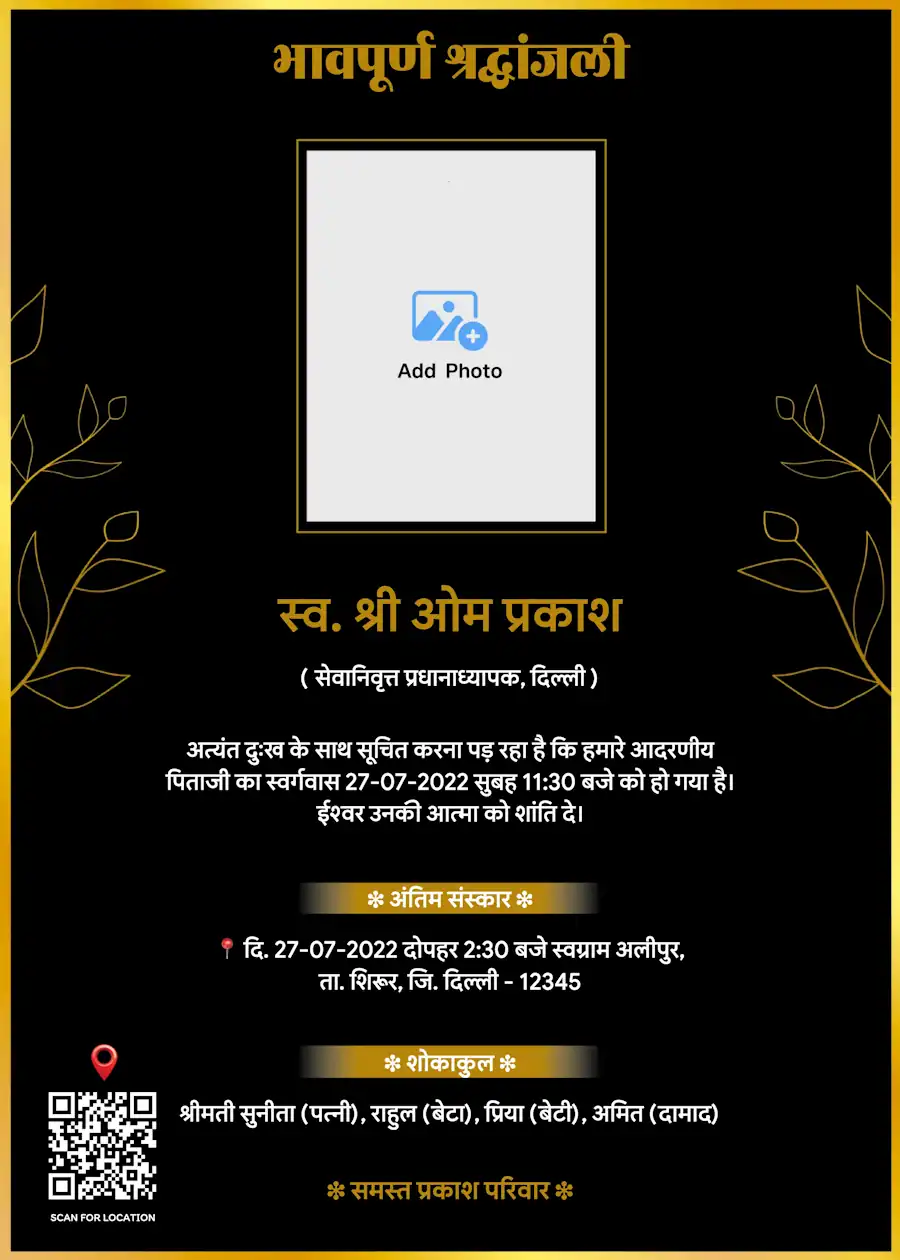
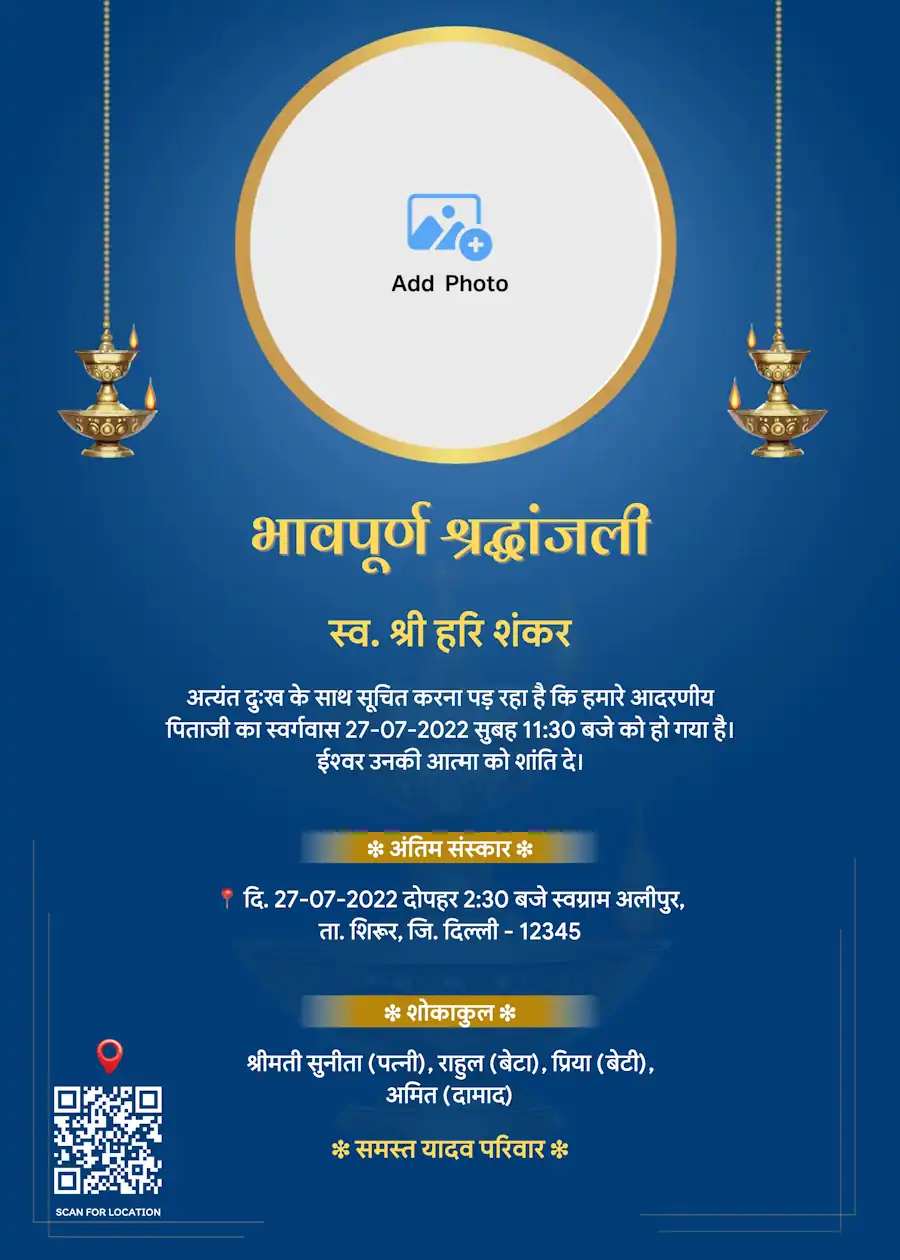
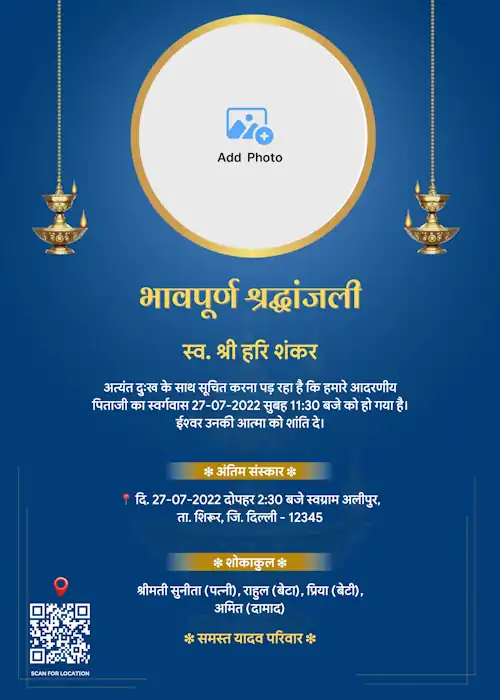
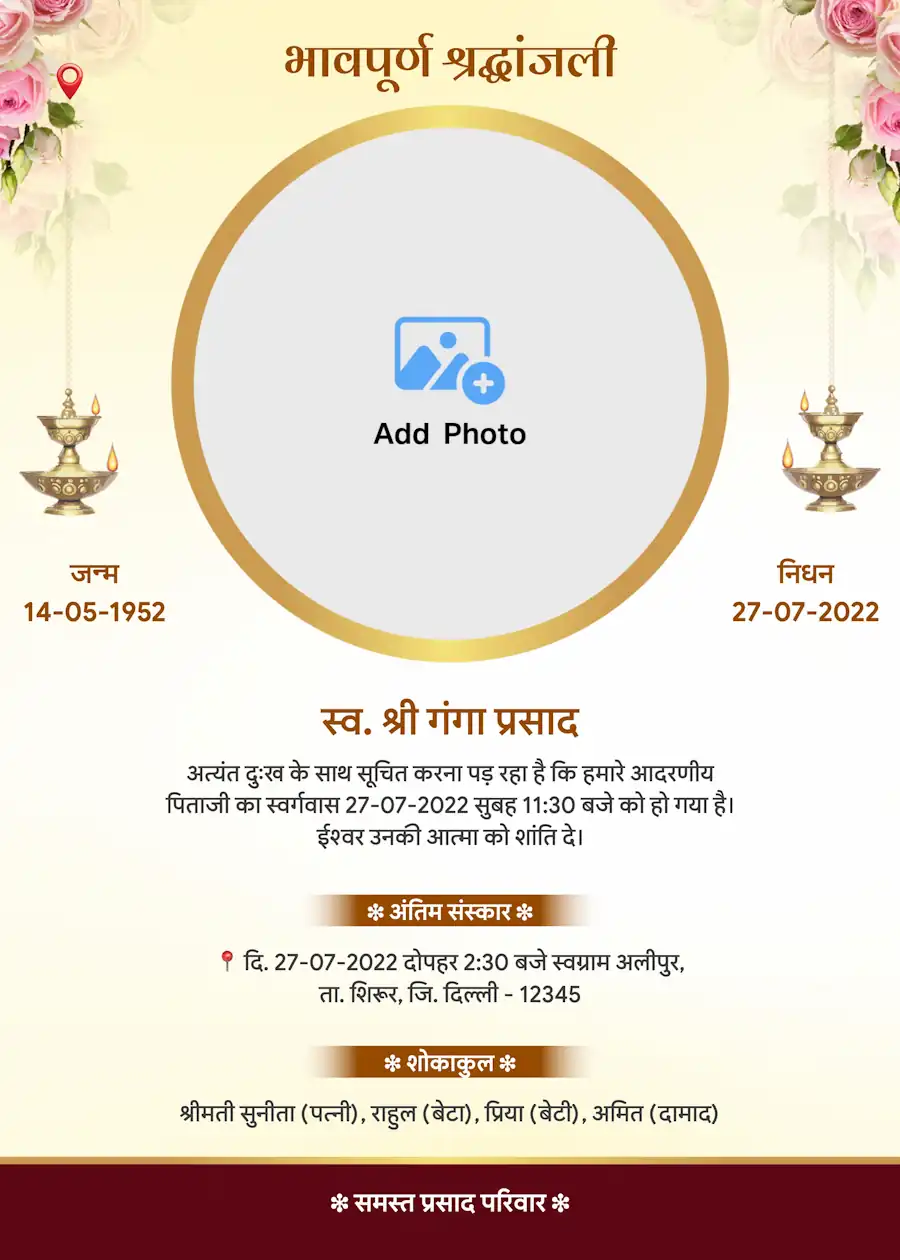
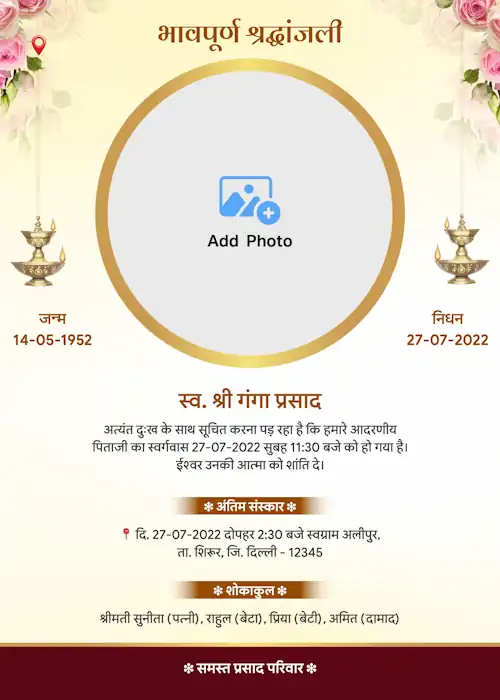
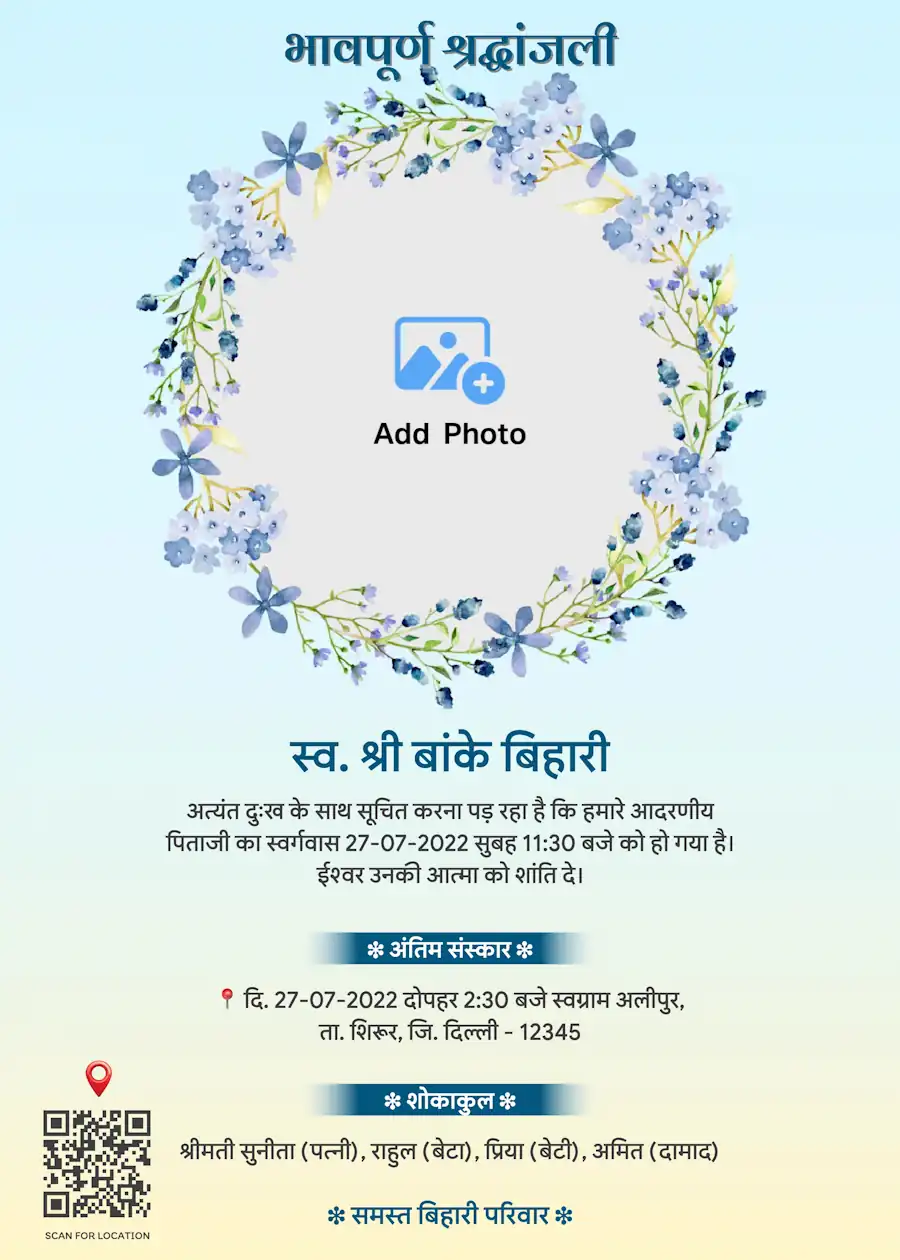
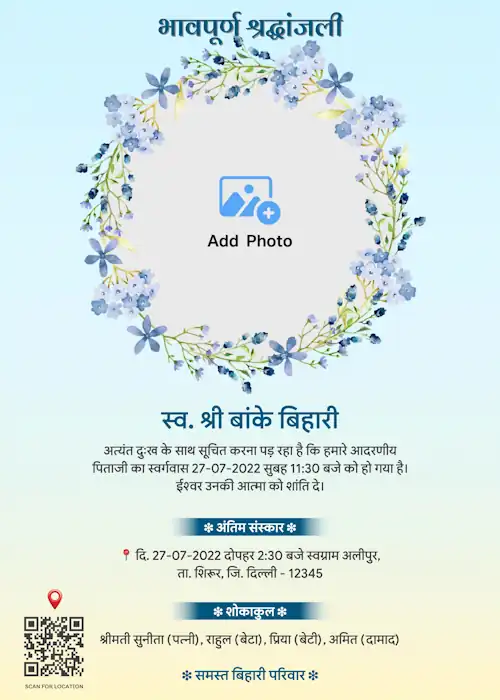
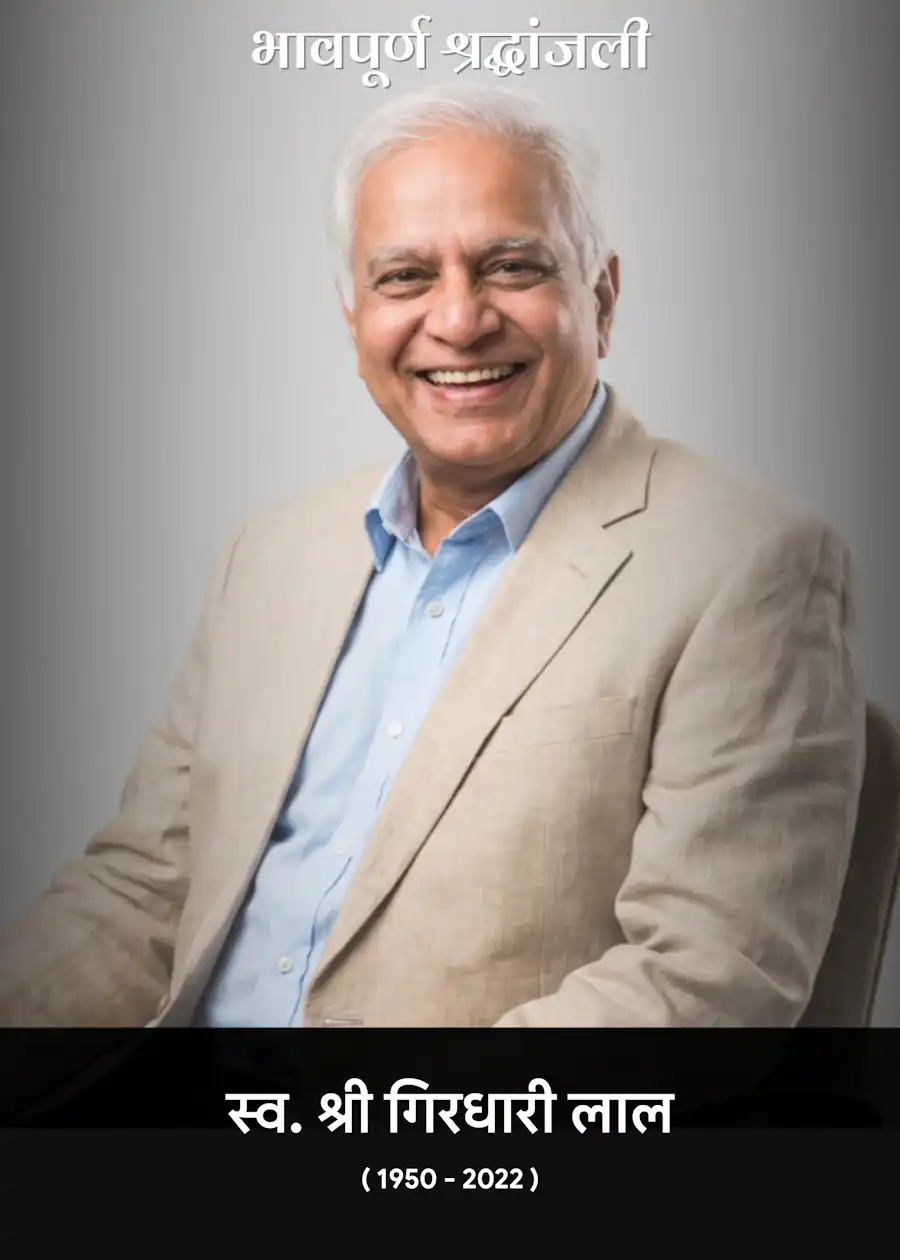
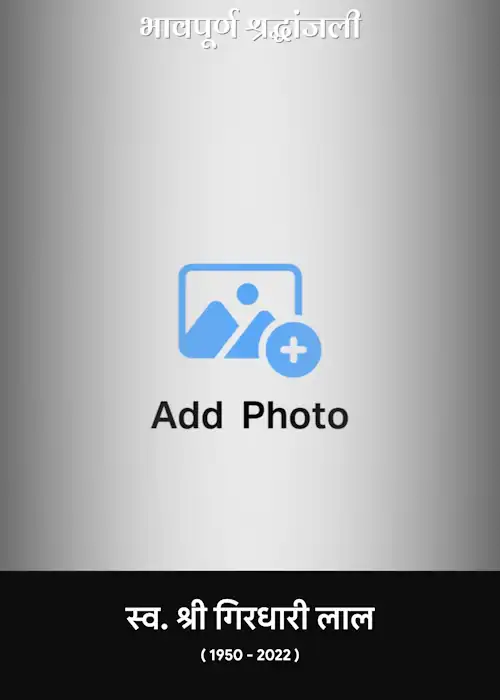
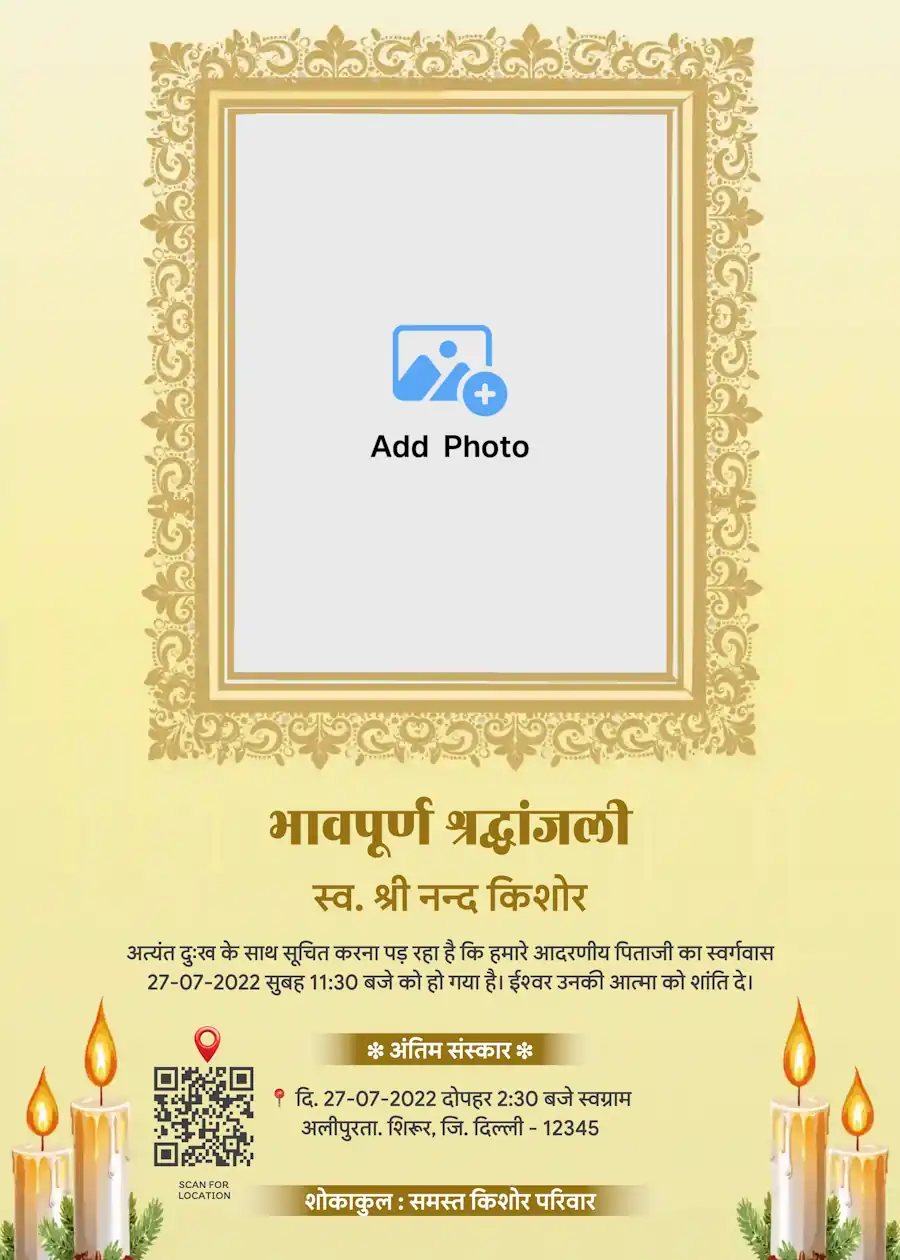
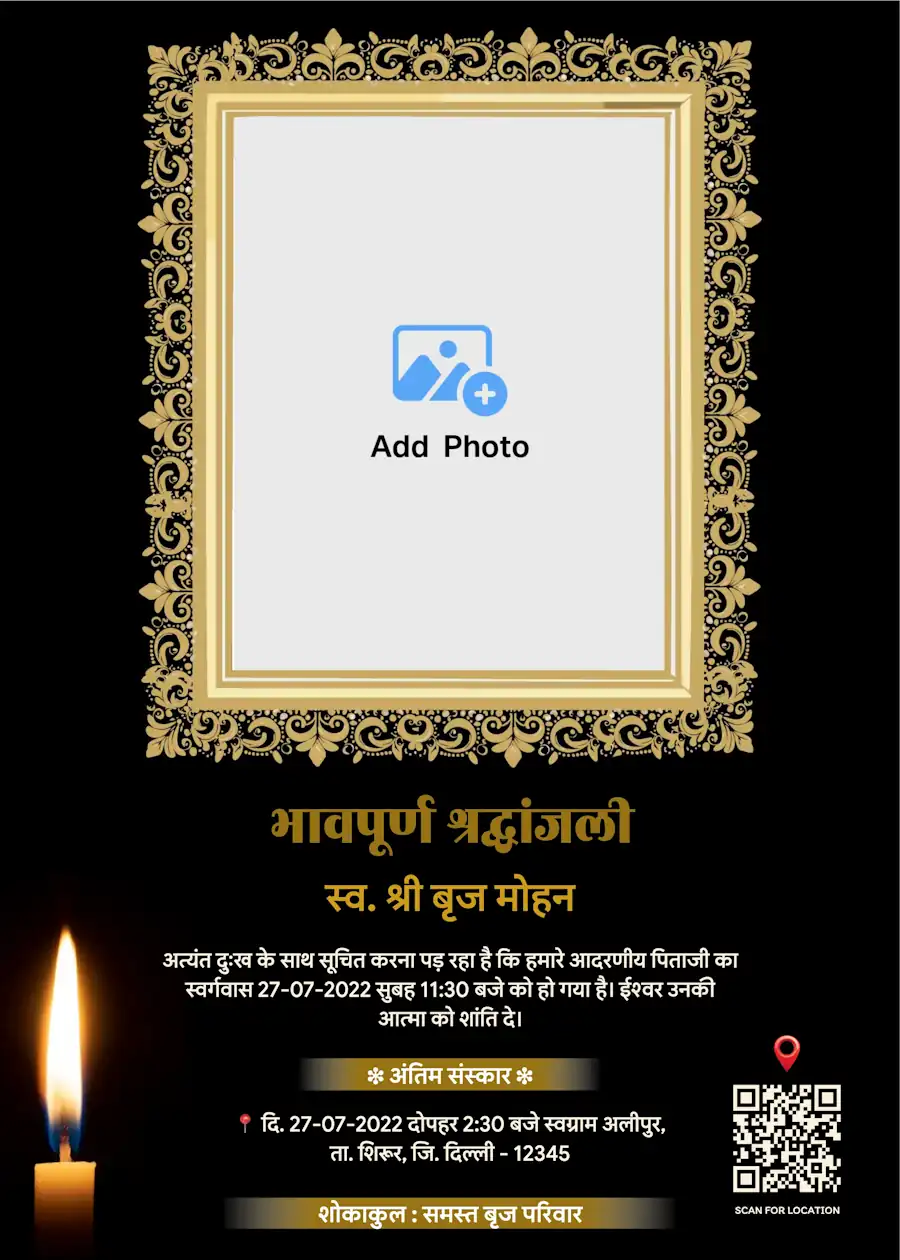
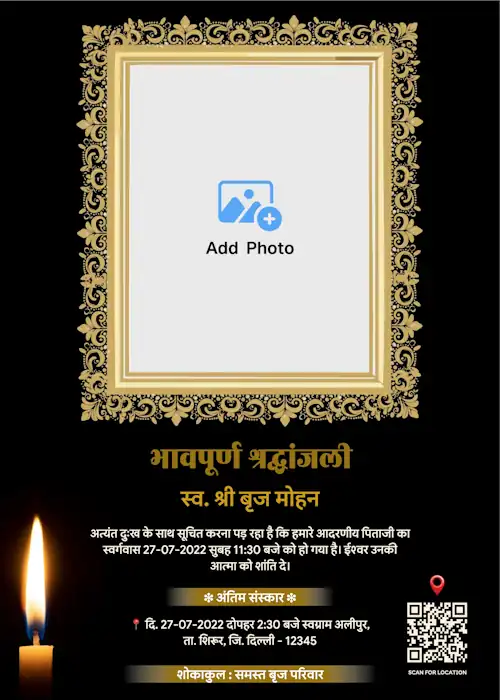
Make a Death Announcement Card Online in Hindi - Simple and Respectful
Searching for a way to make a death announcement card in Hindi? You're in the right place. Our platform lets you create a Shok Sandesh card, Shradhanjali card, or Antim Sanskar invitation in Hindi within minutes. Choose a template, add the name, photo and date, and download your card in HD — ready to share on WhatsApp or print at home.
Shok Sandesh Card in Hindi
If you're looking for a Shok Sandesh card format in Hindi, this is the fastest way to make one. Add the name, a photo, the date of passing, and the ceremony details. Our Shok Sandesh templates are built specifically for Hindi text, so the card looks correct and reads naturally — not like a translated format.
Hindi Shradhanjali Card Maker
Need a Shradhanjali card in Hindi to remember someone with respect? Pick a template, add a photo and a short tribute message, and your Shradhanjali card is ready to download in HD. These designs are made for sharing on WhatsApp, Social Media, or printing for a memorial gathering.
Tervi and Dashkriya Invitation Card in Hindi
Planning a Tervi or Dashkriya ceremony? Our Tervi invitation card and Dashkriya card templates in Hindi include ready space for the date, time, and venue — so relatives travelling from other cities know exactly where to go. Just fill in the details and download your card, no design software needed.
Antim Sanskar Card in Hindi
Search "Antim Sanskar invitation card in Hindi" and you'll find most formats are either too plain or too complicated. Ours keeps it simple: name, photo, time, and place, laid out clearly. Fill in the details and your funeral invitation card is ready in minutes.
Shok Sabha and Bhog Invitation Card in Hindi
Organizing a Shok Sabha or Bhog ceremony? Create a formal condolence meeting invitation in Hindi with the date, time, and venue clearly shown. Download and share it directly with relatives and neighbours the same day.
Barsi Invitation Card in Hindi
Looking for a Barsi invitation card or death anniversary card in Hindi? These templates are made for yearly remembrance gatherings, with space for the date, venue, and a short memorial message. Perfect for sharing with extended family before the day of prayer.
Key Features of Our Hindi Death Announcement Card Maker
English to Hindi Typing, Made Simple
Don't know Hindi typing? Type your text in English, and our tool converts it into accurate Hindi automatically — no separate keyboard or app needed.
Drag and Drop Items
Move text, photo, and stickers anywhere on your card. Our drag-and-drop editor gives full control over layout, so your Shok Sandesh card looks exactly how you want.
Upload Photo in Any Shape
Add one or more photos to your card. Choose round, square, rectangle, or set a photo as the full background — all inside the same editor.
QR Code Generator for Location and RSVP
Turn your ceremony location or RSVP link into a scannable QR code. Add it to your card so guests can find the venue without calling for directions.
Religious and Traditional Stickers
Choose from a range of respectful stickers and symbols to match the tone of your Shok Sandesh or Shradhanjali card.
What to Include in a Shok Sandesh Card
If you're wondering what details go into a death announcement card in Hindi, here's what most families include:
- Name and photo of the person who passed away
- Date of birth and date of passing
- Date, time and venue of the ceremony (Tervi, Dashkriya, Shok Sabha, etc.)
- A short Shradhanjali message, if the family wants to add one
- Family member names, especially for prayer meetings
- Contact number or QR code for the venue location
- A religious symbol, based on family tradition
How It Works - Make a Shok Sandesh Card in 4 Steps
Step 1: Choose a Template
Browse Shok Sandesh, Shradhanjali, Tervi, Dashkriya, or Barsi templates.
Step 2: Add Details
Type in English if you prefer — it converts to Hindi. Add a photo and pick its shape.
Step 3: Customize the Design
Move elements, choose a font, and add a QR code for location or RSVP.
Step 4: Download and Share
Get your HD image or PDF, ready for WhatsApp or print.
Download Shok Sandesh Card for WhatsApp, Print or Banner
Whether you need your Shok Sandesh card for WhatsApp sharing, a home or shop print, or a large banner for the venue, one HD download works for all three. The image stays sharp at any size, with no watermark, whichever format you choose.
Multilingual Shok Sandesh Cards
- Kannada Death Announcement Invitation
- Tamil Death Announcement Invitation
- Marathi Death Announcement Invitation
- Telugu Death Announcement Invitation
- English Death Announcement Invitation
Frequently Asked Questions (FAQs)
I'm not good at typing in Hindi. Will the spelling be correct?
Yes. Just type the way you speak, like "shraddhanjali" or "swargiya", and it will become "श्रद्धांजलि" and "स्वर्गीय". If any word doesn't come out right, you can correct it with one tap.
Do you have templates for Tervi and Dashkriya specifically?
Yes, along with Shok Sandesh and Antim Sanskar, we offer Tervi, Dashkriya, Barsi, and Shok Sabha templates.
Can I add more than one photo to the card?
Yes, you can upload multiple photos and set each as round, square, rectangle, or background.