
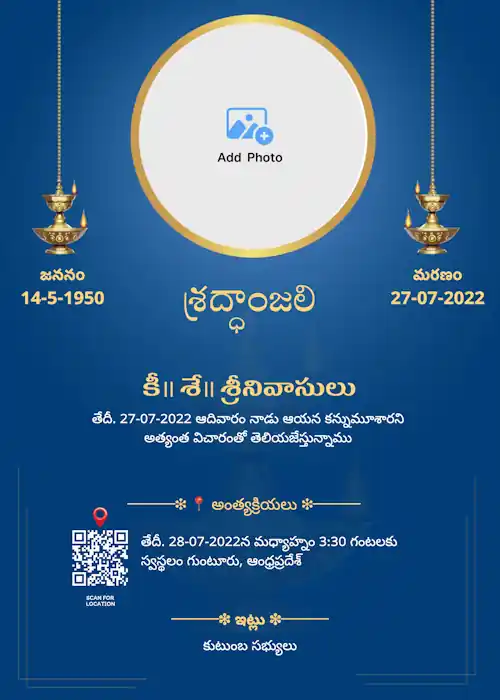


Browse Our Collection of Customizable Telugu Shradhanjali Templates
Design a memorial banner that respectfully honors your loved one's memory. To begin, choose from the templates below and create a meaningful tribute with ease.
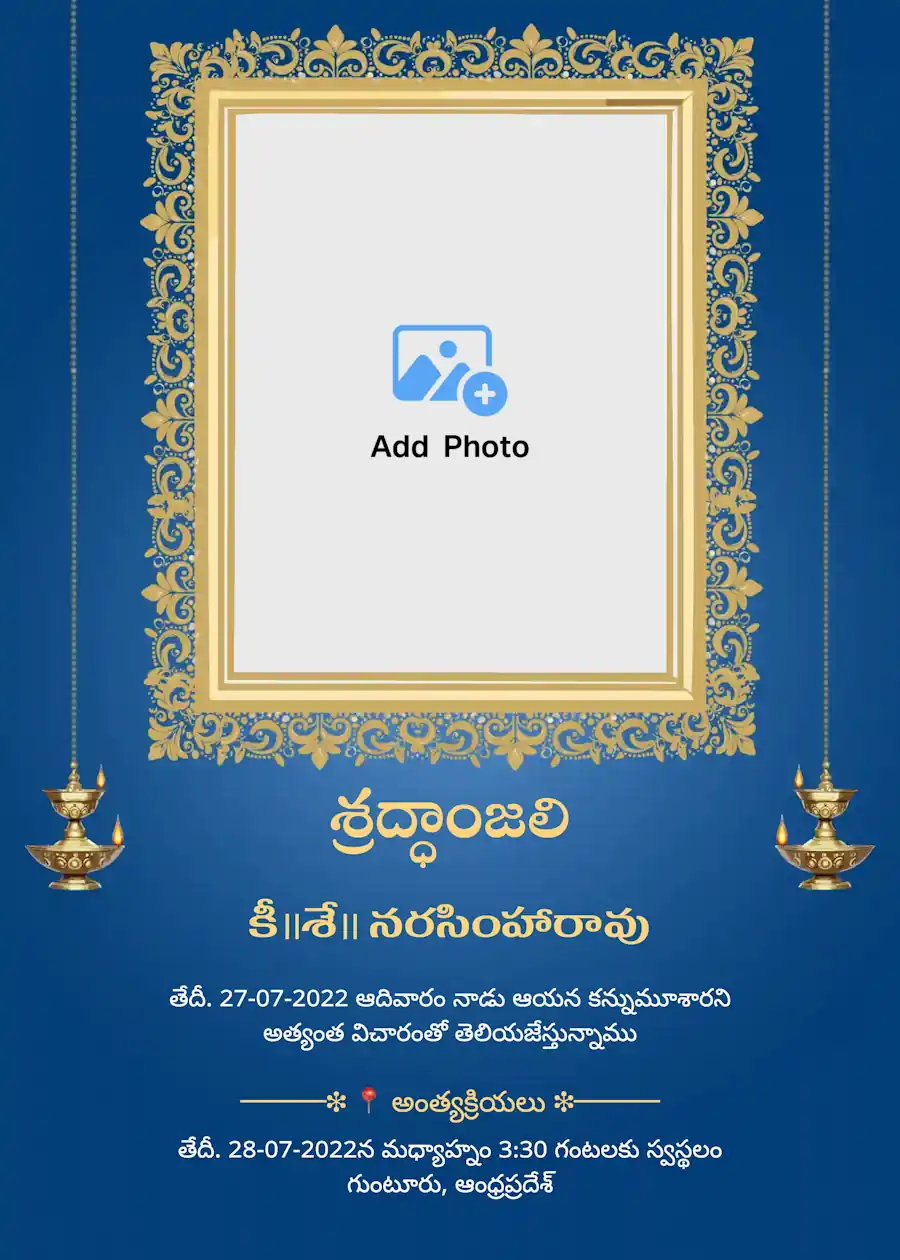
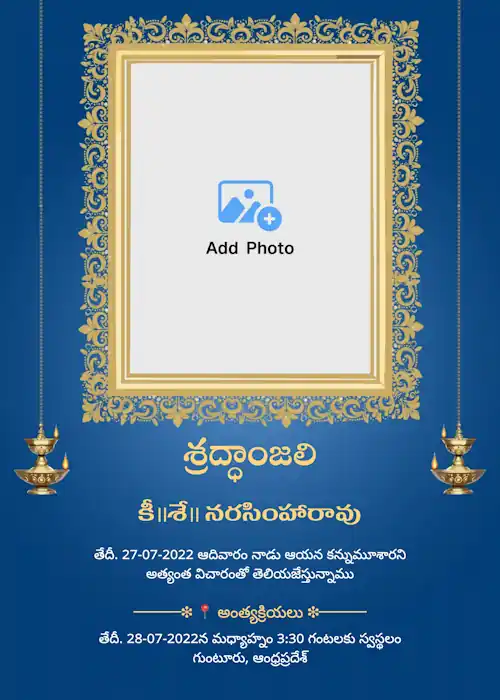
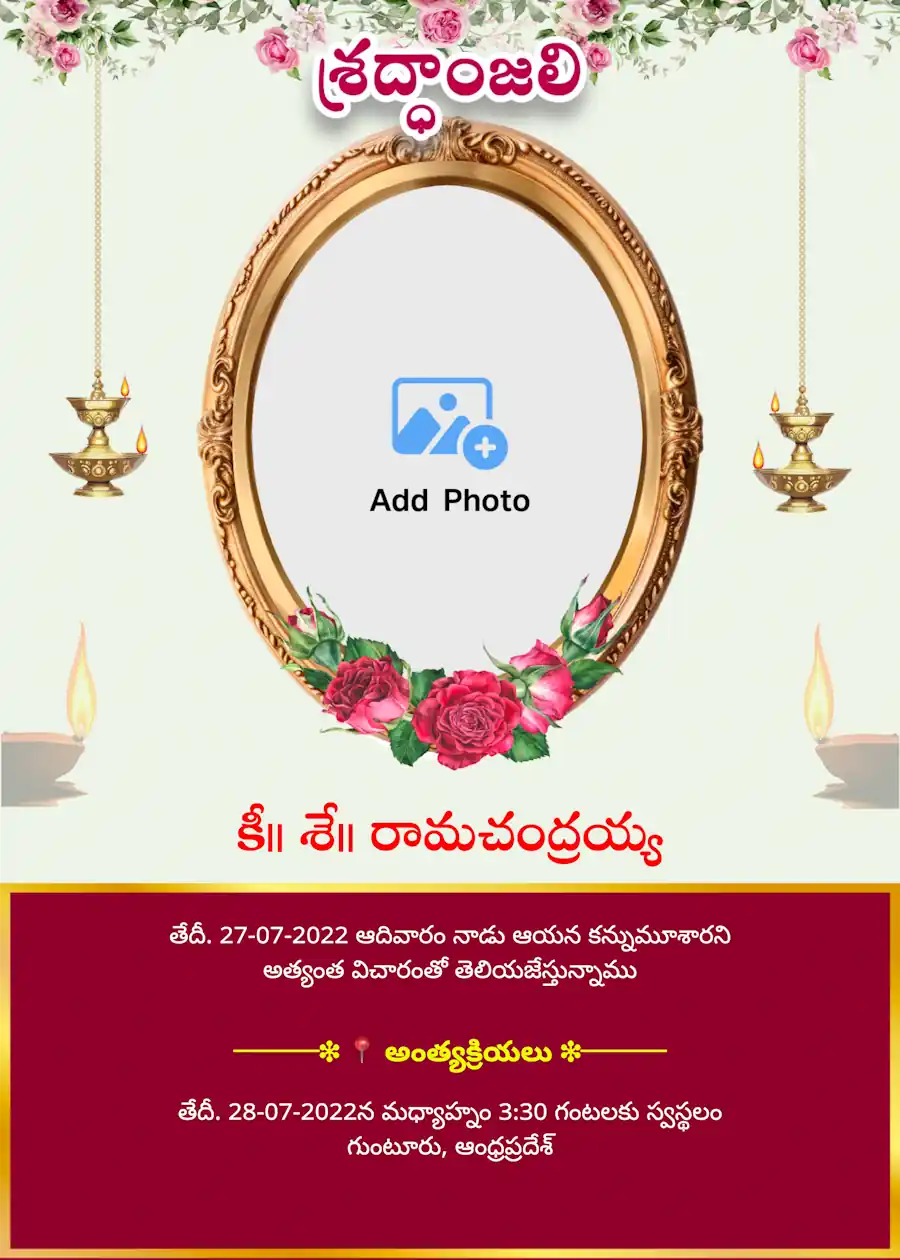
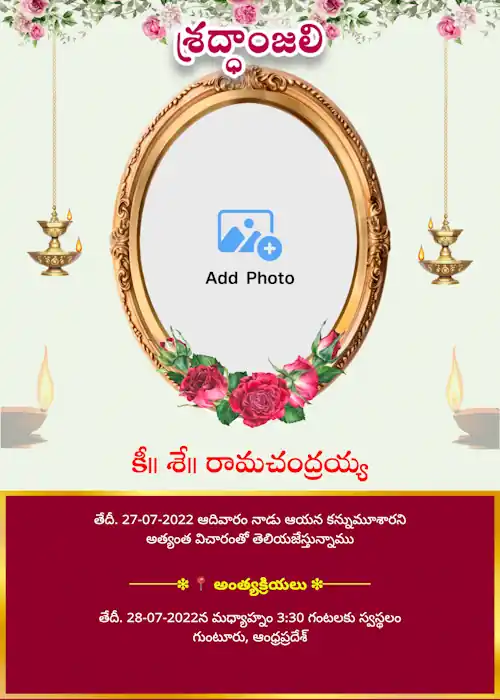
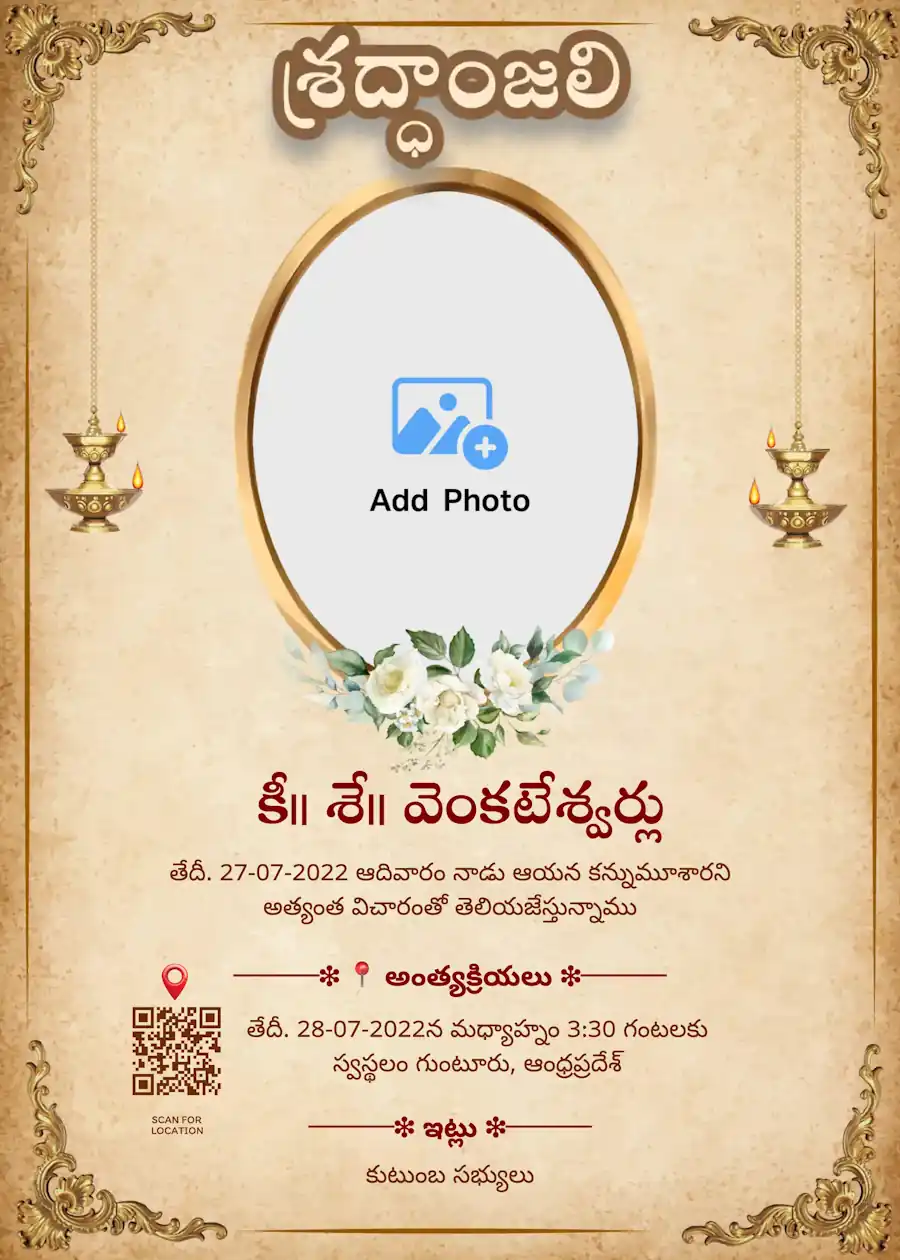
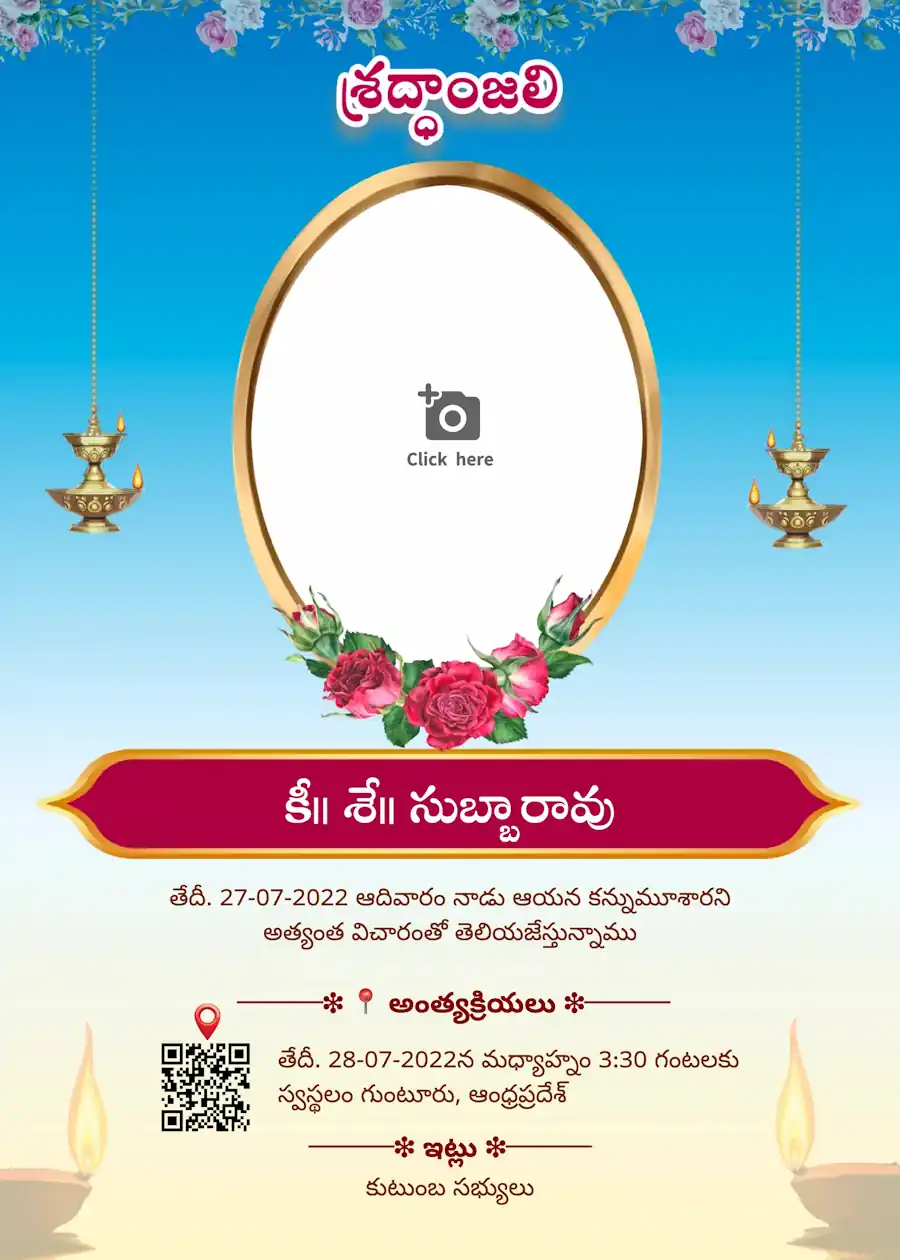
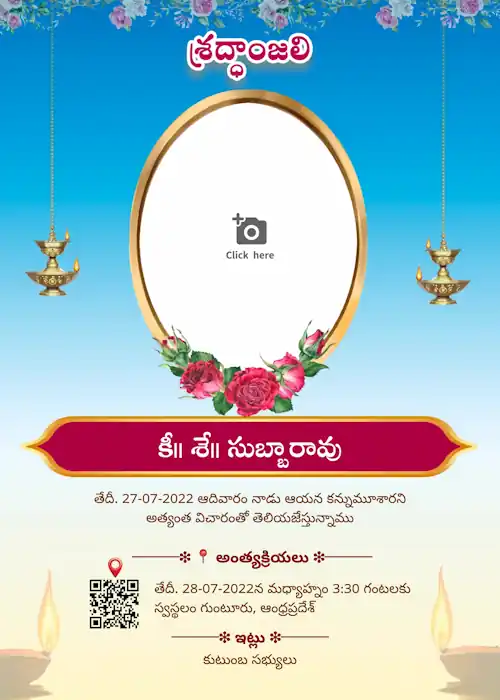
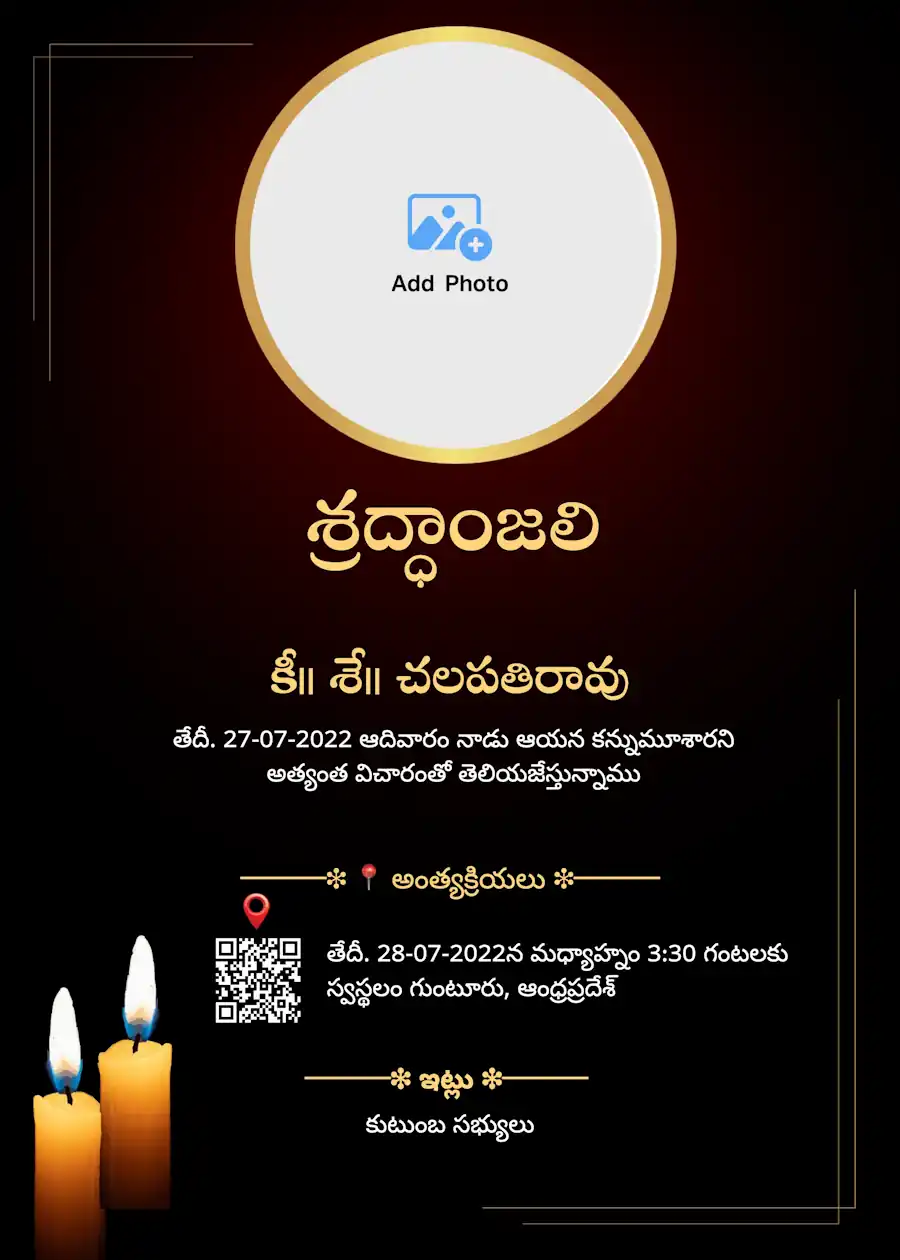
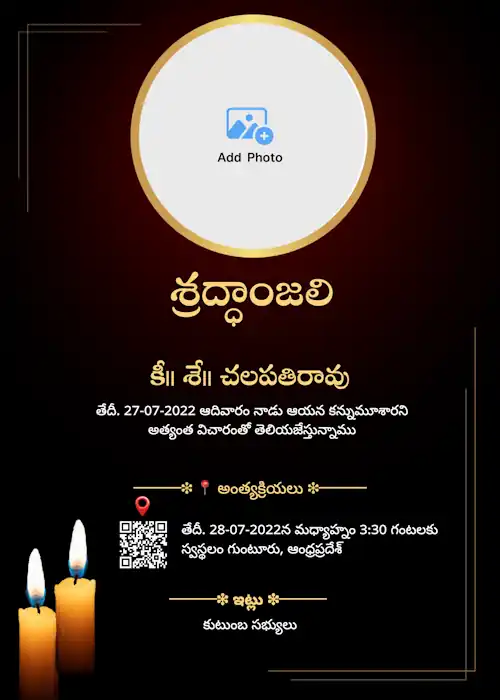
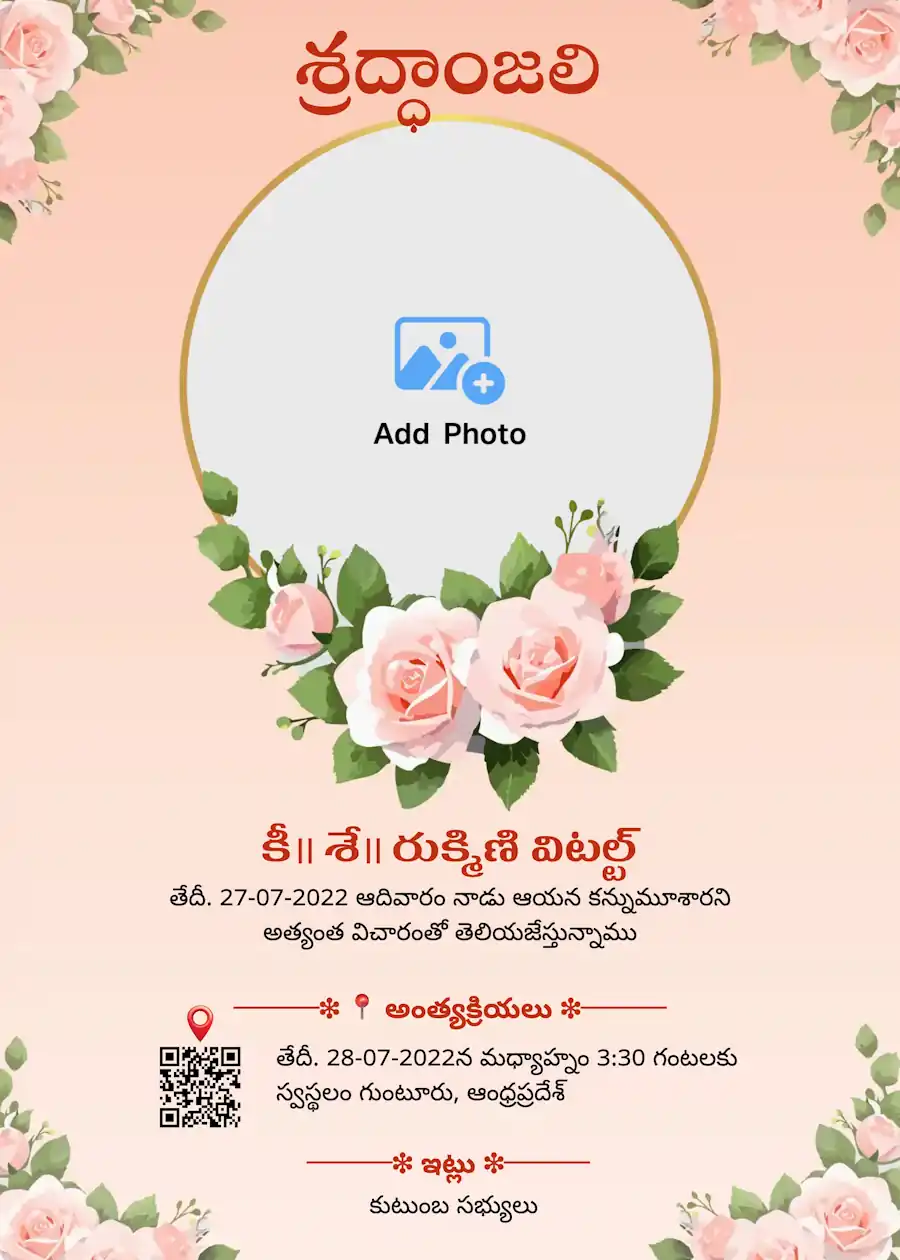
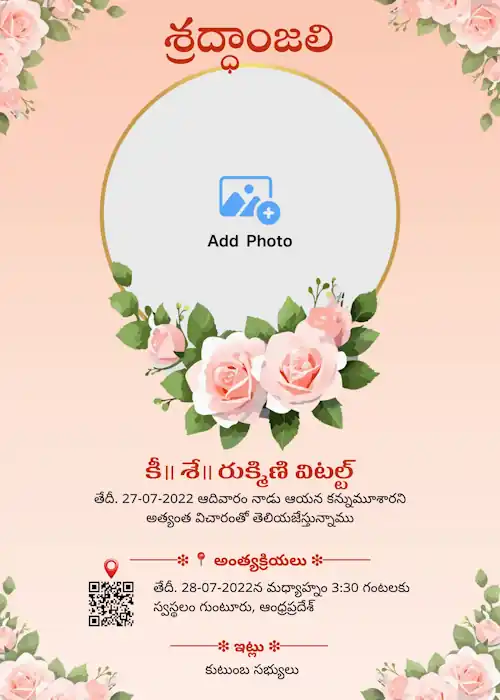

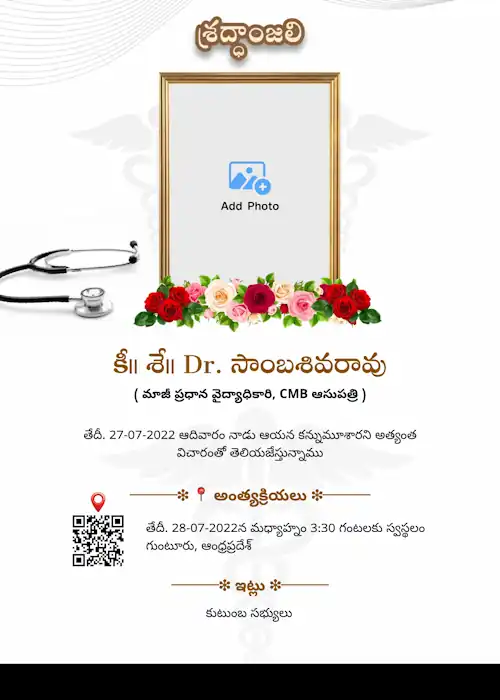
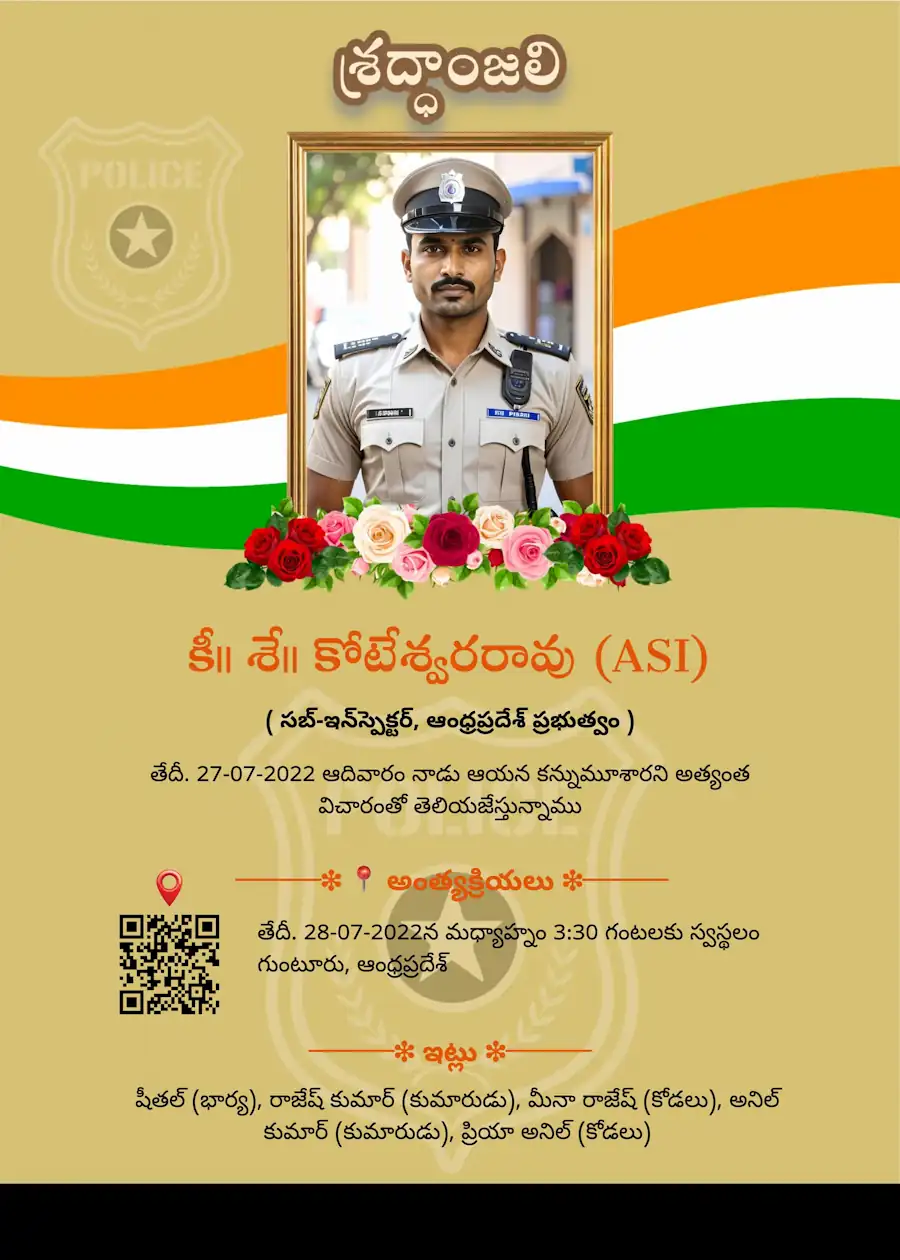
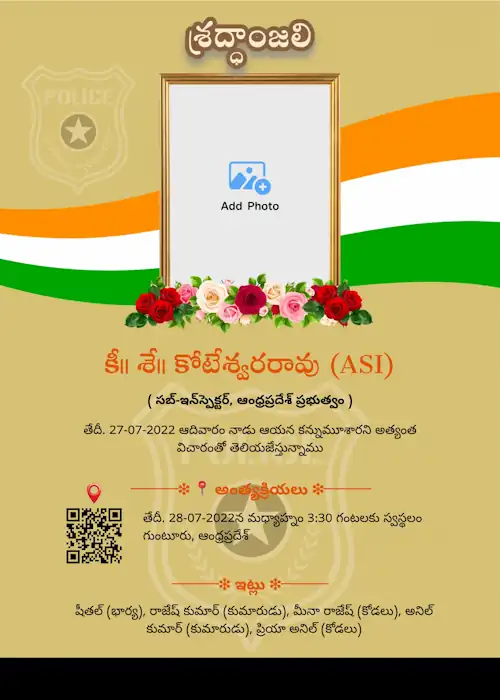
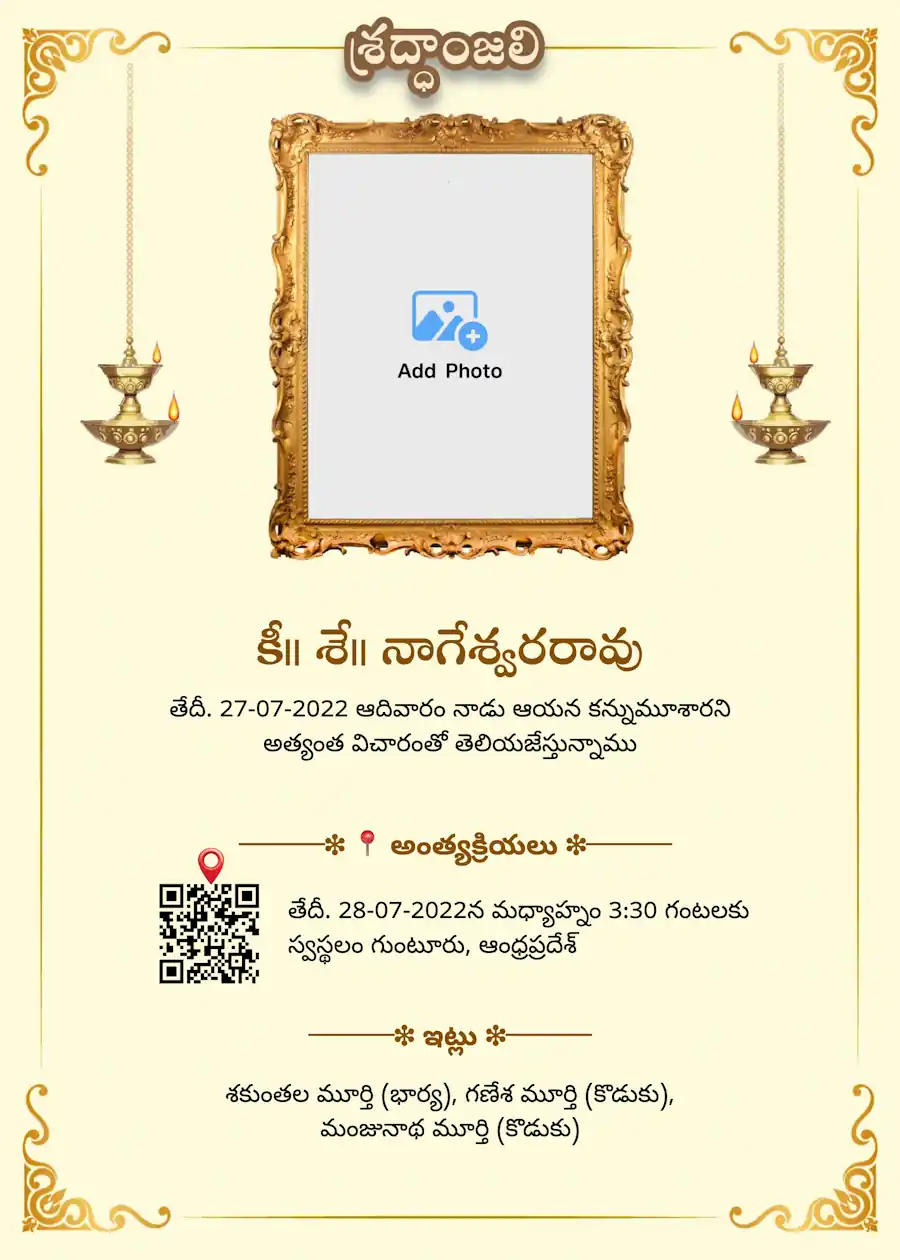
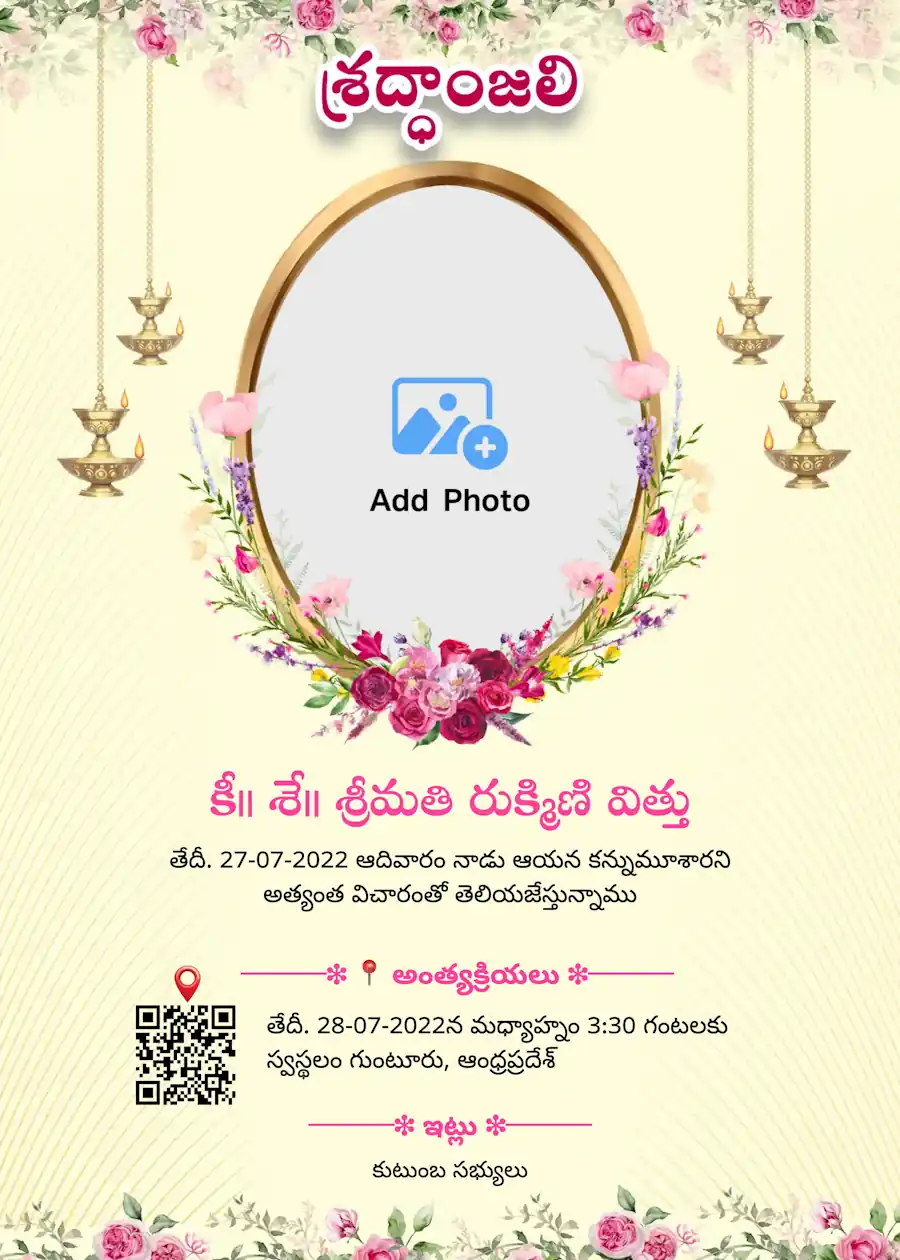
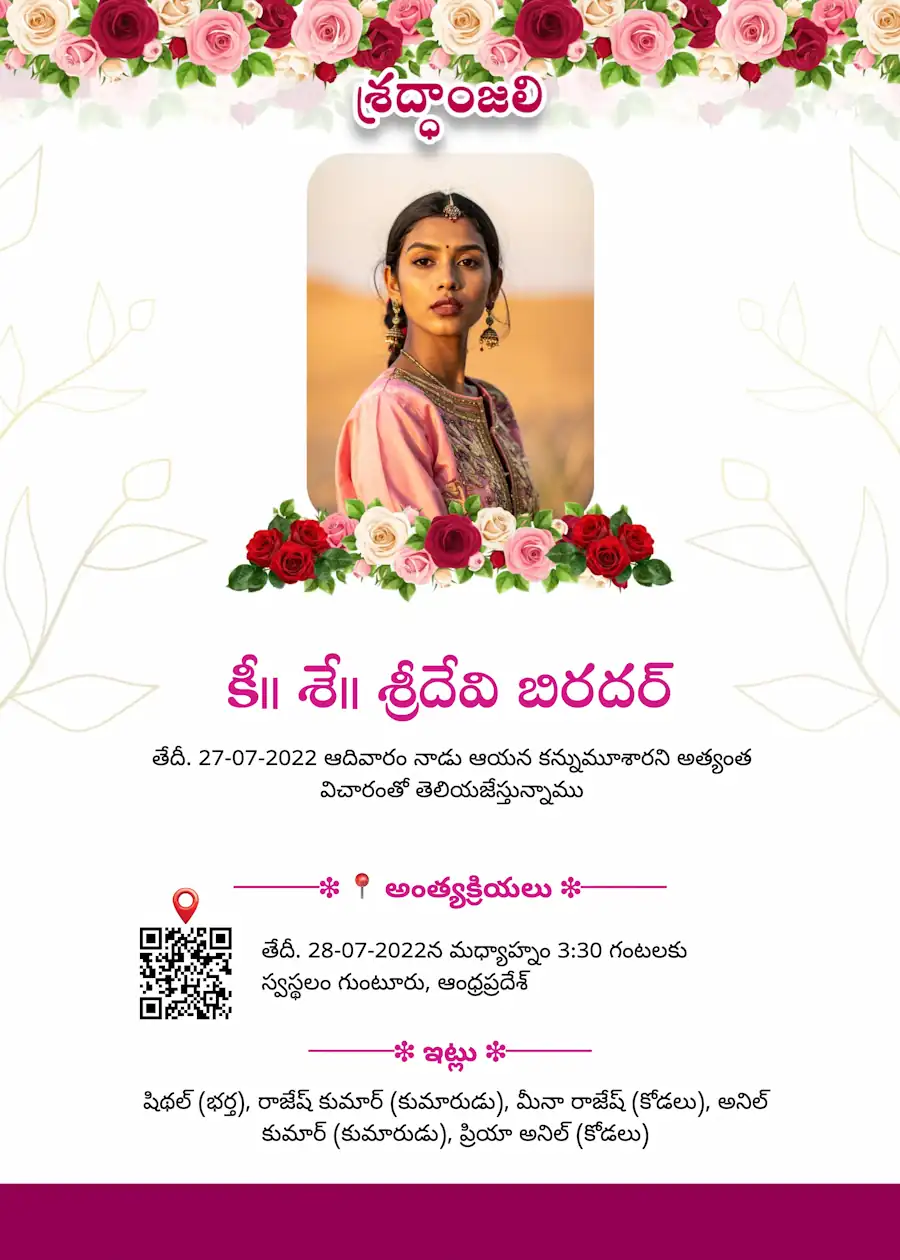
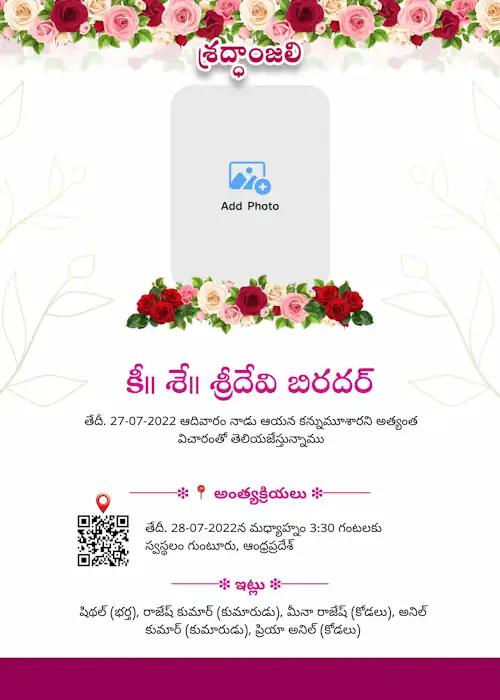

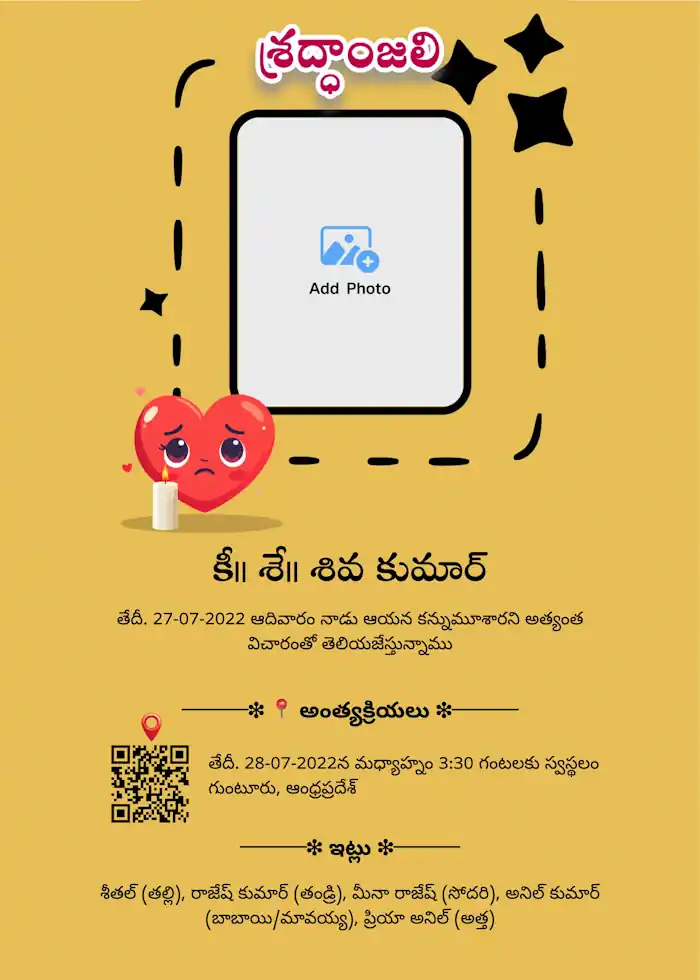
Telugu Death Announcement Card
if you're searching for a death announcement in Telugu, we makes it simple. Add the name, a photo, the date of passing, and ceremony details. Templates are built specifically for Telugu text, so your card reads naturally and correctly, not like a rough translation.
Shraddhanjali (శ్రద్ధాంజలి) Card Maker in Telugu
Want to create a Shraddhanjali card in Telugu to honor someone's memory? Choose a template, add a photo and a short tribute message, and your card is ready to download in HD — suited for WhatsApp, Facebook, or a printed banner at the memorial.
Pedda Karma Invitation Card
Planning a Pedda Karma ceremony? Our Pedda Karma invitation templates in Telugu include space for the date, time, and venue, so relatives coming from other towns know exactly where to be. Fill in the details and download your card, no design tool needed.
Funeral Invitation Card in Telugu
A funeral invitation in Telugu needs to stay clear and simple — name, photo, time, and place. Our templates keep the layout uncluttered, so guests find the details they need at a glance.
Prayer Meeting Invitation Card in Telugu
Organizing a prayer meeting after the ceremony? Create an invitation with the date, time, and venue clearly shown, and share it directly with relatives and neighbours the same day.
Death Anniversary Invitation Card in Telugu
Looking for a death anniversary invitation in Telugu? These templates are made for yearly remembrance gatherings, with space for the date, venue, and a short message in memory of the person.
Key Feature of Our Telugu Shraddhanjali Card Maker with Telugu Typing Support
Type in English We Convert to Telugu
Not confident typing in Telugu? Type in English instead — the tool switches it into accurate Telugu on its own, no separate keyboard required.
Move Every Element Freely
Text, photo and stickers can all be repositioned. Drag them wherever suits your layout — the design stays entirely under your control.
Photos in the Shape You Need
Upload one photo or several. Set each as round, square, rectangular, or stretch one across as the card's background.
QR Code for Venue or RSVP
Convert a location link or an RSVP form into a scannable QR code and place it wherever it fits on the card, so guests can find the venue without a phone call.
Stickers Suited to the Occasion
Pick from a set of religious and traditional stickers that match the respectful tone this card calls for.
What To Include in A Telugu Death Announcement Card
- Name and photograph of the person who has passed
- Date of birth and date of passing
- Date, time and venue of the ceremony
- A short Shraddhanjali message in Telugu, if the family chooses to add one
- Names of family members, particularly for prayer meetings
- A phone number or QR code pointing to the venue
- A religious symbol, based on what the family follows
One Card, Ready for WhatsApp, Print, or a Banner
Whether it's headed to a WhatsApp group, a home or shop printer, or a large banner at the venue, the same HD file works across all three. Quality holds up at any size, and there's no watermark anywhere on it.
How To Create Telugu Death Announcement Card
- Step 1: Pick a Template Browse Shraddhanjali, general death announcement, Pedda Karma, or prayer meeting designs in Telugu.
- Step 2: Fill in the Details Type in English if that's easier — it converts to Telugu automatically. Upload a photo and choose its shape.
- Step 3: Adjust the Layout Reposition elements, select a font, and add a QR code for the venue or RSVP if needed.
- Step 4: Download and Share Export as an HD image or PDF, ready for WhatsApp or print.
Multilingual Death Announcement Card
- Kannada Death Announcement Invitation
- Tamil Death Announcement Invitation
- Marathi Death Announcement Invitation
- Hindi Death Announcement Invitation
- English Death Announcement Invitation
Frequently Asked Questions (FAQ)
Can I print this RIP card as a banner or flex, and share it on WhatsApp?
Yes. Download your card as an HD image to share on WhatsApp, or as a PDF to print as a banner or flex at your local printing shop.
What if I can't type in Telugu?
Type it in English — the editor handles the conversion into Telugu for you.
What file types can I export?
Both HD image and PDF formats are available.